2.1. TRIOBASIC COMMANDS
Introduction to TrioBASIC
TrioBASIC is multi-tasking programming language used by the Trio multitasking Motion Coordinator range of programmable motion controllers. The syntax is similar to that of other BASIC family languages. A PC running the Microsoft Windows™ operating system is used to develop and test the application programs which coordinate all the required motion and machine functions using Trio’s Motion Perfect software. Motion Perfect provides all editing and debugging functionality needed to write and debug applications written in TrioBASIC. The completed application does not require the PC in order to run.
FEATURES
• Fast BASIC language for easy standalone machine programming
• Fully integrated with Trio’s Motion Perfect application development software
• Comprehensive motion control functions for multiple axes
• Multi-tasking of multiple programs for improved software structure and maintenance
• Support for traditional servo or stepper axes as well as modern digital (SERCOS, EtherCAT etc) axes
• A comprehensive set of move types supporting multiple axis coordination as well as simple single axis moves. This includes linear, circular, and spherical interpolation as well as cam profiles and software gearboxes
• Real maths (up to 64 bit) including bit operators and variables
• Support for hardware position capture
• Support for high speed outputs
TrioBASIC has over 300 commands designed to make programming motion functions quick and simple
How to use this this manual
The TrioBASIC programming reference guide lists all the TrioBASIC keywords used in the MC4xx range of Motion Coordinators in alphabetical order. A TrioBASIC keyword can be a simple parameter, or a command with a clearly defined function, such as FORWARD or HALT, whereas others may take one or more parameters which affect the operation of the command.
This short introduction is intended to provide a guide to using the main programming reference. It identifies the concepts and some words and phrases which have a particular meaning within the context of this manual.
COMMAND REFERENCE ENTRY
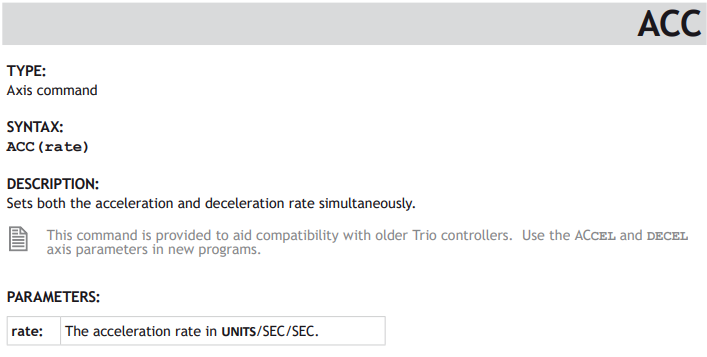
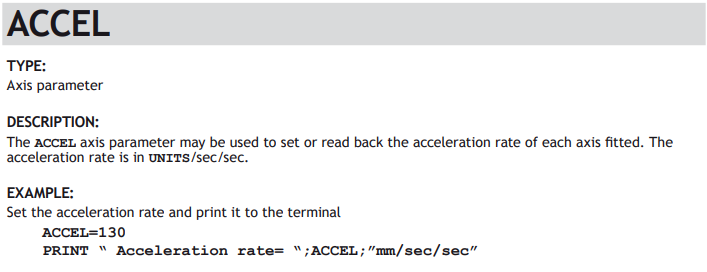
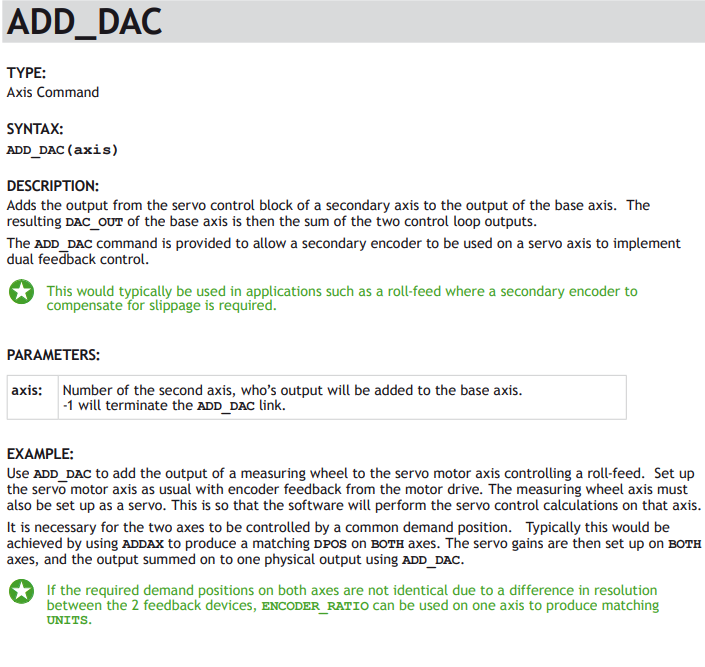
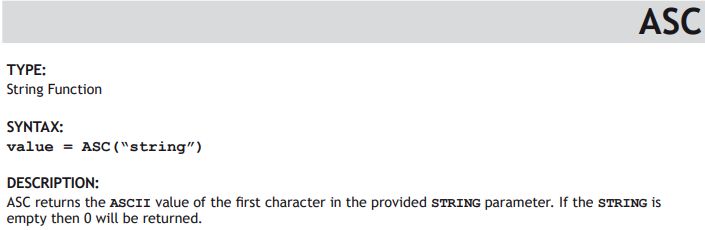
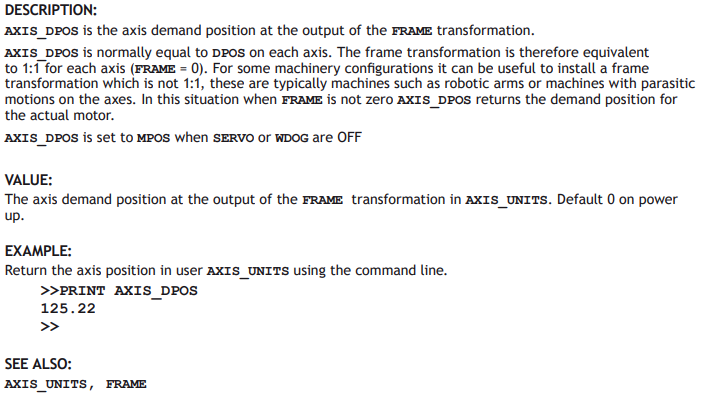
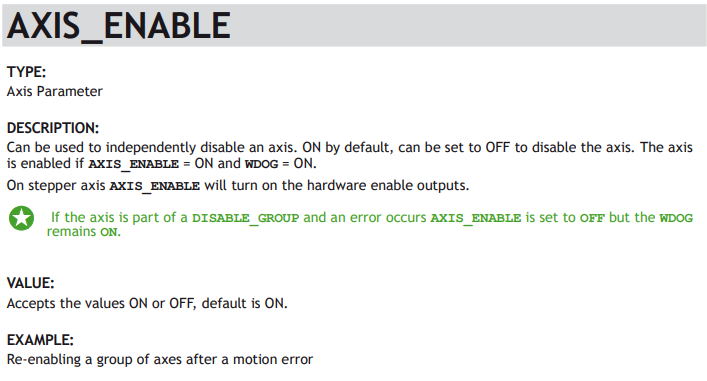
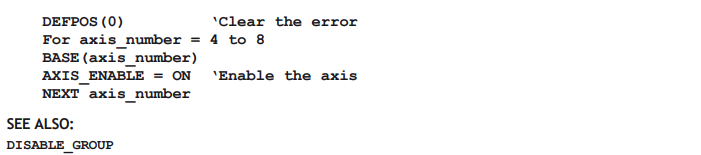
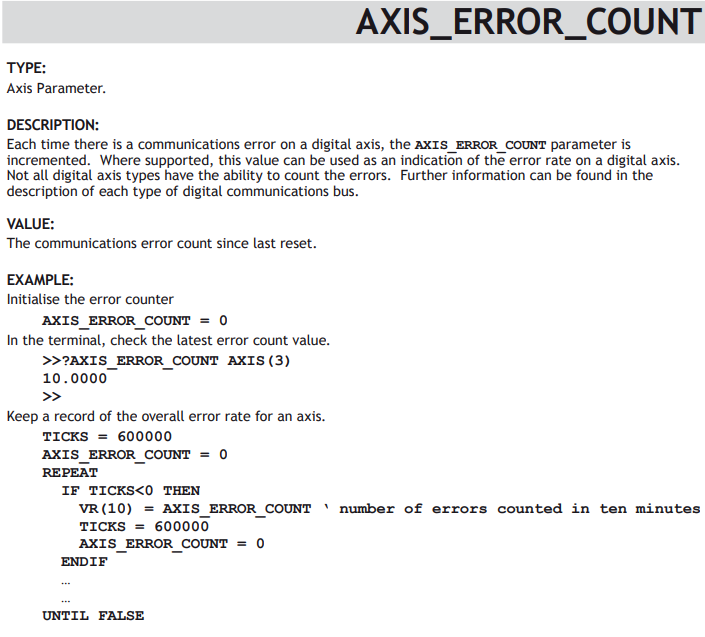
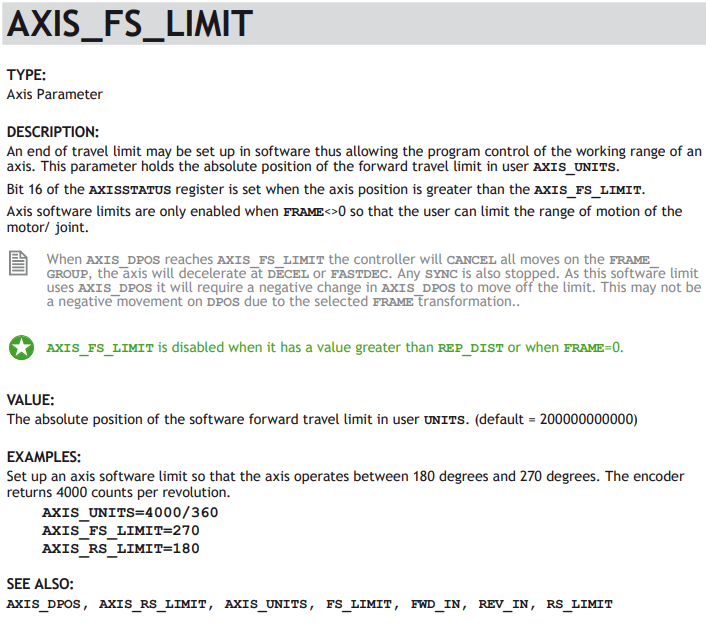
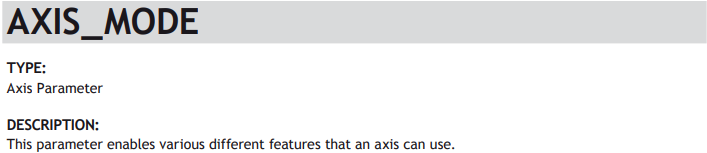
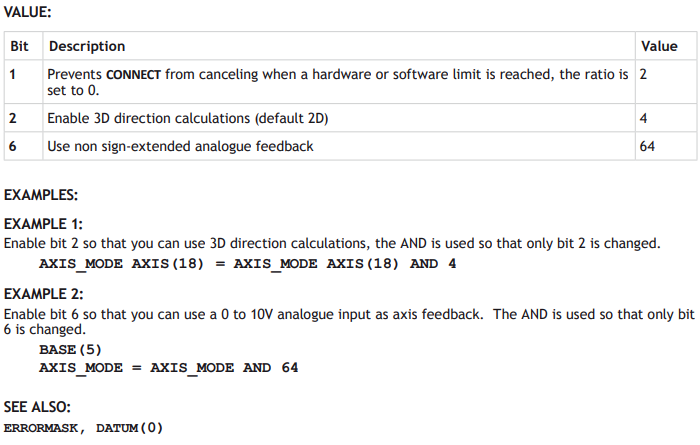
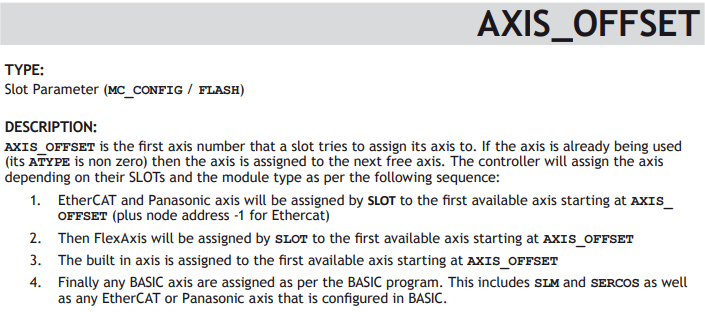
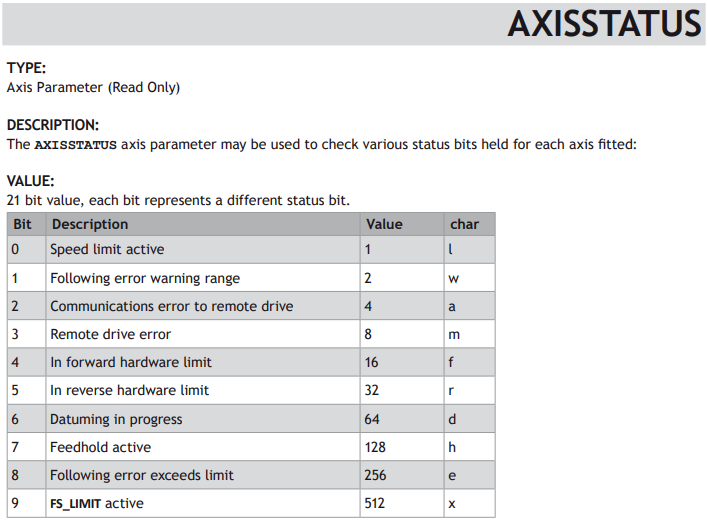
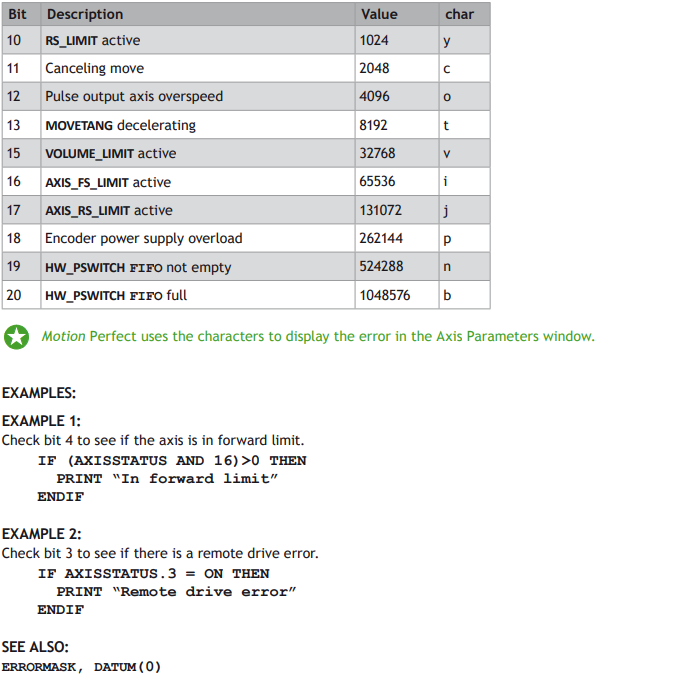
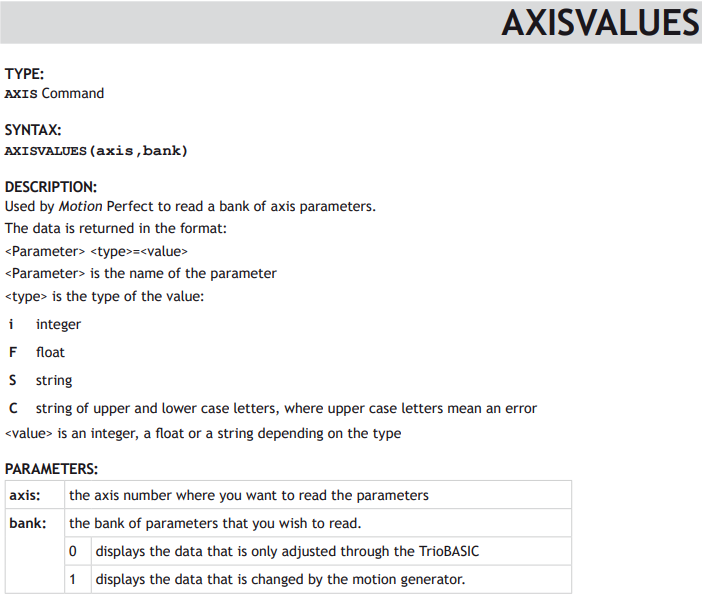
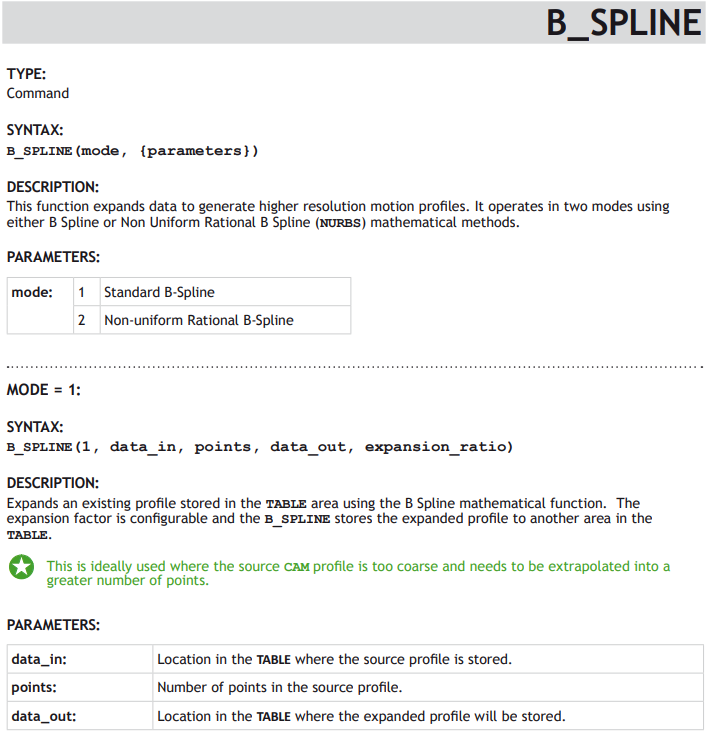
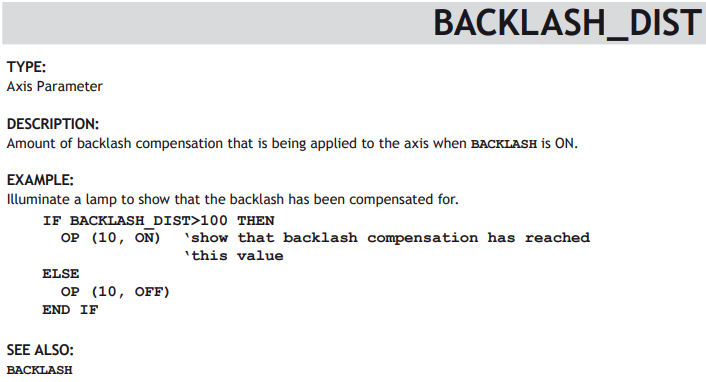
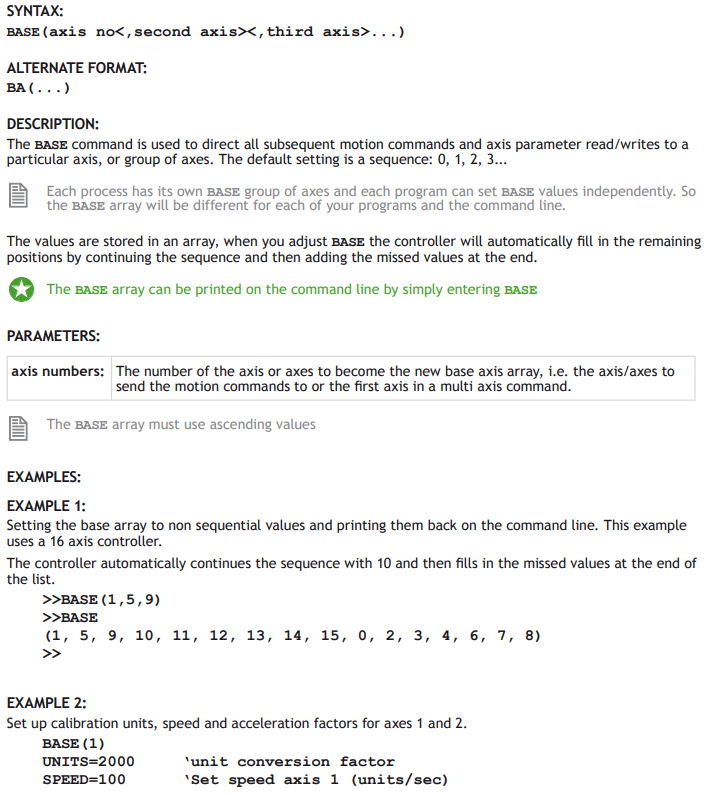
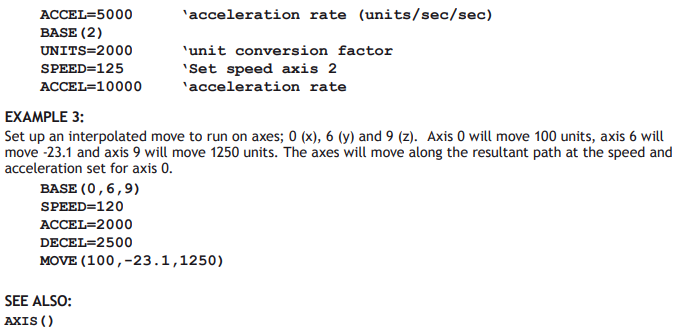
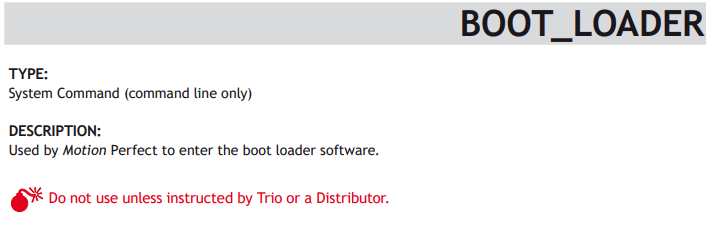
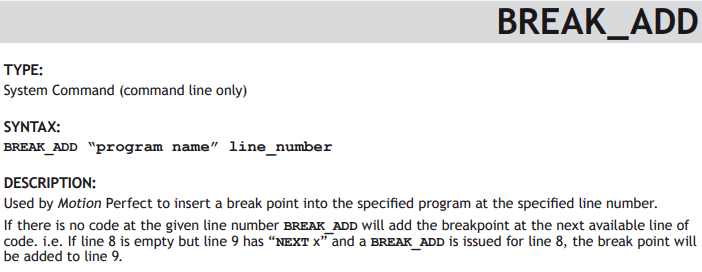
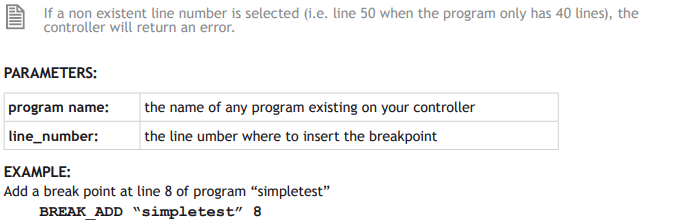
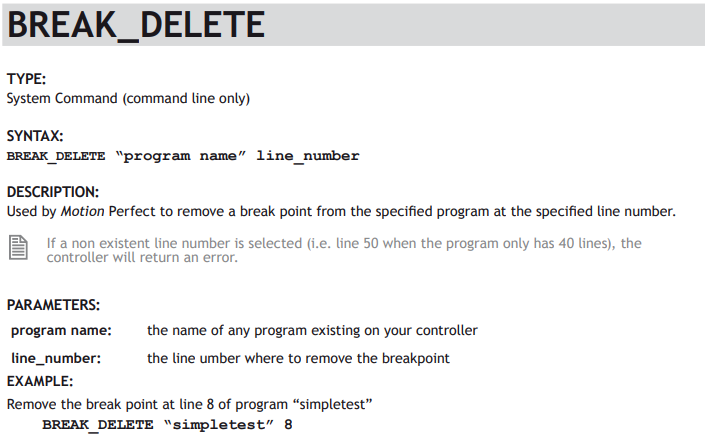
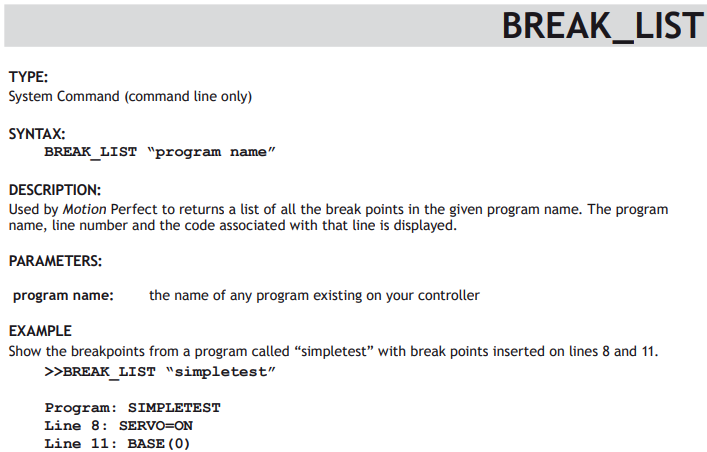
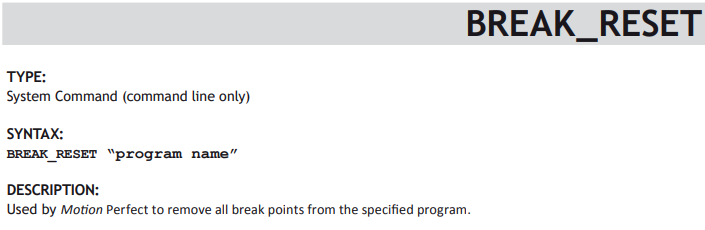
Each TrioBASIC keyword is described in the technical reference manual using a standard format. The keyword name is given, what type of TrioBASIC keyword it is, an example of syntax and then a description of its parameters and overall operation. Finally an example of it in a typical program is given when available.
Here is the typical layout.
KEYWORD_NAME
Type:
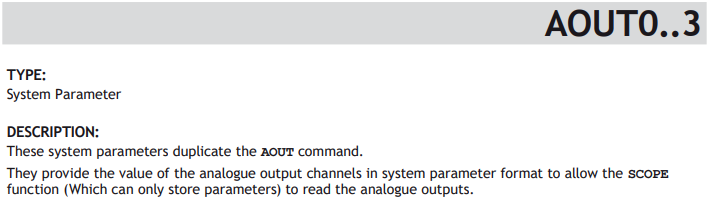
The keyword type; e.g. SYSTEM PARAMETER
Syntax:
The definition of the keyword syntax. Where parameters are optional, they are enclosed in square brackets [].
Description:
A brief description of command or parameter, informing what it does and how it may interact with other parameters or commands.
Parameters:
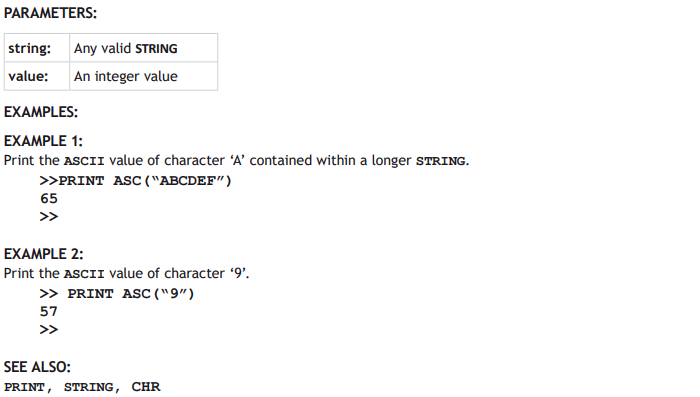
A table of all the parameters for the command. If the keyword is a parameter itself, then this section will be missed.
Examples:
Example 1:
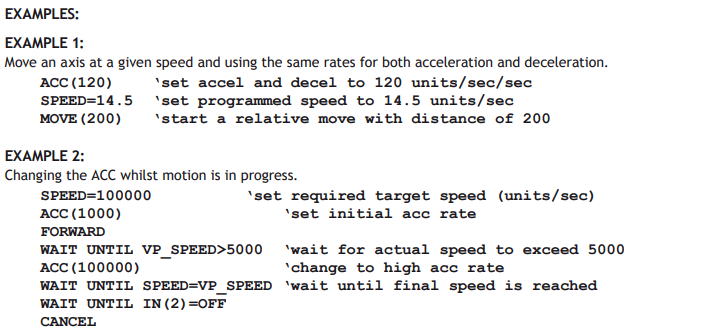
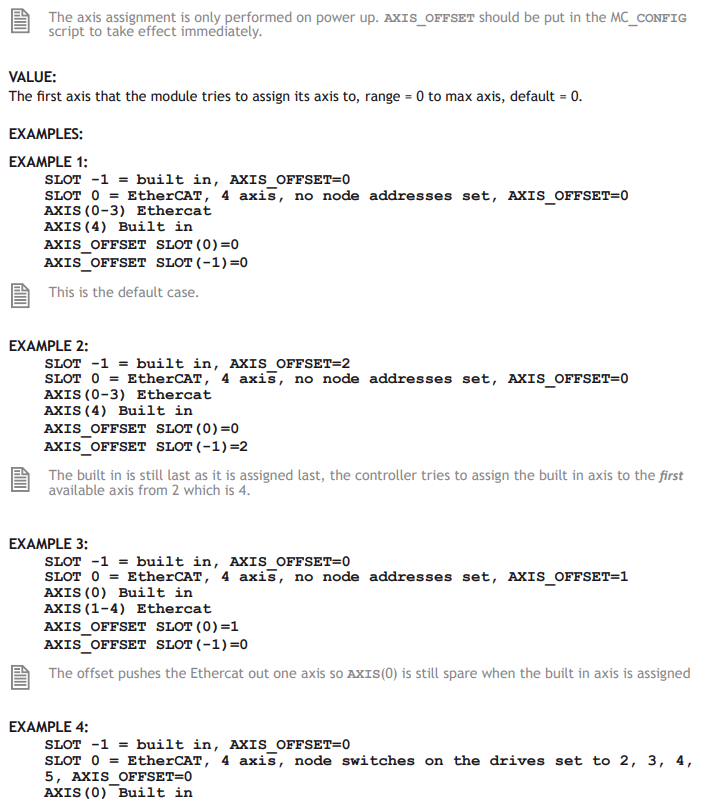
Where available, at least one example will be shown. When the command is a motion command, the example may be a small sub-set of the sequence needed to show the command working in a realistic application.
See also:
A list of other related keywords so that the reader can easily cross-reference.
KEYWORD TYPES
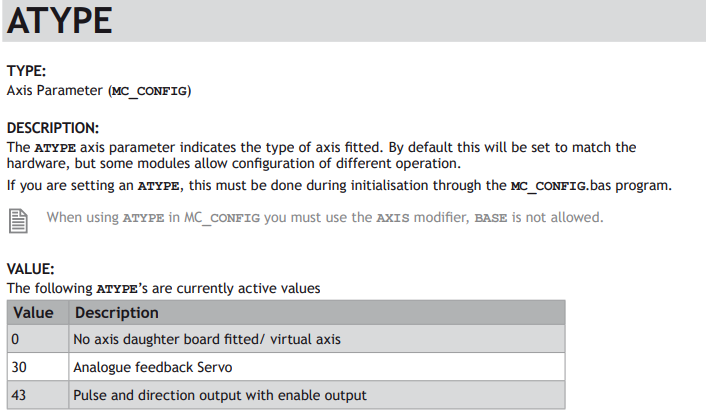
Keywords are split into groups according to their function, where they may be used and where they are stored in the Motion Coordinator. A keyword may have more than one type. For example, a keyword can be a System Variable and be available for use in the MC_CONFIG initialisation program.
Below is a table describing all the keyword types.
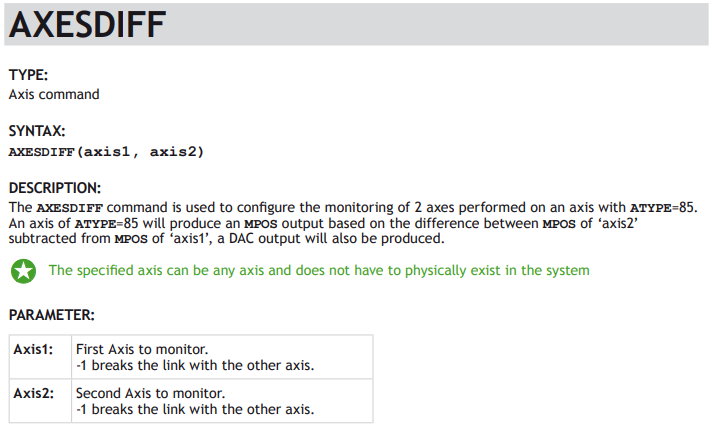
Axis command A command sent to a particular axis. An axis command will usually have one or more parameters in parentheses. It will operate on the BASE axis that is set, but it can also take the AXIS modifier keyword.
e.g. MOVE(100), REGIST(21, 4, 0, 1, 0) AXIS(15)
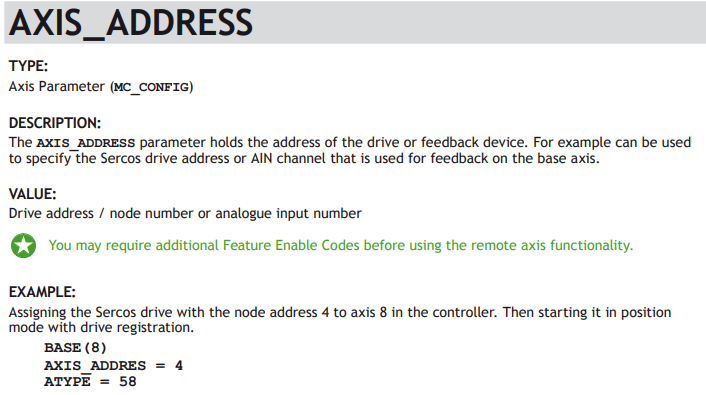
Axis Parameter A parameter which is associated with a particular axis. An axis parameter will operate on the BASE axis that is set, but it can also take the AXIS modifier keyword.
e.g. P_GAIN = 1.2, x = MPOS AXIS(2)
Command line only The command or parameter may be entered in the command line on Motion Perfect terminal 0. It may NOT be used within an executable TrioBASIC program.
Constant The keyword returns a constant value. Used to make common program constants more readable.
e.g. OP(10, ON), WAIT UNTIL MARK = TRUE
FLASH The parameter is automatically stored in the flash memory and will therefore be available on the next and all subsequent power ups.
Note that parameters stored to Flash from the command line are not referenced in the Motion Perfect project and must be documented separately. For this reason, the use of MC_CONFIG is recommended even if the parameter is also stored in the Flash.
Mathematical function The keyword is a typical TrioBASIC mathematical function which can take one or more operands and which returns a result.
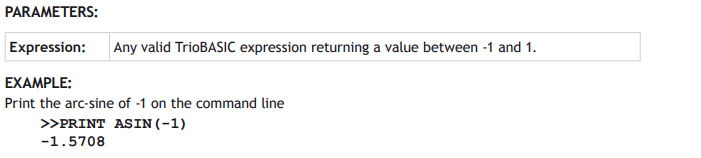
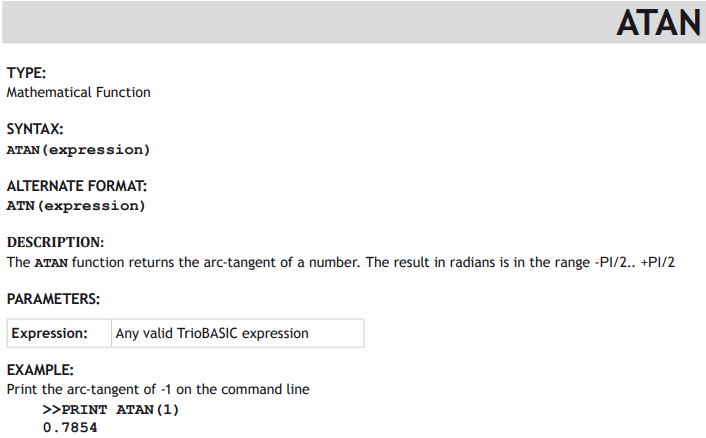
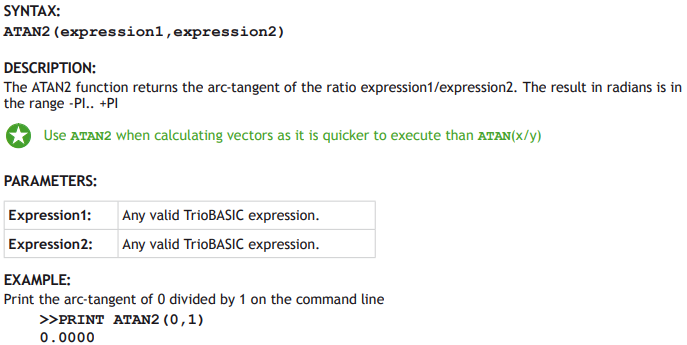
e.g. x = COS(y), value = ATAN2(VR(10), VR(11))
MC_CONFIG The parameter is available for use in the MC_CONFIG script which runs automatically on power up while configuring the system.
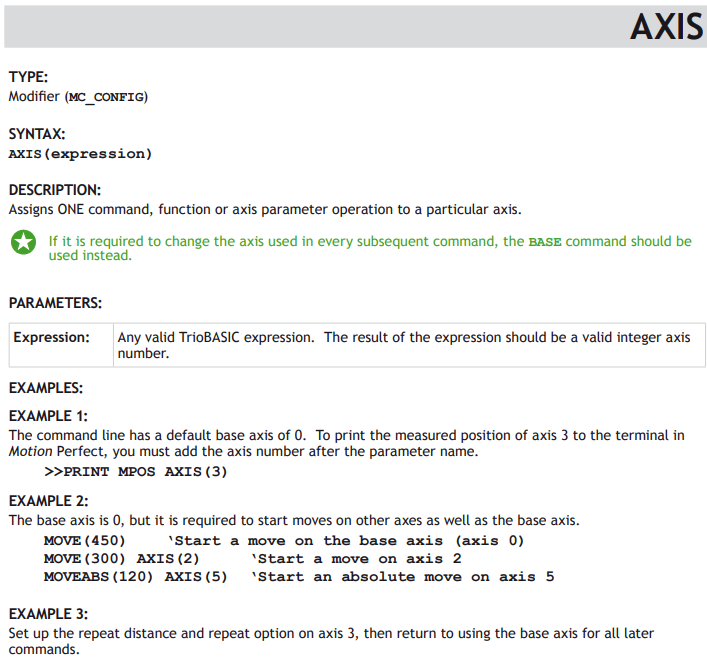
Modifier A modifier keyword is used to modify the target axis, process, port or slot that a command is sent to, or that a parameter is sent to or read from.
e.g. CONNECT(1,3) AXIS(10), x = PROC_STATUS PROC(21), PRINT FPGA_VERSION SLOT(2)
Process parameter A parameter which gives the status of a process in the multi-tasking, or which, if written to, has some control function in the multi-tasking. A process parameter operates on process 0 unless the PROC modifier is used.
Program Structure
Slot Parameter A slot parameter gives some information about the status of the hardware on that slot. Some slot parameters also have a control function when written to. A slot parameter operates on slot 0 unless the SLOT modifier is used.
e.g. VR(10) = SERCOS_PHASE SLOT(2), PRINT FPGA_VERSION SLOT(-1)
System command A command which operates on the system firmware, or on a part of the Motion
Coordinator hardware. A system command may have one or more parameters contained within parentheses.
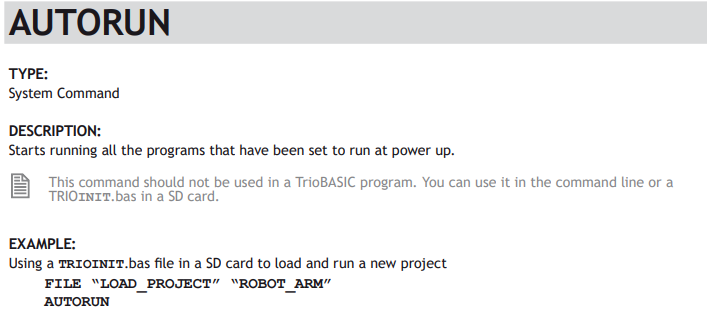
e.g. AUTORUN, SETCOM(19200,8,1,2,2,4)
System parameter A parameter which is associated with the system as a whole. A system parameter may control or give the status of something in the operating firmware, or it may be hardware specific.
e.g. NIO, TIME$
All functions and commands will accept an expression as well as a single variable. For example; a valid expression might be MOVE(COS(x)*VR(1)/100).
KEYWORD SYNTAX
Each entry in the TrioBASIC reference manual shows the syntax of the keyword in a standard form. Syntax, the way you use the keyword, appears in 3 formats in TrioBASIC.
COMMAND
Commands come in 3 types; those which take parameters and those which do not. An example of a command with parameters is shown here.
MHELICAL(end1, end2, centre1, centre2, direction, distance3 [,mode])
Parameters are contained within parentheses. (round brackets) If there is more than one parameter, then they are separated by a comma. Optional parameters are shown in the syntax description within square brackets. The square brackets are not used when writing the command in a program, so if the optional parameter is used, just insert the comma and the value or expression without square brackets.
Commands which do not have parameters are just entered as the keyword with no parentheses or brackets. For example; FORWARD
FUNCTION
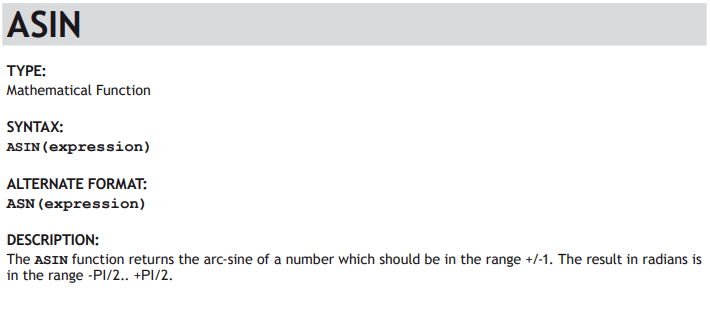
Functions can both take a value, or values, and will also return a value. The values given to the function are in parentheses, in the same way as for a command. One or more values may be passed to the function.
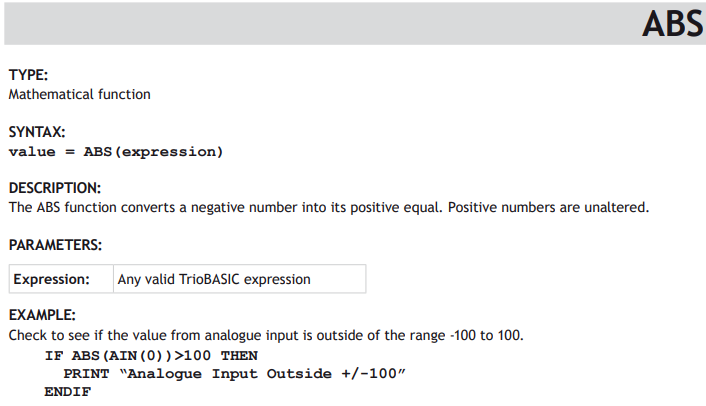
Mathematical functions are typical of this syntax type;
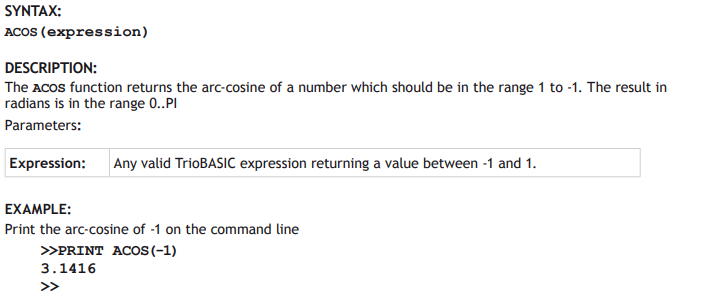
value = COS(expression)
value = ABS(expression)
PARAMETER
A parameter carries a value and therefore works in the same way as a variable. A value can be assigned to a parameter or a value can be read from a parameter. Some parameters are read only. This will be shown in the keyword type information.
Some examples of parameter syntax are;
P_GAIN = 1.0
VR(10) = PROC_STATUS PROC(3)
IF MPOS AXIS(10) > (ENDMOVE AXIS(10) – 200) THEN
CANIO_ADDRESS = 40
CONSTANT
Some keywords are provided to make common constants available to the programmer. These are, of course, read-only. Constants, for the purpose of syntax, can be thought of as a sub-set of the parameter type.
Some examples are;
circumference = PI * diameter
IF result = FALSE THEN
WHILE TRUE
OP(30,OFF)
bit3 = ON
VARIABLES
Variables that may be used in expressions or as parameters within a command or function can be stored in volatile RAM, in non-volatile battery backed RAM or in non-volatile Flash memory. A variable may also be local or global.
Local variable A local variable is given a user defined name. The name can contain letters, numbers and the underscore “_” character. It can be of any length, but only the first 32 characters are used to identify the unique variable name. The value of a local variable is known only to the process that it was defined in.
Local variables are volatile and will be lost at power down.
e.g. elapsed_time = -TICKS/1000
Global variables Global variables, otherwise known as VR variables, are held in non-volatile memory. In the MC464 this is maintained by a lithium battery. In the MC403/MC405, the global variables are stored in the Flash memory. Global variables can be accessed from all processes including the command line in terminal 0.
There are a fixed number of global variables. Each variable is accessed by index number, e.g. value=VR(123). See the relevant hardware manual for the highest index number.
e.g. batch_size = VR(101)
TABLE values Another range of globally accessible values is the TABLE memory. This is a large indexed array of variables which has a special purpose in some commands. It can also be used as a general memory for application programs.
Table memory may be either volatile or non-volatile. See the appropriate hardware manual for details.
e.g. TABLE(100, 1.2, 2.3, 4.5, 6.8, 9.0, 15.4, 23.7)
VARIABLE SYNTAX
The default data type of all variables is double precision float. However, the floating point data type can also store integers up to 52 bits plus sign. Therefore all variables and most parameters can be referenced as if they are integers, without any need to create a separate integer data type definition.
my_variable = 450.023 ‘ decimal float
my_variable = 450 ‘ decimal integer
my_variable = $FF6A ‘ hexadecimal integer
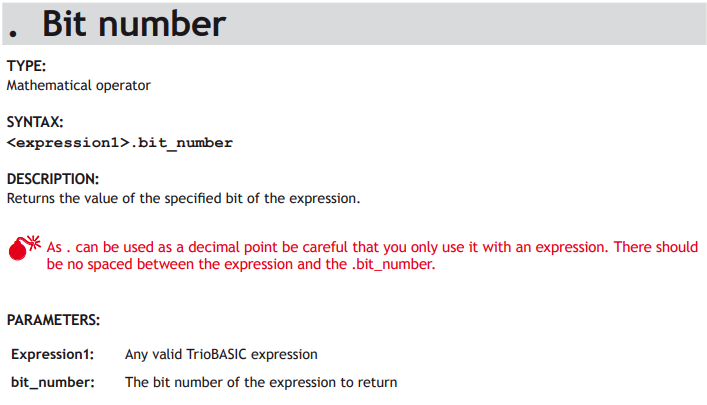
my_variable.5 = 1 ‘ sets bit 5 to 1
Versions of firmware released after the middle of 2012 have more advanced data types available. For example the String type can be defined by the use of the DIM statement. See under DIM in the Trio BASIC reference manual for further information.
LABELS
A label is a place marker in the program. Labels are given user defined names. The name can contain letters, numbers and the underscore “_” character. It can be of any length, but only the first 32 characters are used to identify the unique variable name. The label position is defined by putting the colon “:” character after the label name. The line containing the label can then be referenced within a GOTO or GOSUB command.
start_of_program:
raduis1 = 123
GOSUB calc_circle_radius
PRINT #5,area1
WA(500)
GOTO start_of_program
calc_circle_area:
area1 = PI * radius1 ^ 2
RETURN
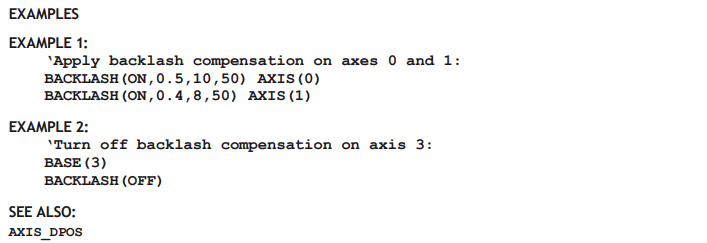
EXAMPLES
Each keyword entry shows one or more example of how to use the keyword in a realistic context. Sophisticated commands, like the main motion commands, will show a reasonably complete example with all the other associated commands which are required to make the core of a typical application.
More complete programming solutions can be found in Trio’s wide range of application notes and programming guides.