3. TRIO IEC 61131-3 Motion Library
Introduction to the Trio IEC Motion Library
MC4xx IEC 61131-3 overview
In addition to the well-established Trio BASIC programming language, the MC4xx range introduces the possibility to design programs using the international standard IEC 61131-3 language for industrial controls.
Motion Perfect version 3 comes complete with editors for the 4 methods supported; Ladder (LD), Structured Text (ST), Function Block Diagram (FBD) and Sequential Function Chart (SFC). The use of the Motion Perfect v3 editor is covered in the Motion Perfect section of the manual. Motion Perfect v3 compiles the IEC 61131-3 programs and loads the compiled code into the Motion Coordinator. The code is run in the MC4xx by run-time execution software which operates in parallel to the Trio BASIC
run-time environment. Therefore, both programming systems can be used together within the same project, on the same Motion Coordinator.
The main functions of the IEC 61131- 3 languages follow the standard. So a
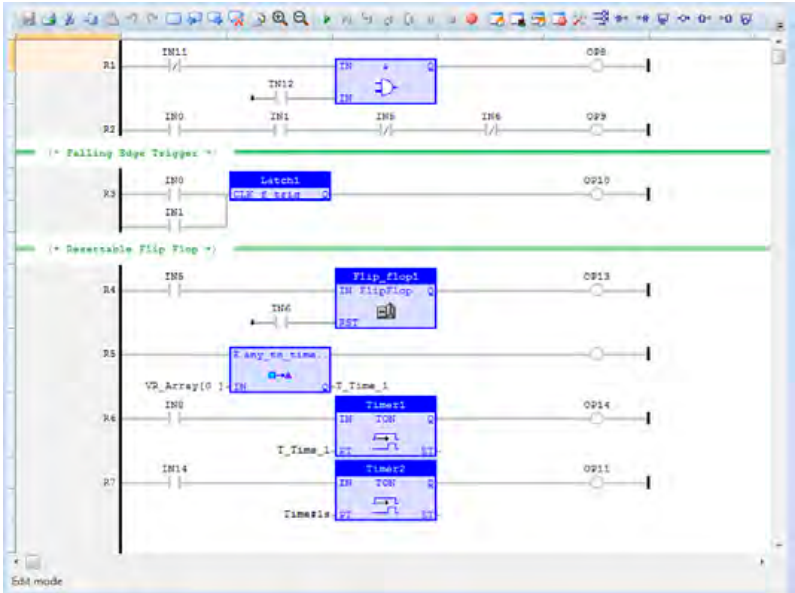
programmer already familiar with IEC 61131-3 will be able to start creating programs with ease. The only new features a programmer needs to learn is how to work within the Motion Perfect v3 environment. The IEC 61131-3 editor and toolbox allows for rapid development of standard programs. Inputs, Ouputs, VRs and TABLE can all be bound to named IEC 61131-3 named variables, giving access from any programming method to the MC4xx IO space.
IEC 61131-3 Motion Library
The motion functions provided in the MC4xx range are the many functions which have been developed over years of putting Motion Coordinators into service on machines of all types. They cover the whole range of motion from simple point-to-point moves, through multi-axis interpolated motion, gearing and linked moves, to sophisticated robotics. Application areas include cutting, gluing, packaging machines, printing machines, pick and place, and production lines of all kinds.
The MC4xx motion library will be immediately recognised by programmers who have used Trio’s BASIC language. Although it is not a strict match for the PLC Open-Motion part of IEC 61131-3, it does have many parallel move types which can be used in place of the standard functions. What is more, the MC4xx motion library has the full set of Trio motion functions which have been proven to enable complex axis synchronisation to be achieved in a very straight-forward way. Setting up complex, repeatable motion in a very short time is now available in the IEC 61131-3 languages.
FUNCTION BLOCKS
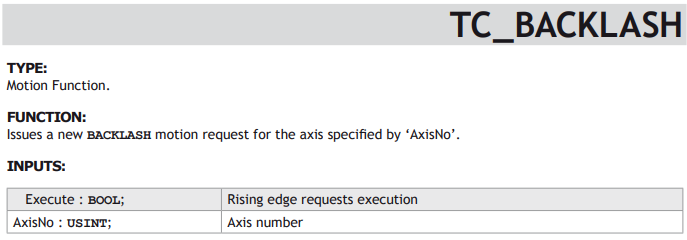
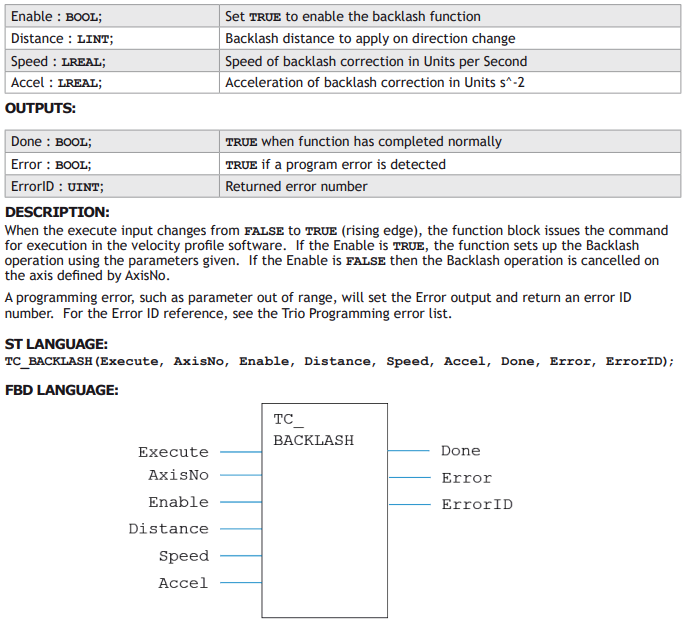
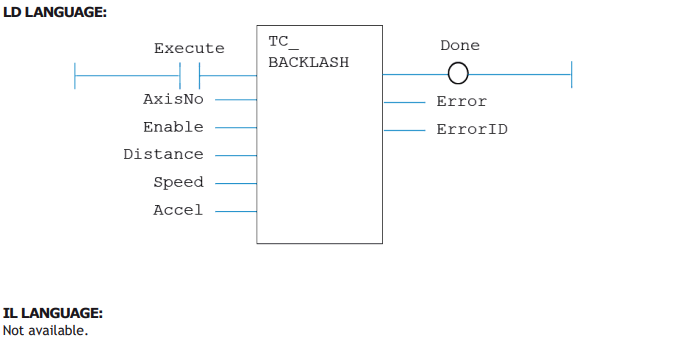
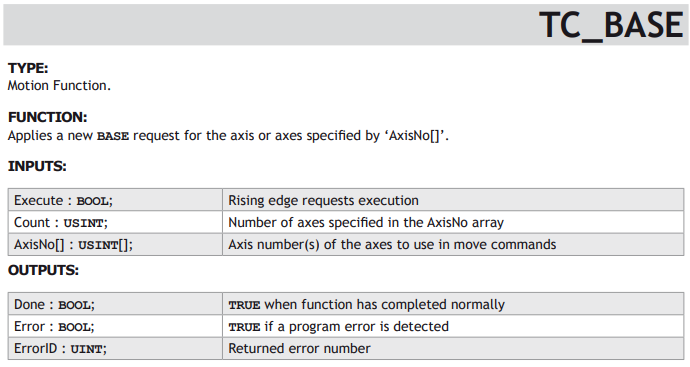
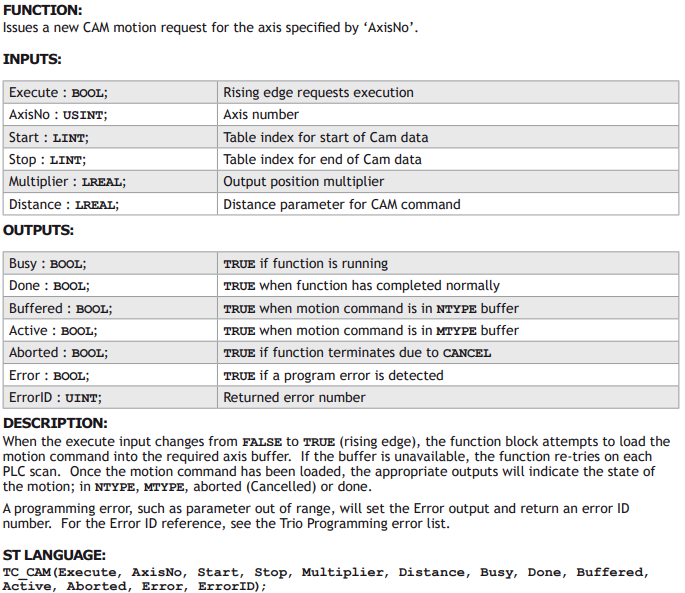
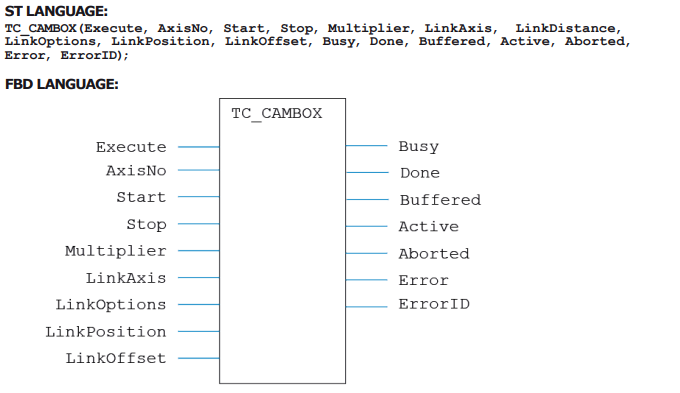
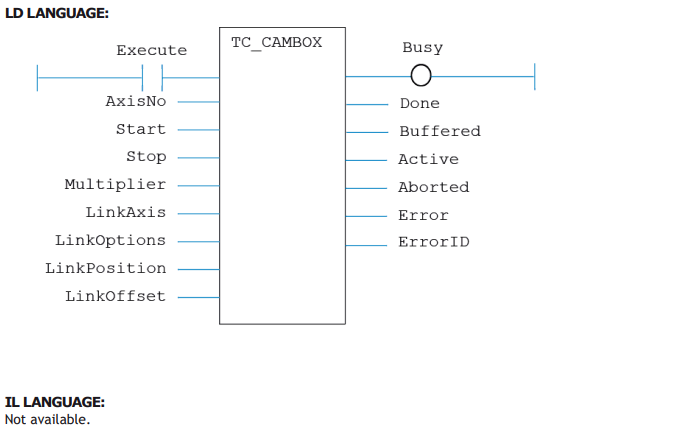
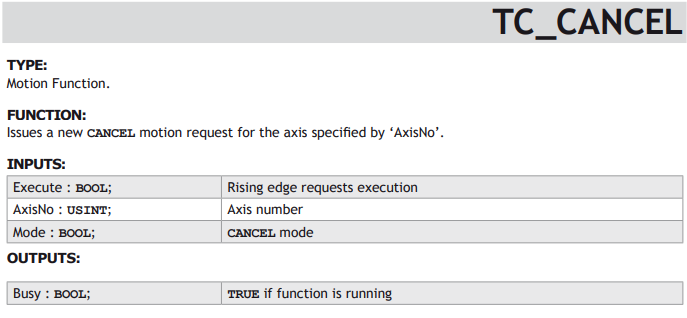
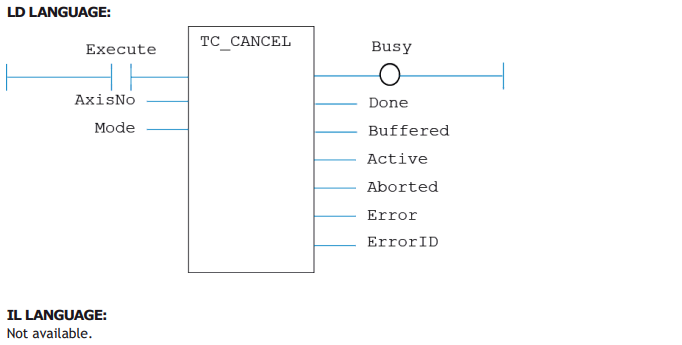
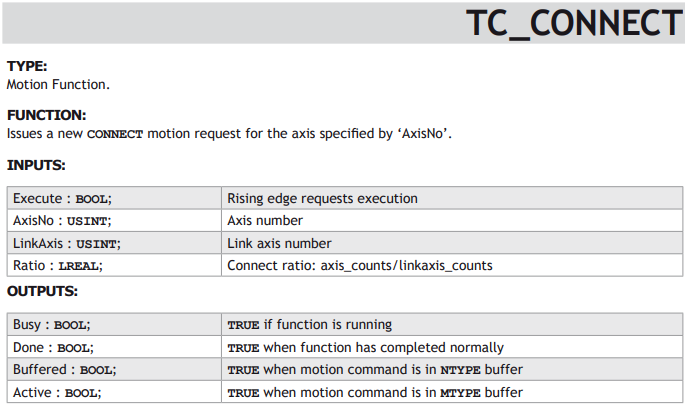
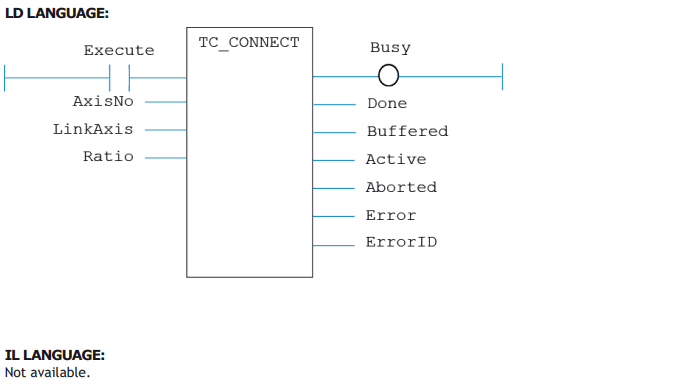
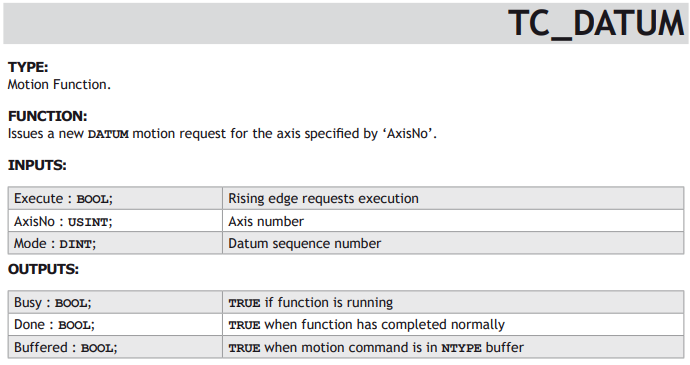
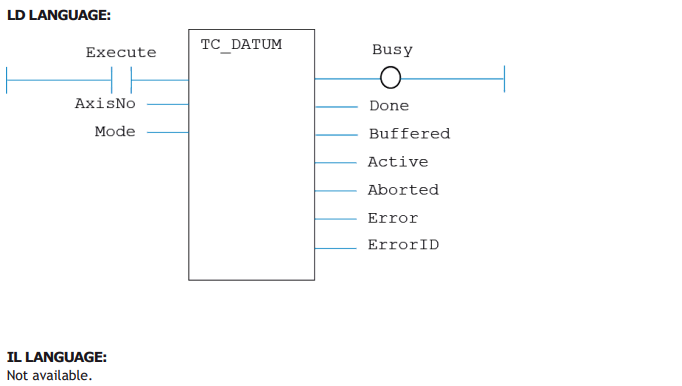
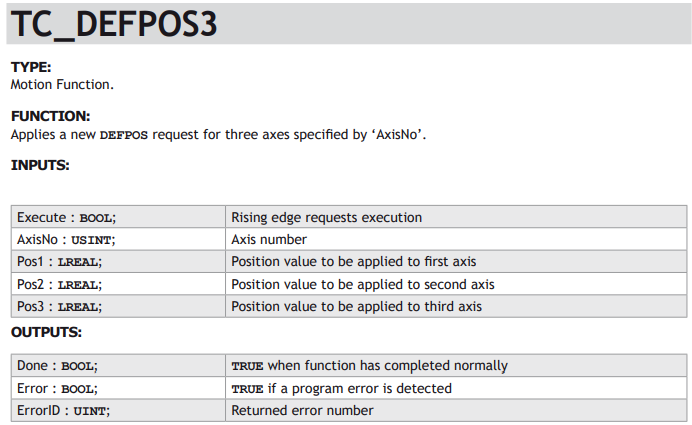
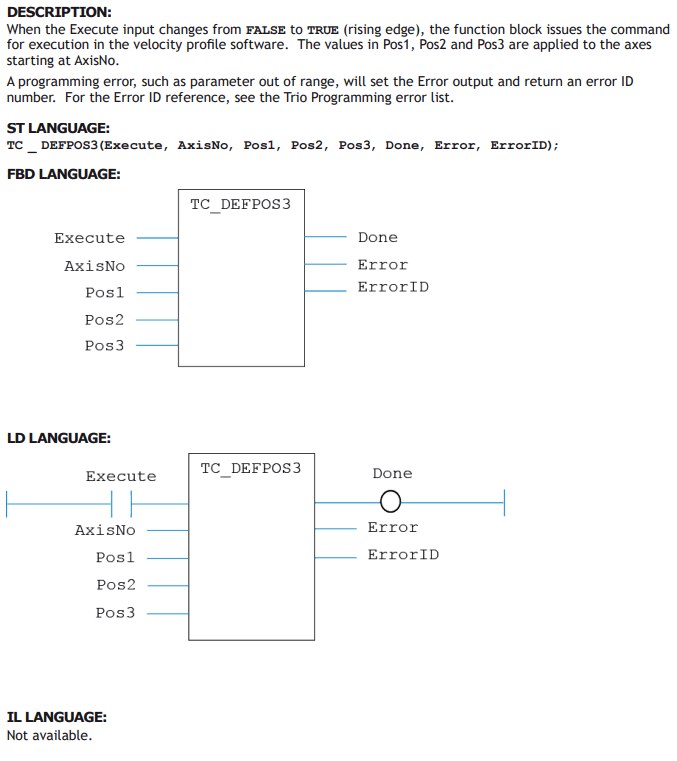
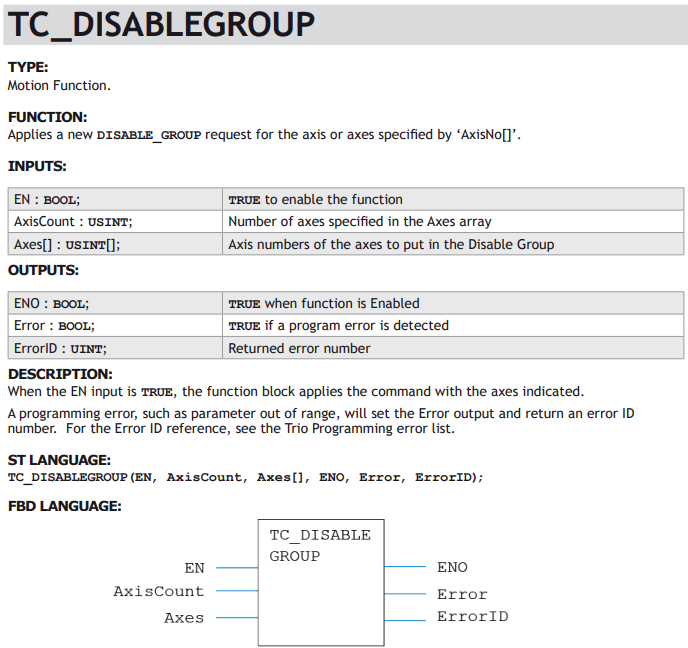
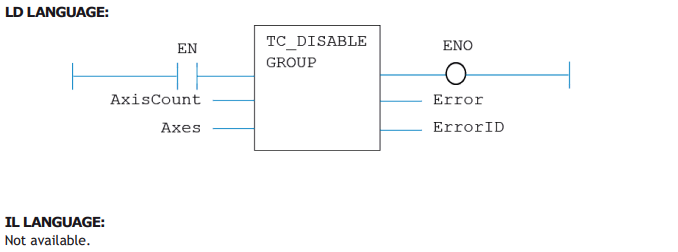
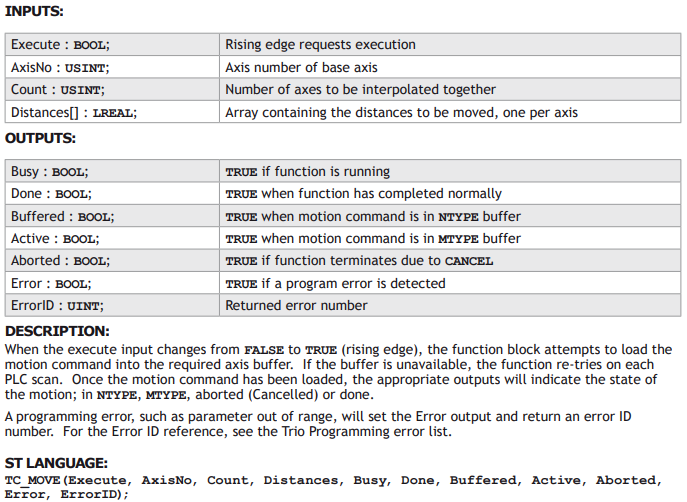
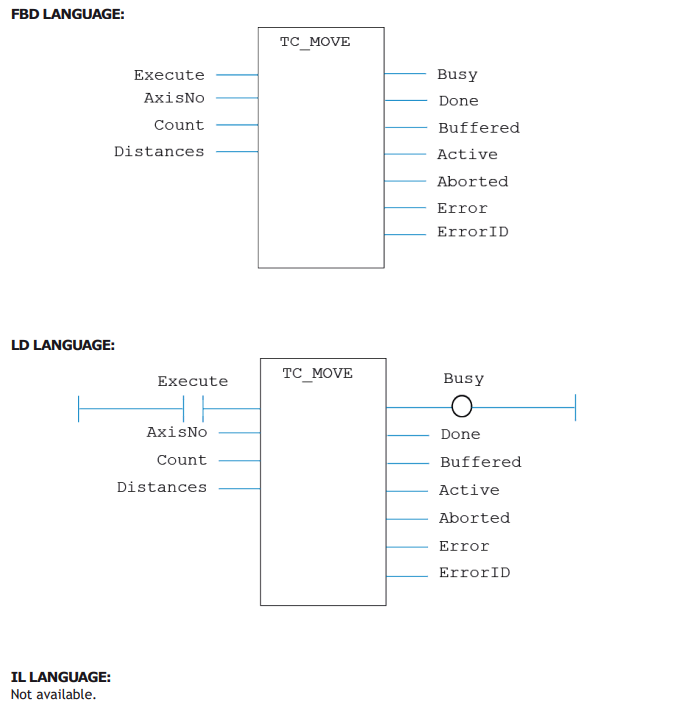
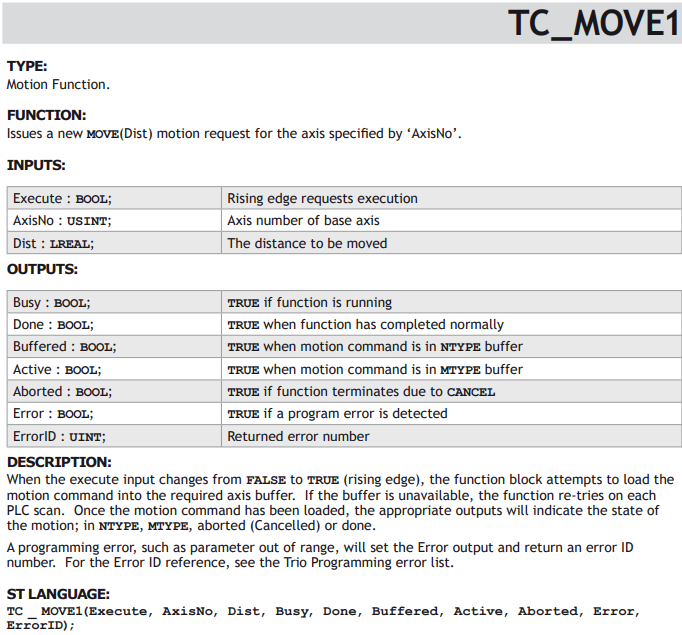
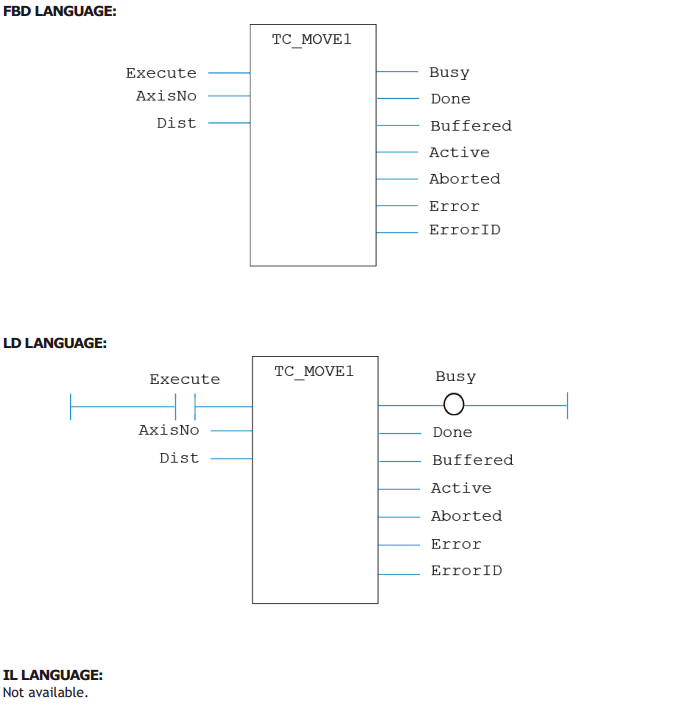
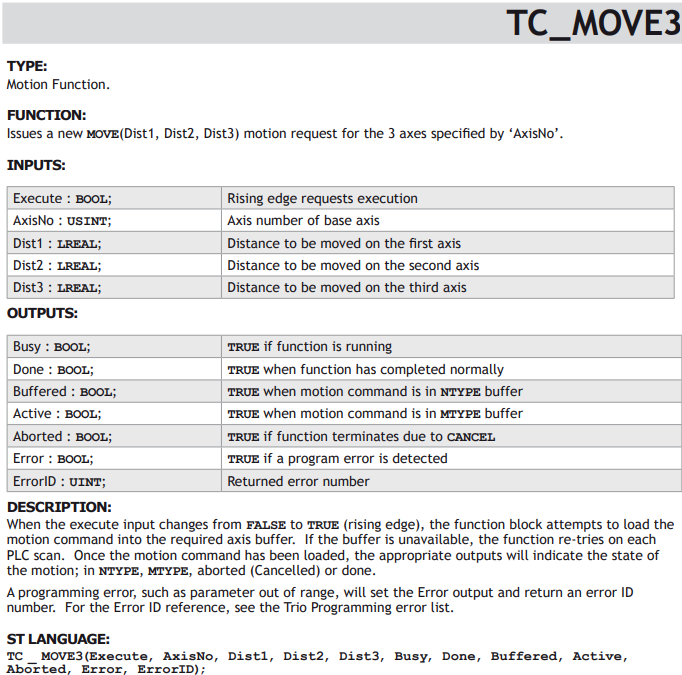
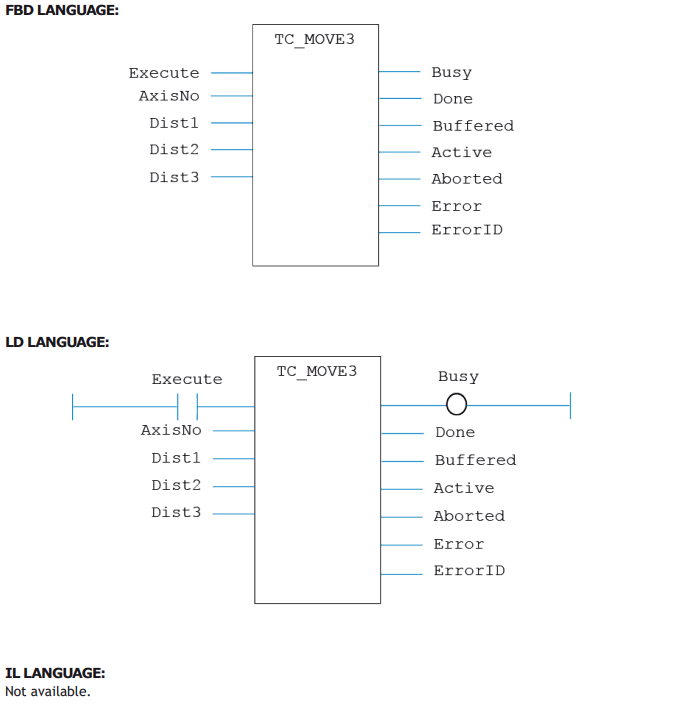
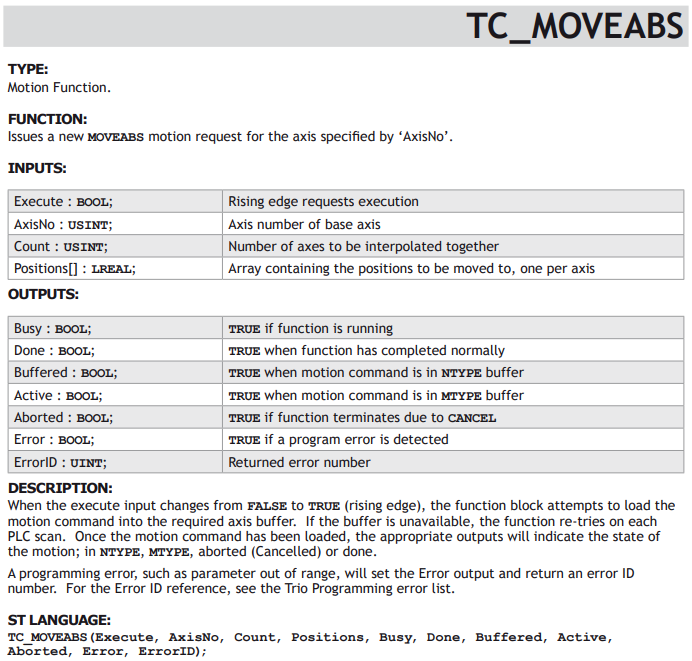
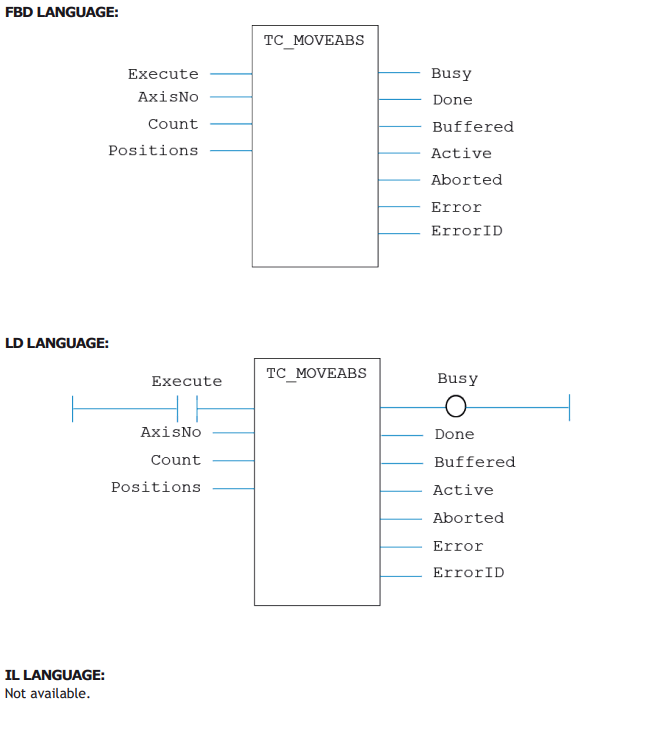
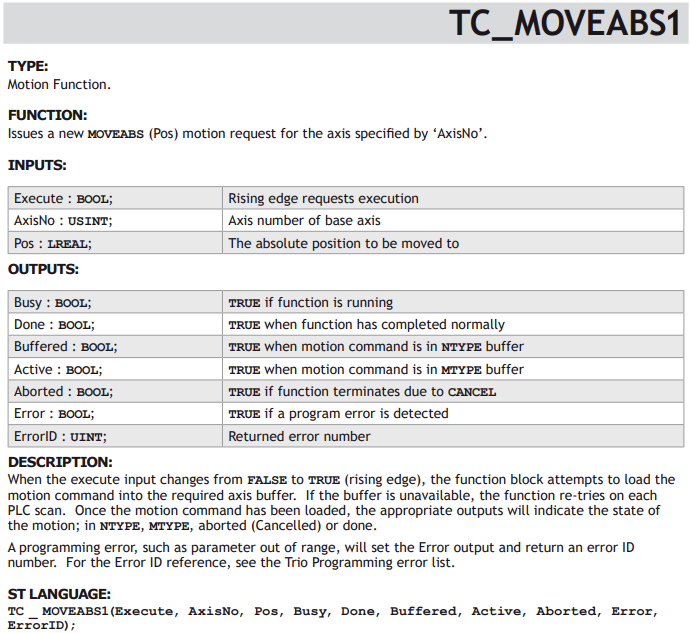
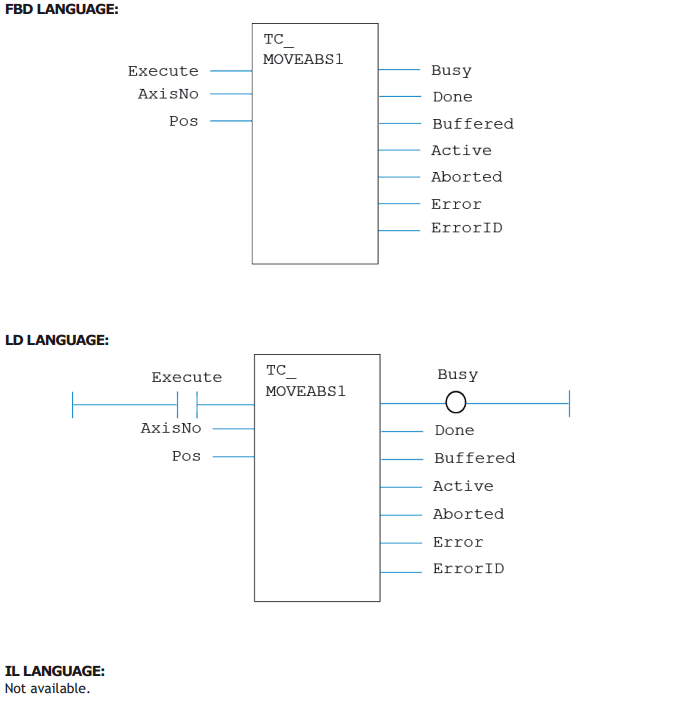
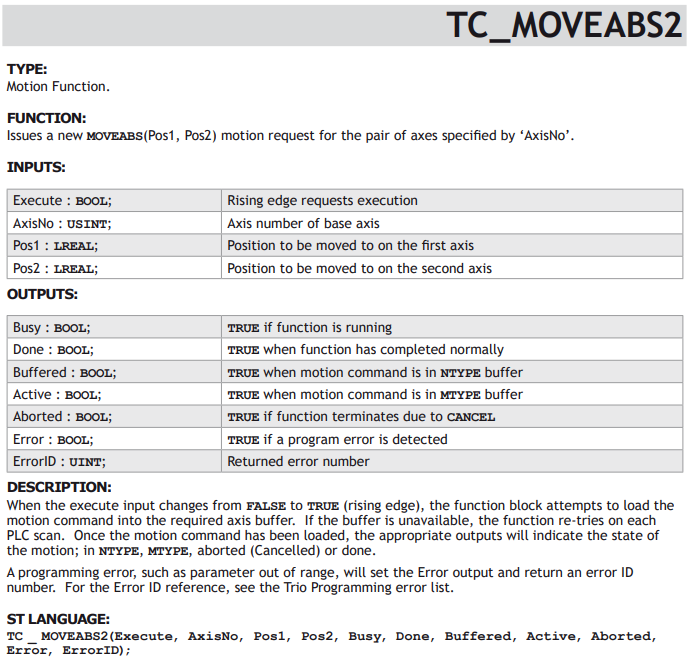
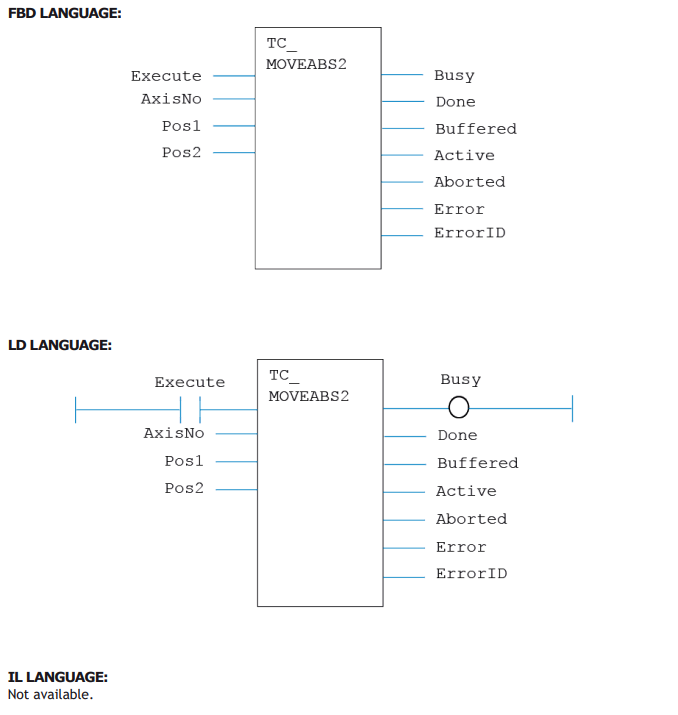
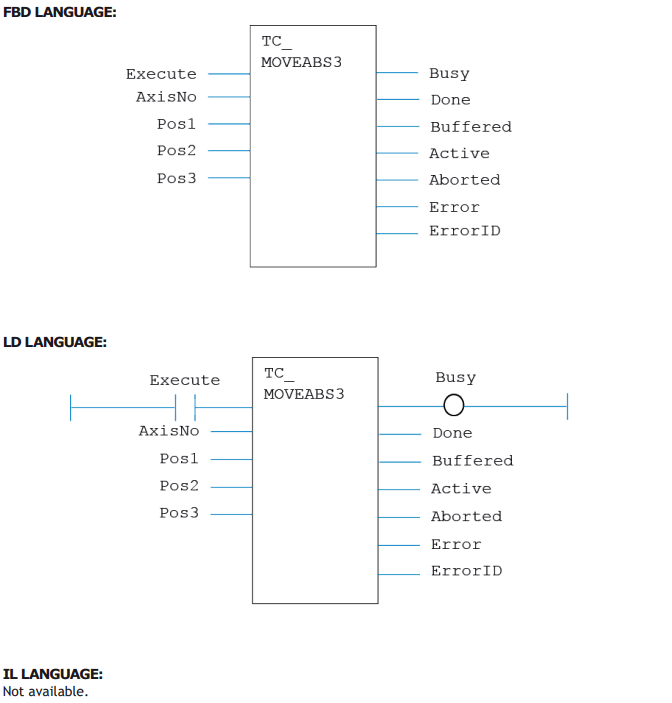
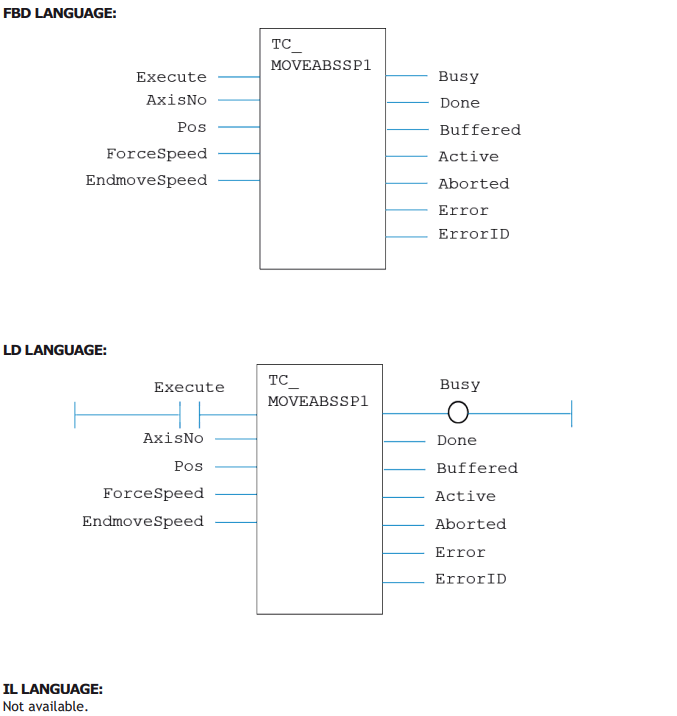
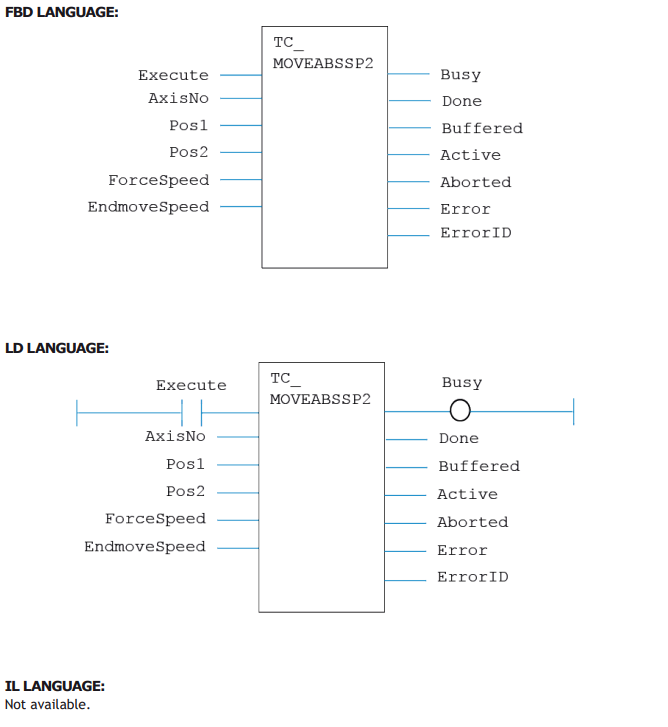
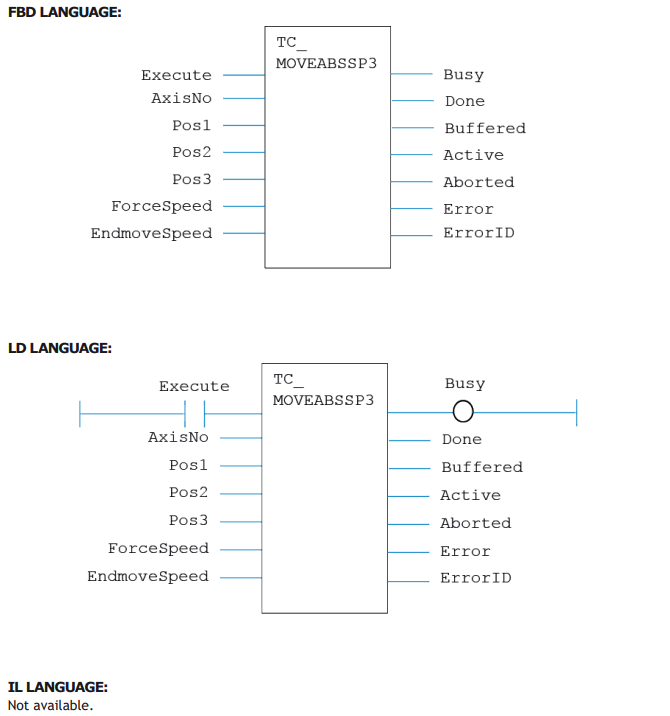
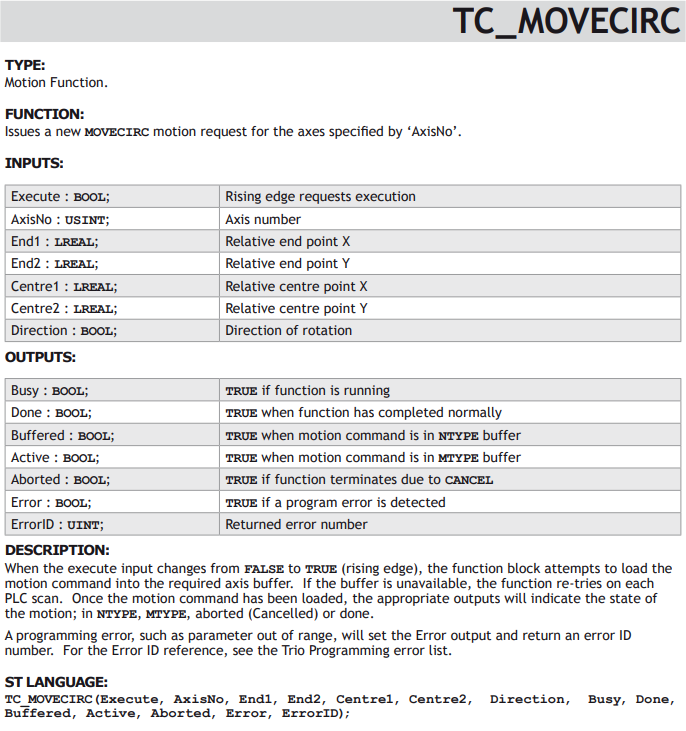
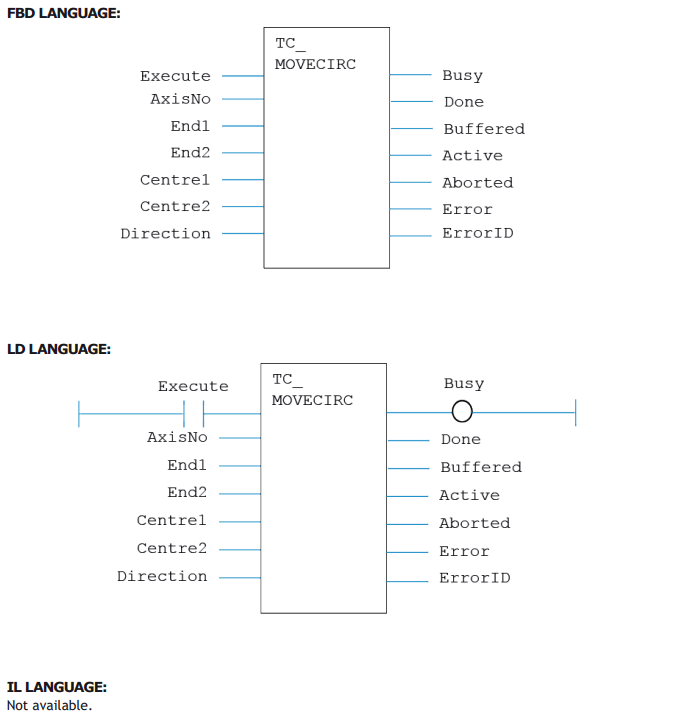
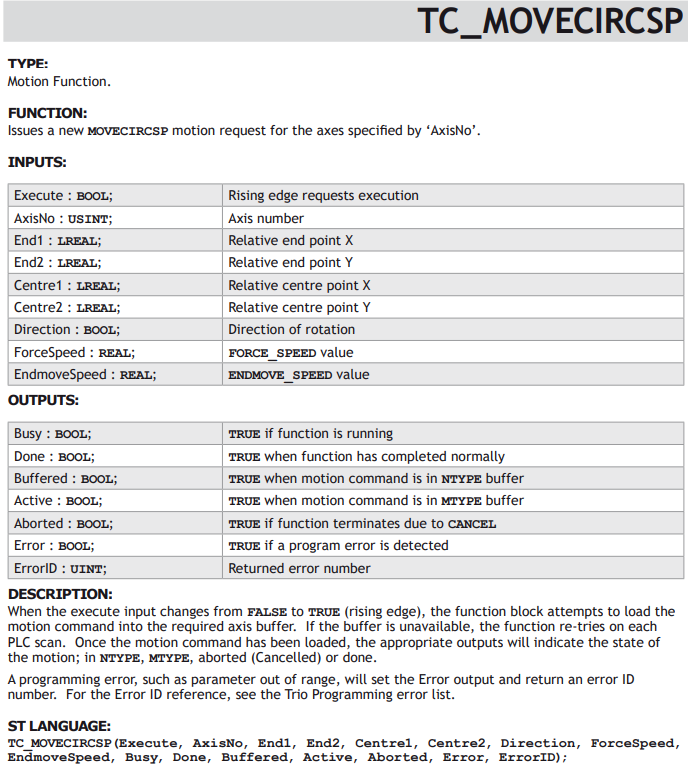
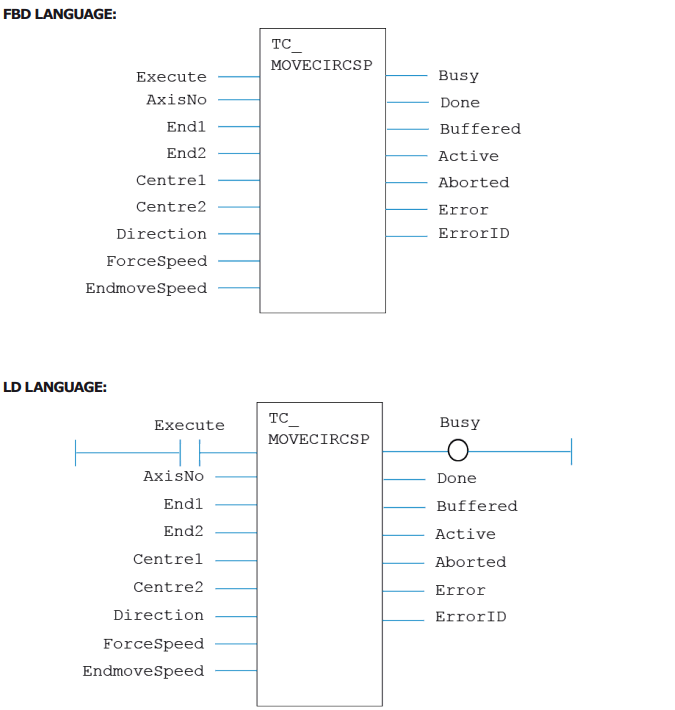
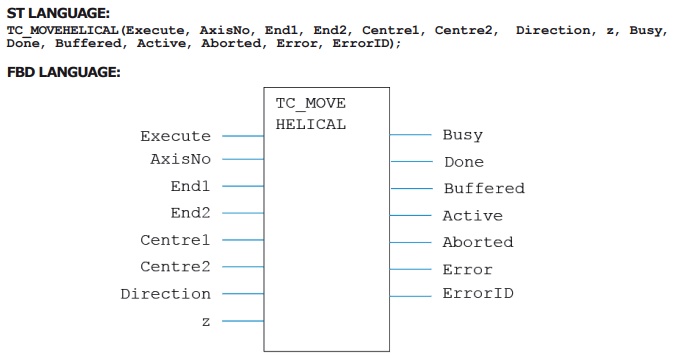
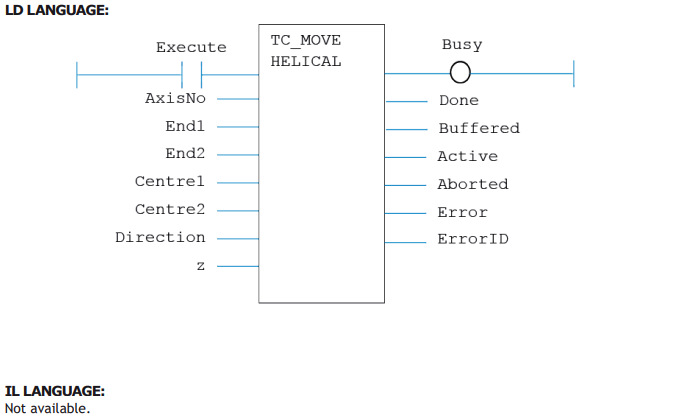
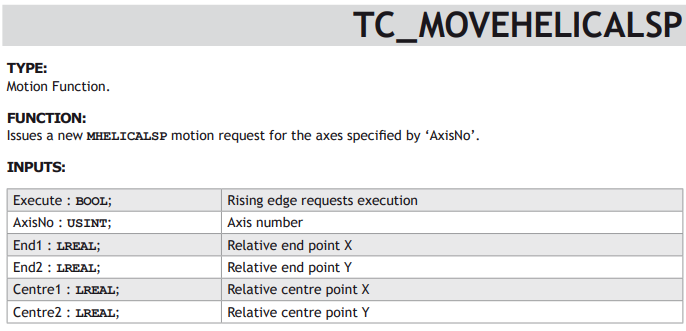
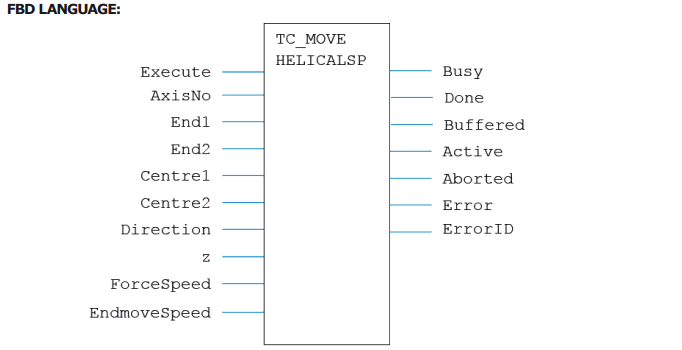
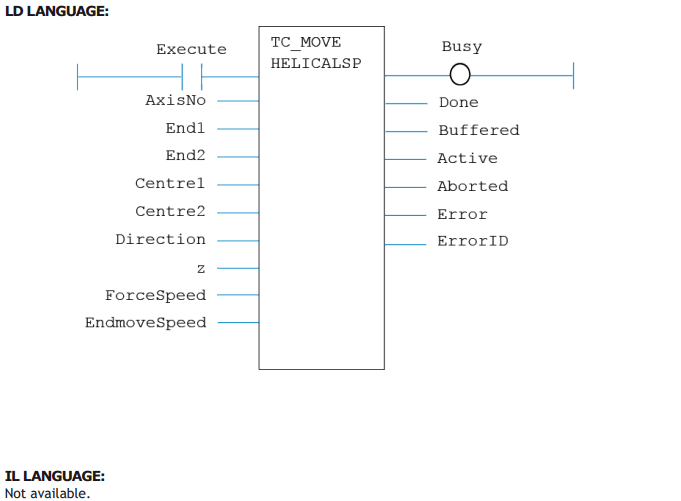
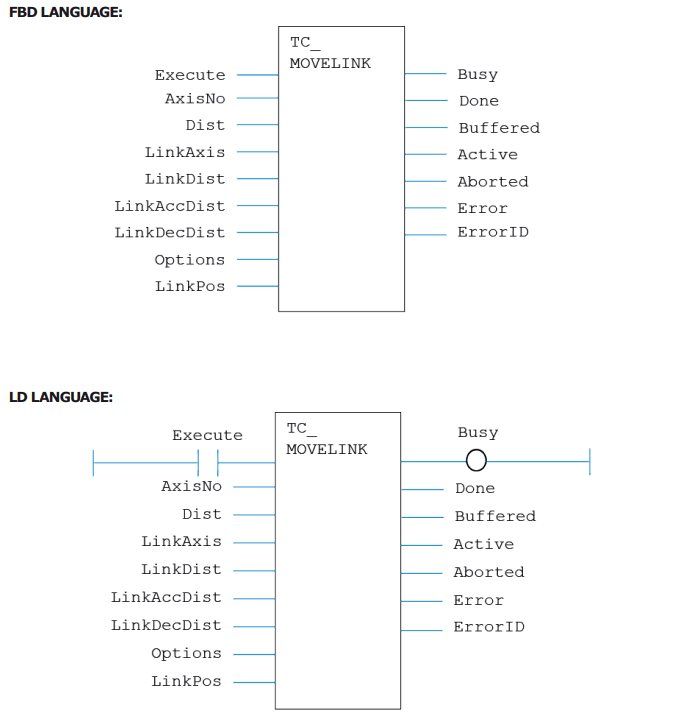
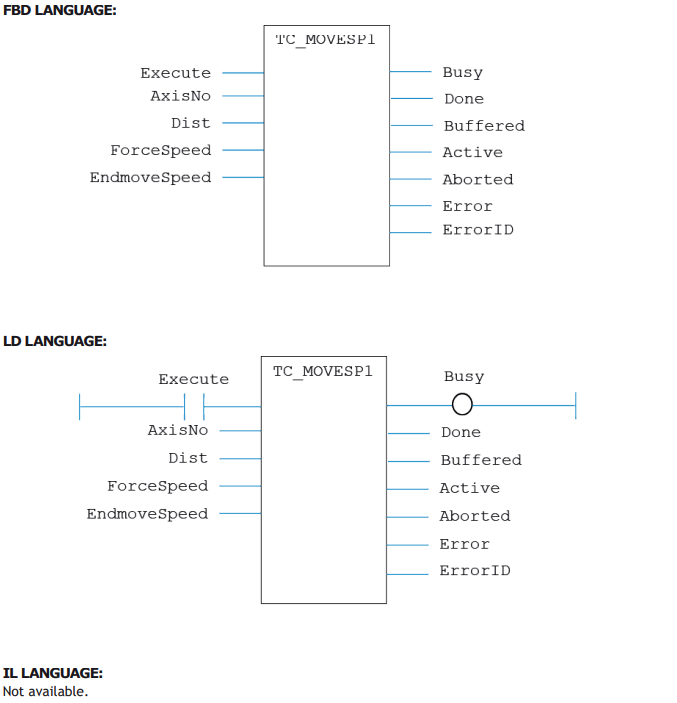
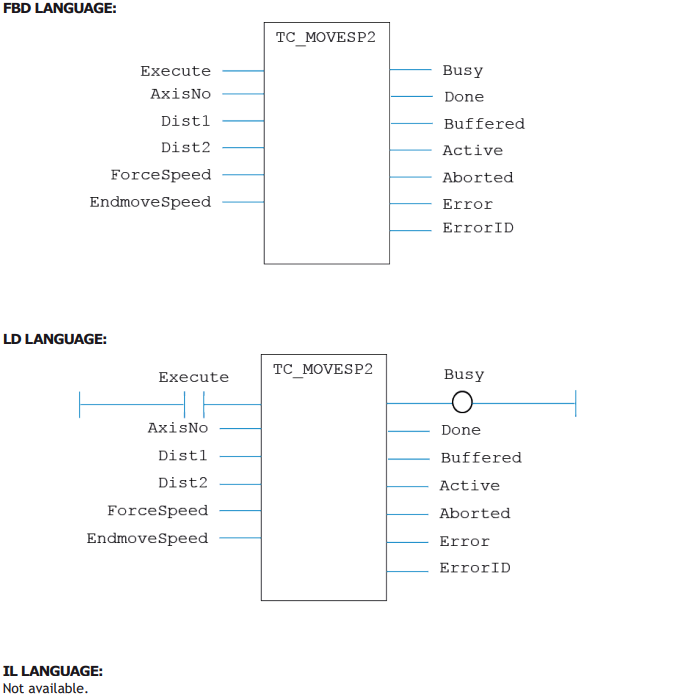
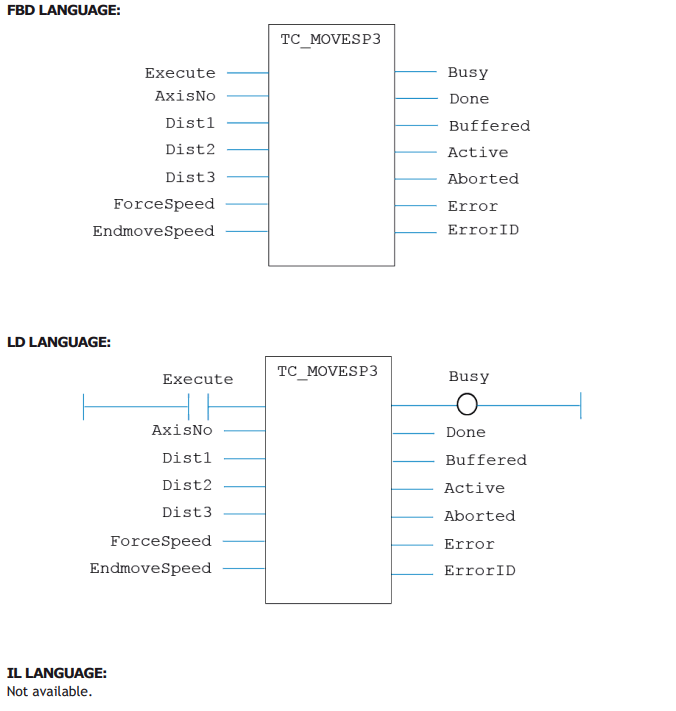
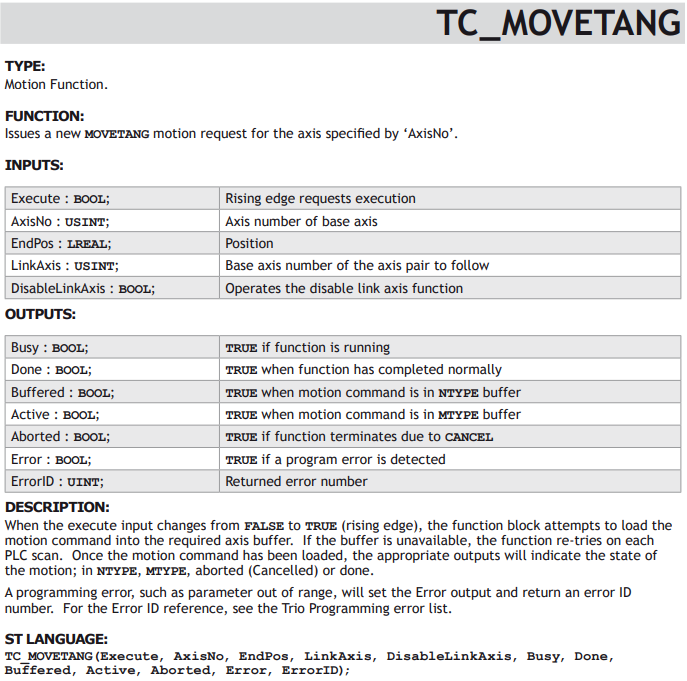
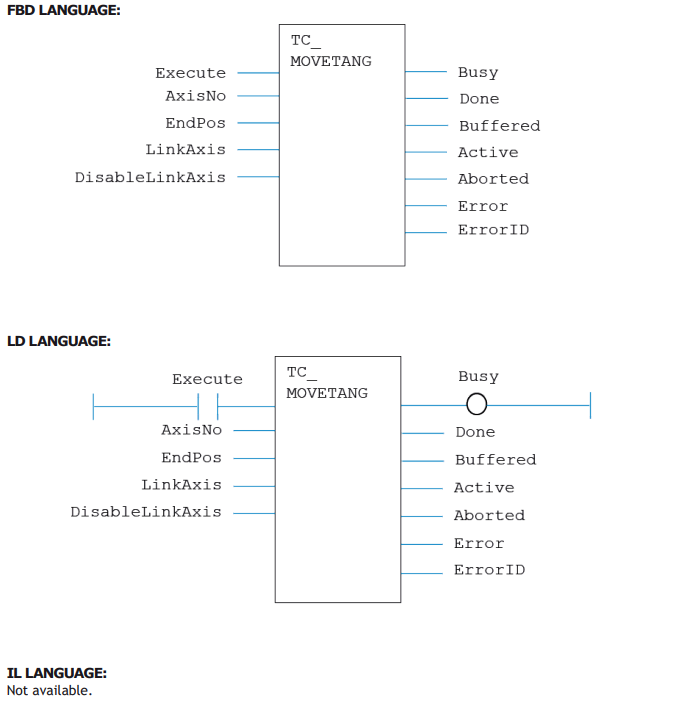
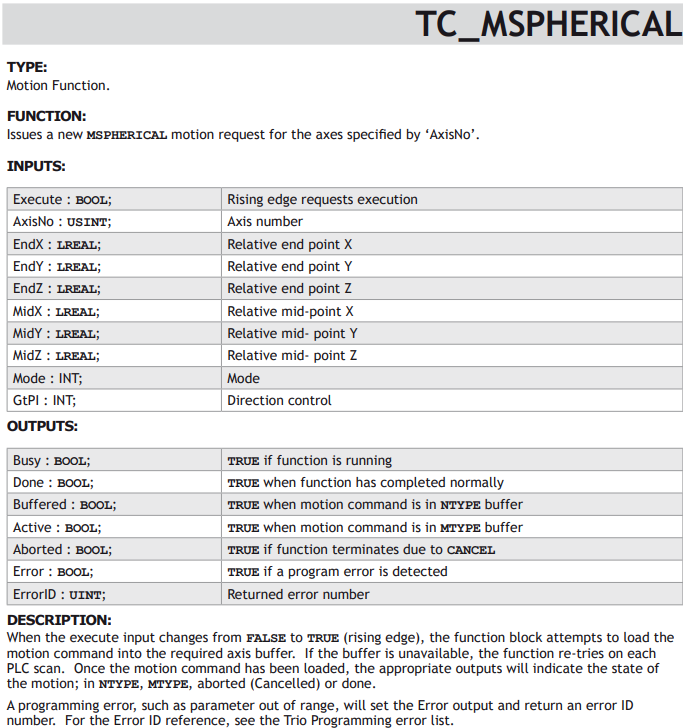
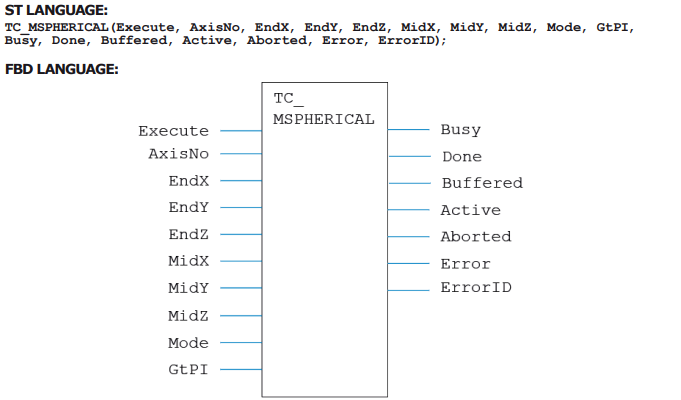
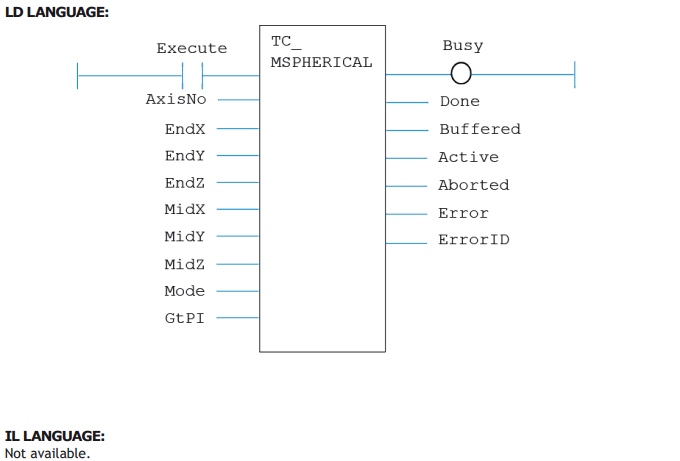
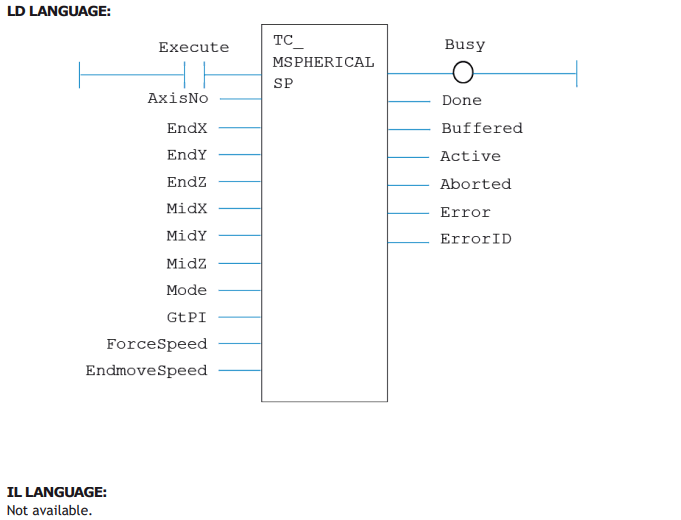
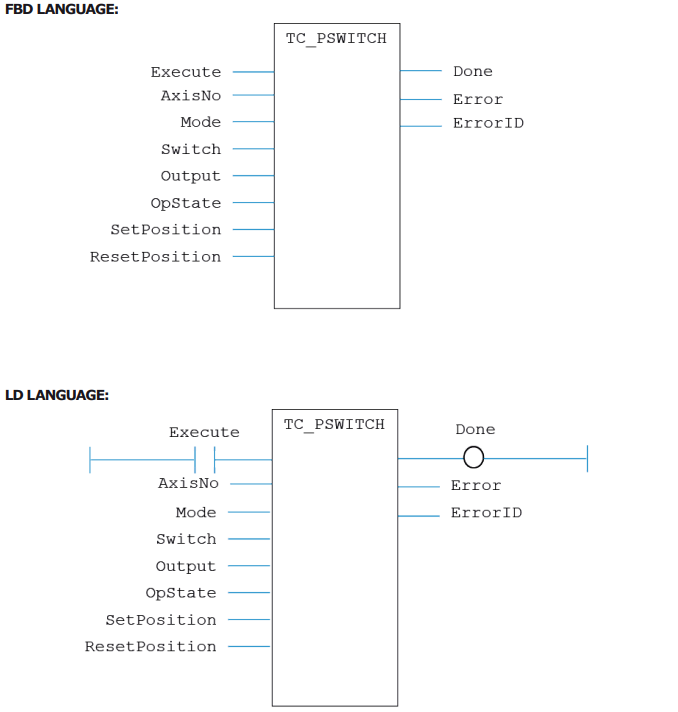
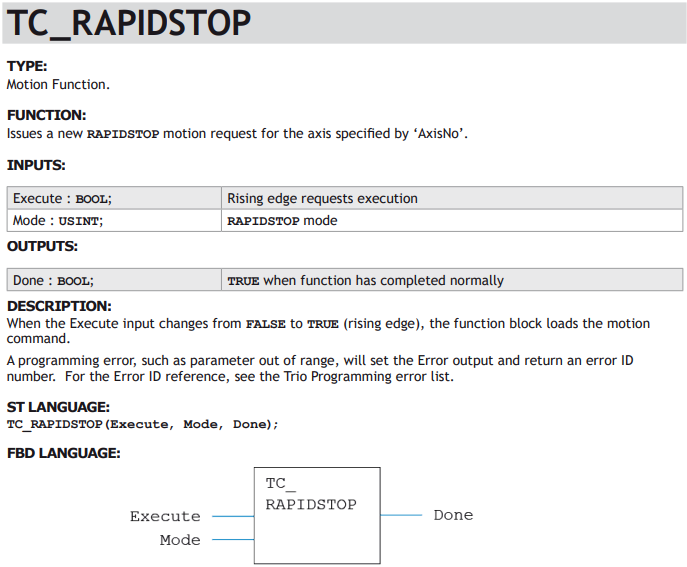
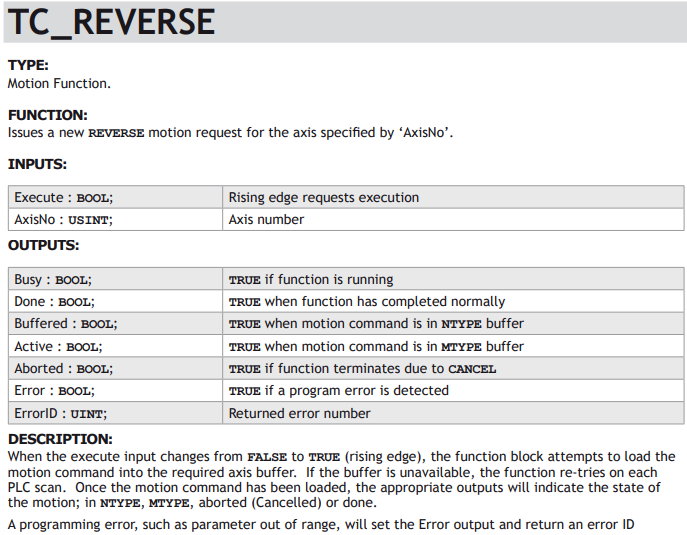
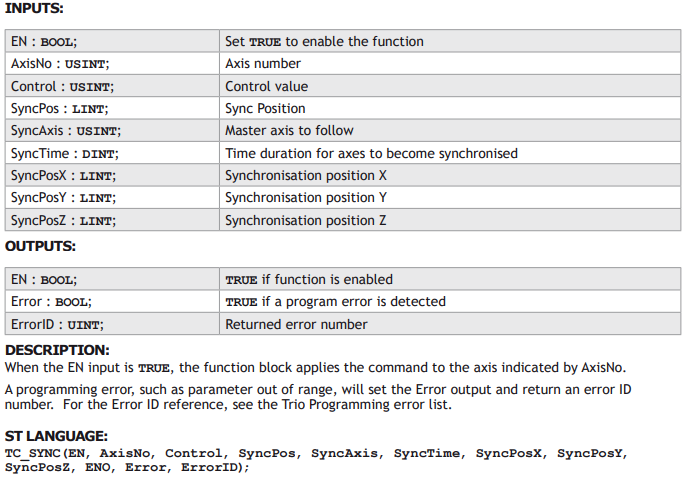
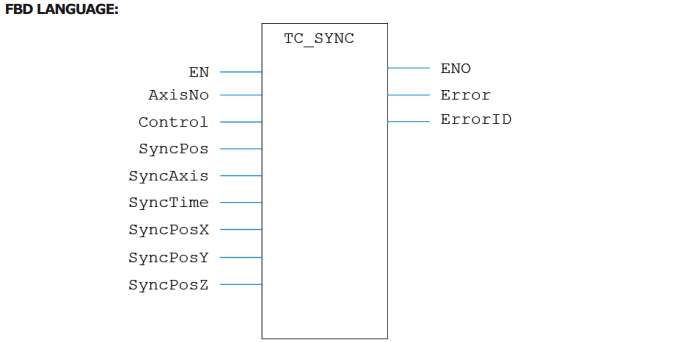
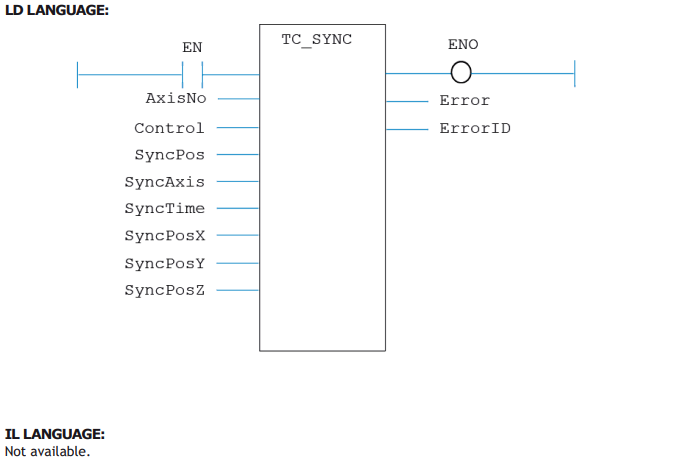
Each Trio Motion function is available as a function block. The function blocks can be added to any of the 4 supported programming methods, including Ladder (LD). Function blocks run either when an enable input is set to TRUE, or are triggered by a rising edge on the Execute input. For example, a TC_MOVE1 function block may be set up with the axis number set on one input and the move distance set on the second input. The move only starts when the Execute input changes from FALSE to TRUE.
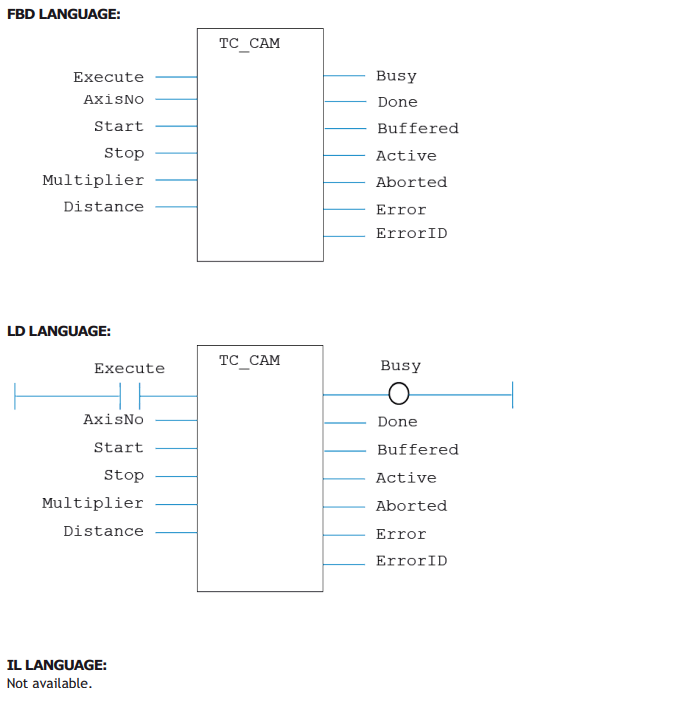
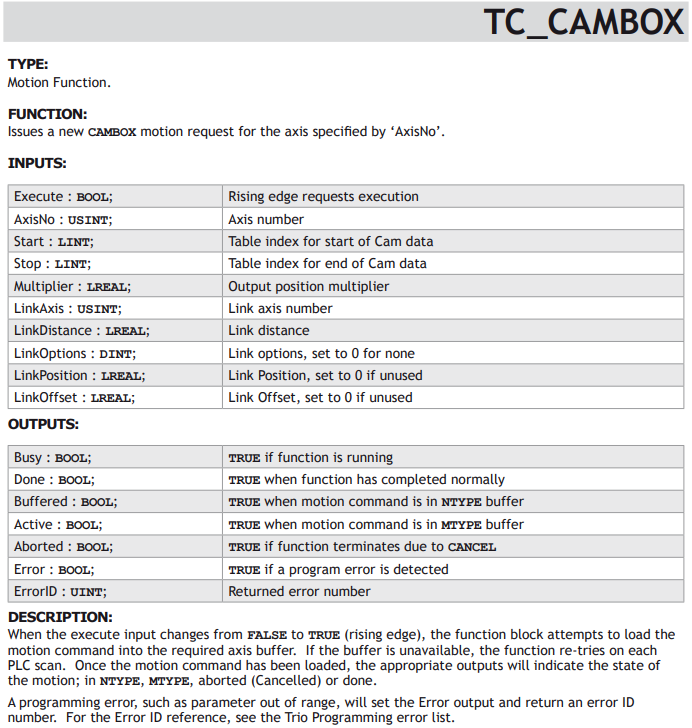
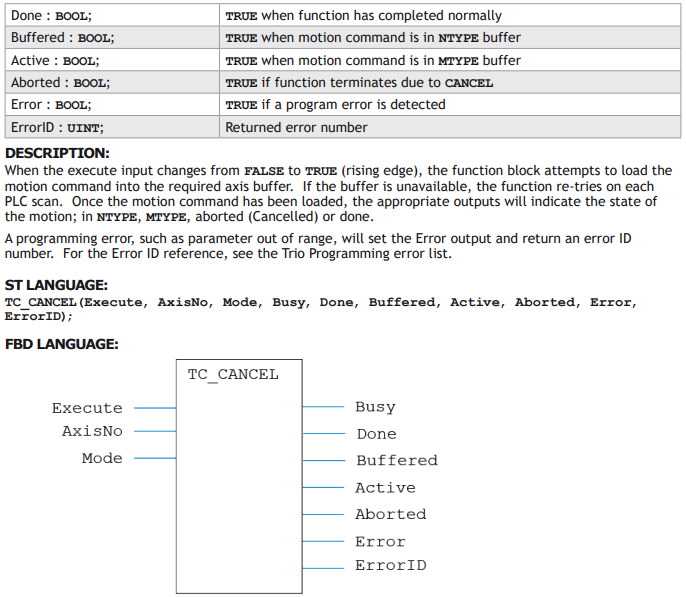
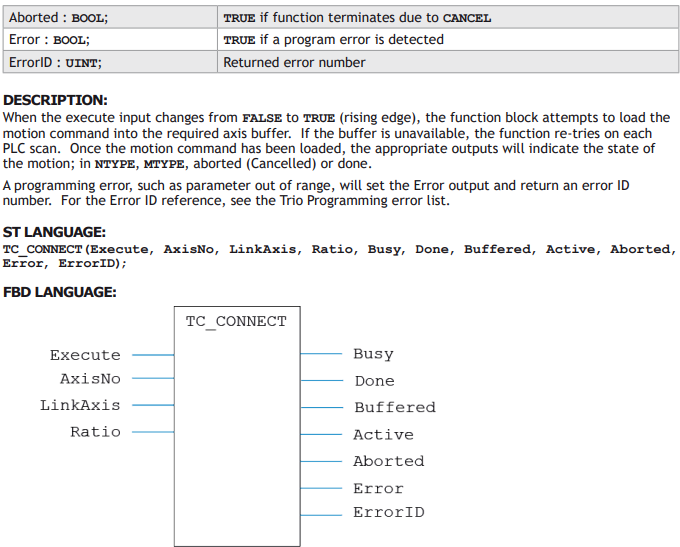
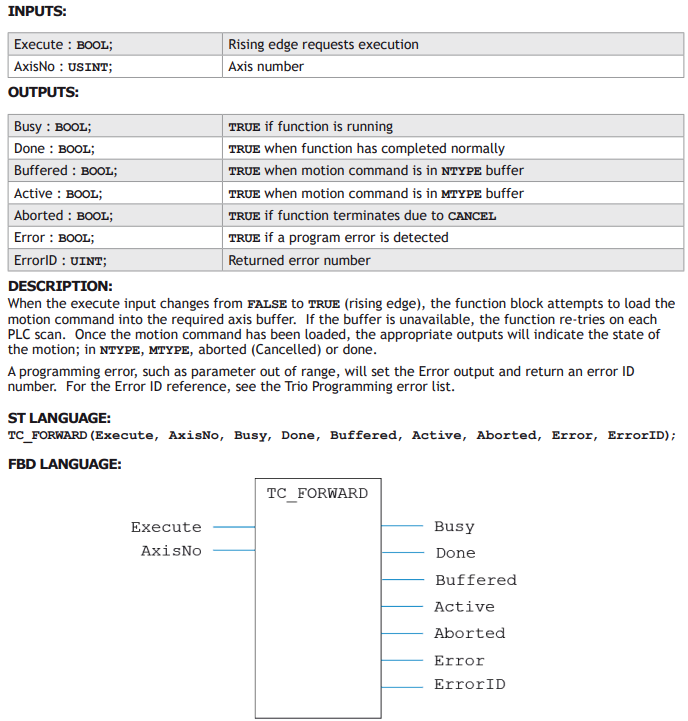
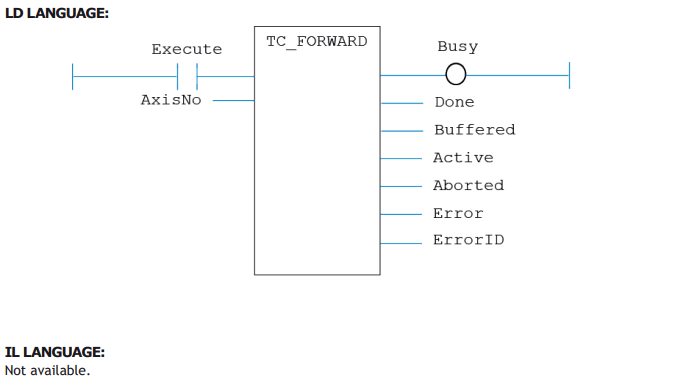
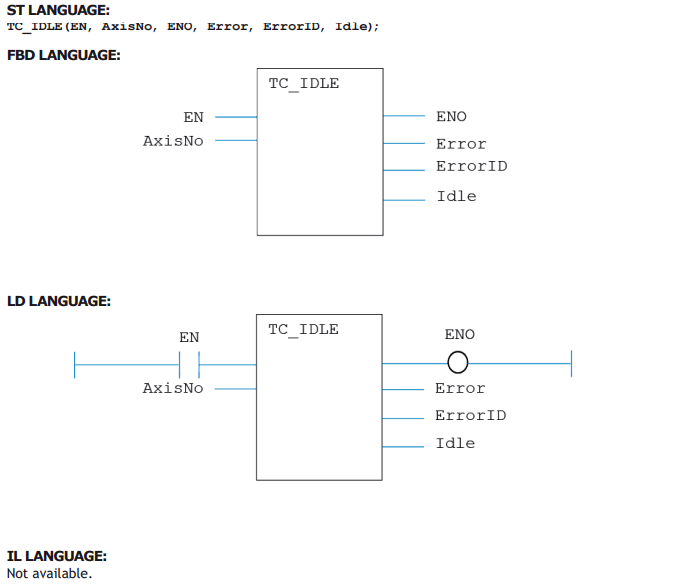
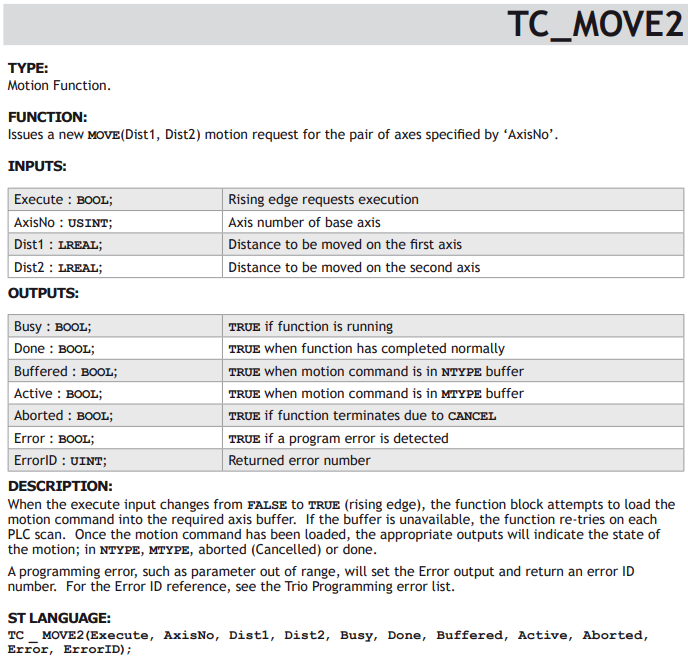
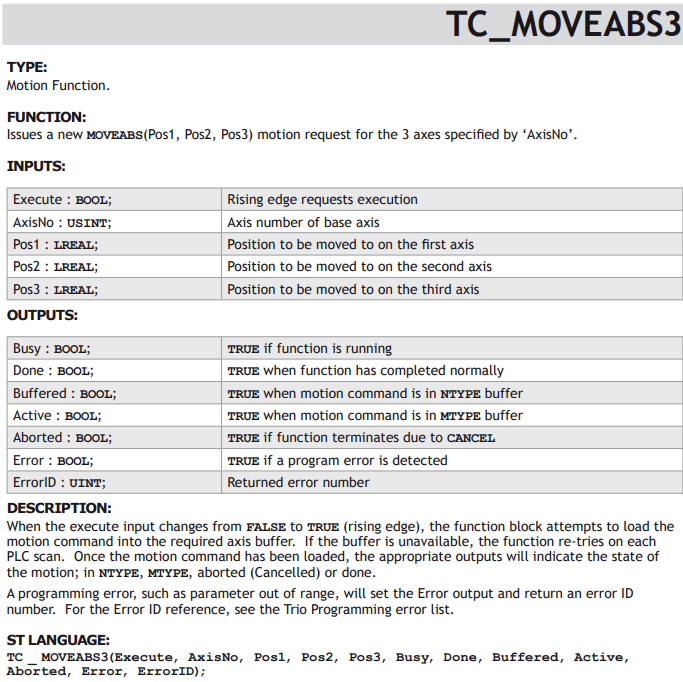
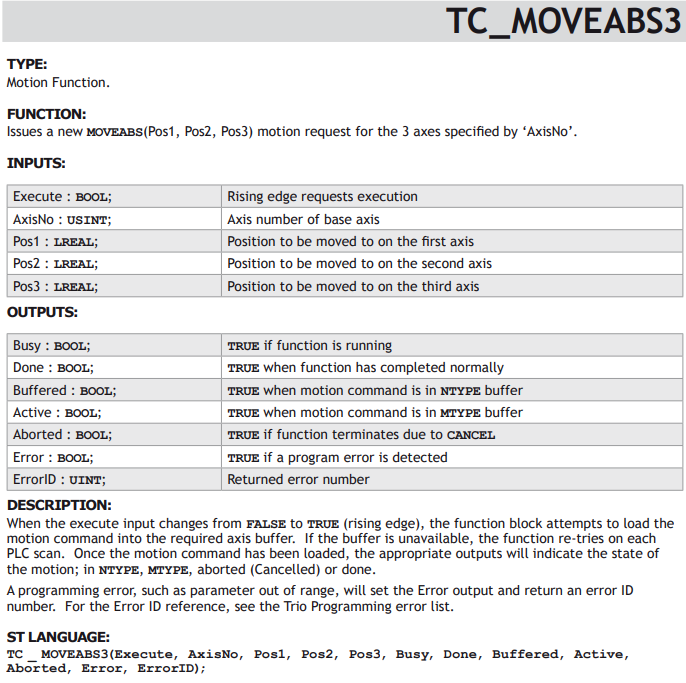
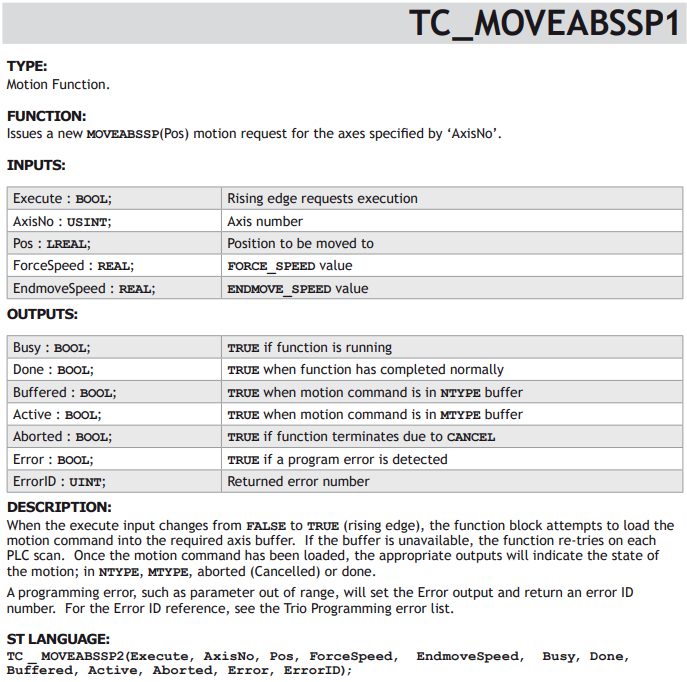
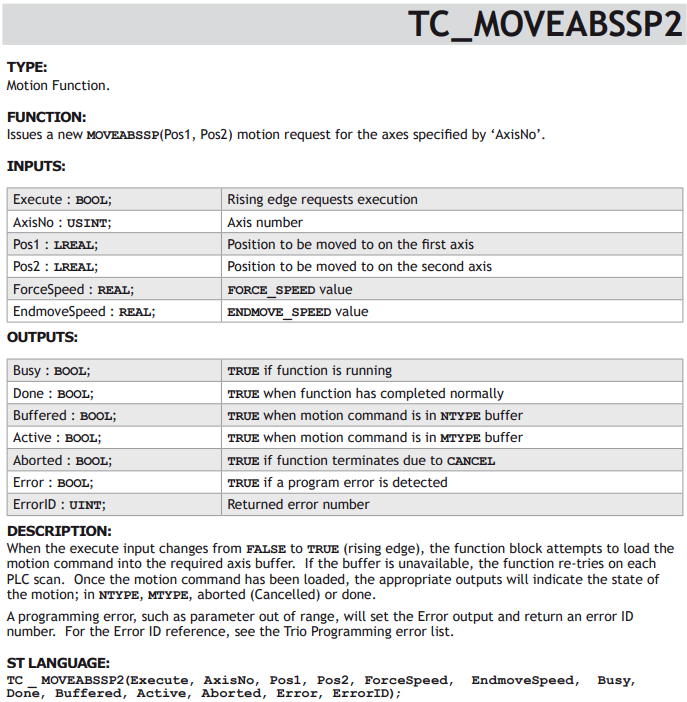
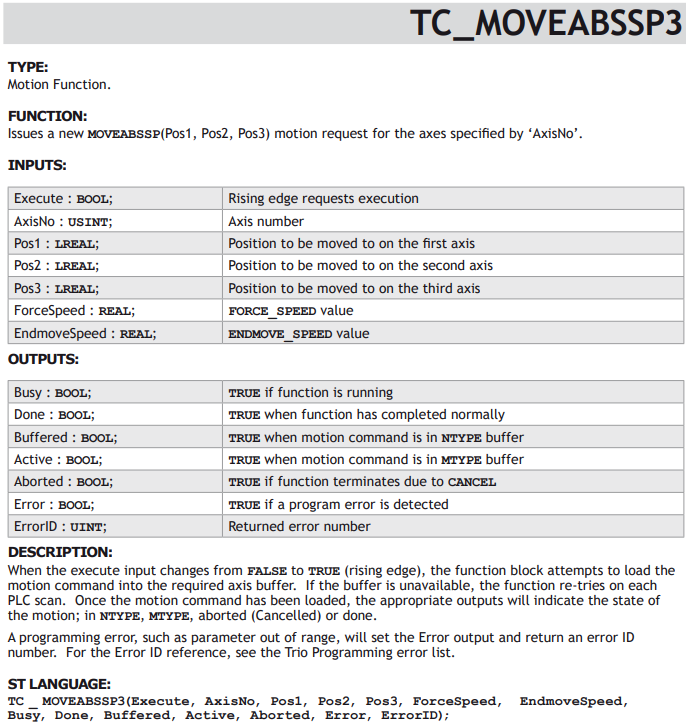
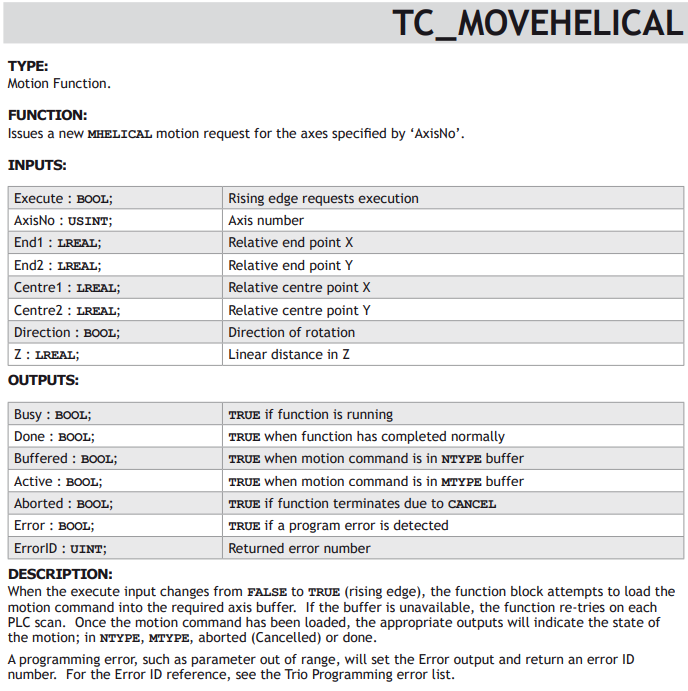
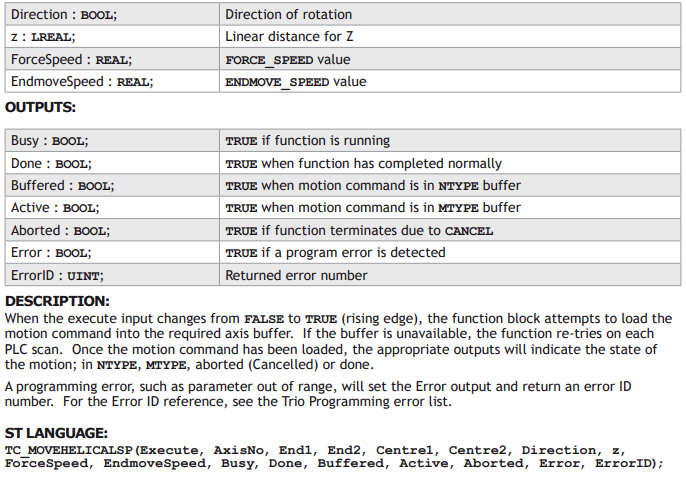
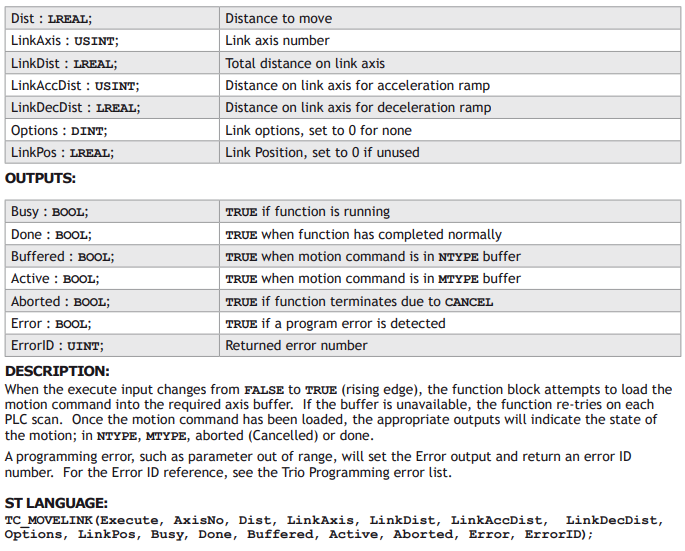
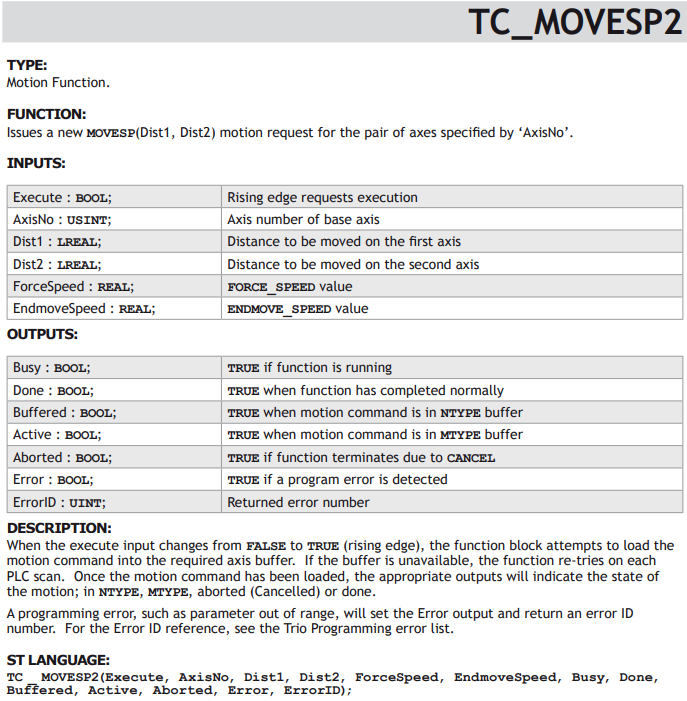
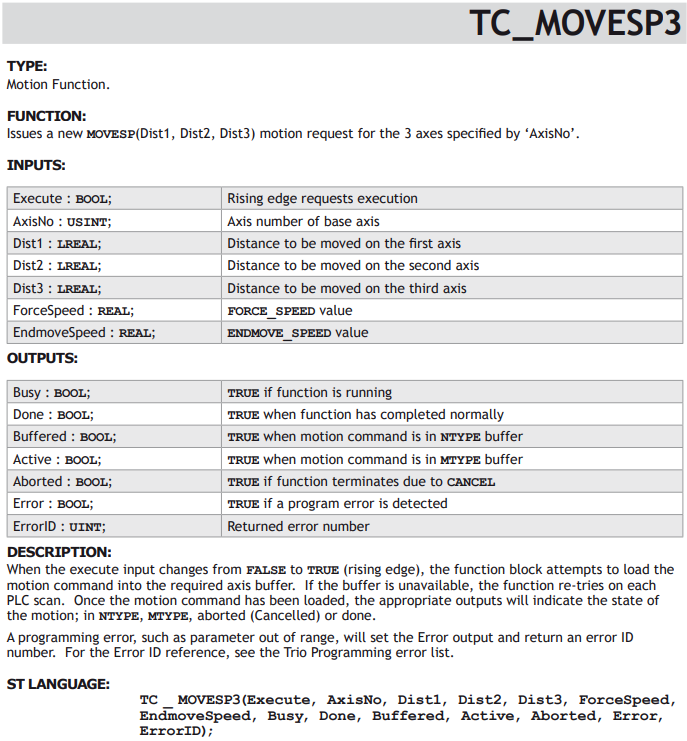
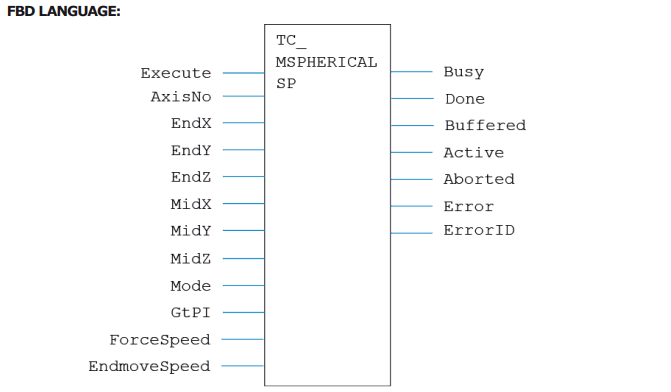
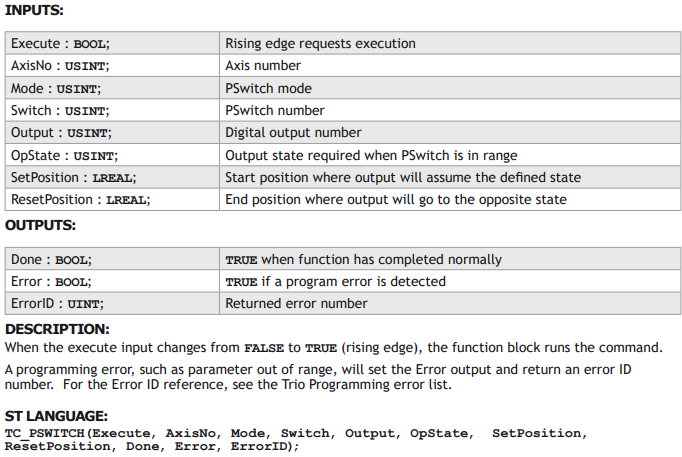
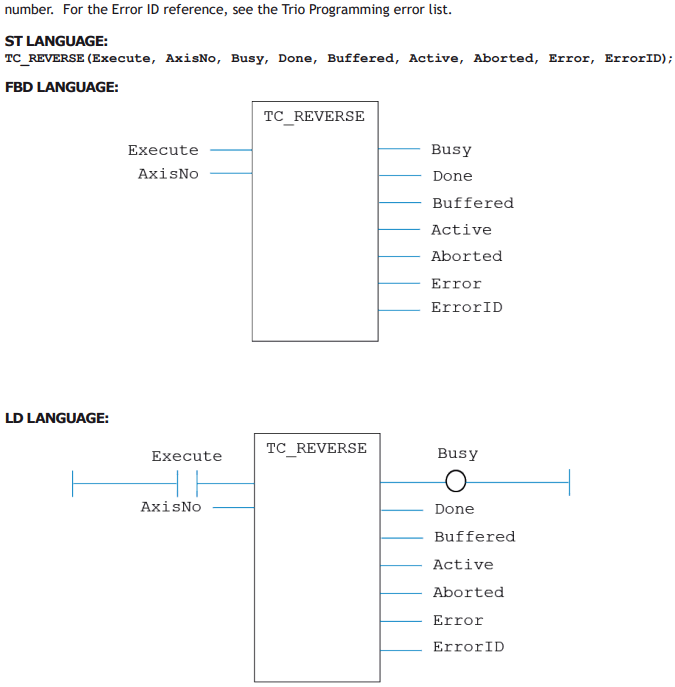
In the IEC 61131-3 programming system, the program is continuously scanned. Therefore it is not possible to have the equivalent of a WAIT IDLE that is commonly used in BASIC. Each function block therefore has a number of outputs which can be used to determine whether the move is buffered, running, completed or if there was an error. The common outputs are:
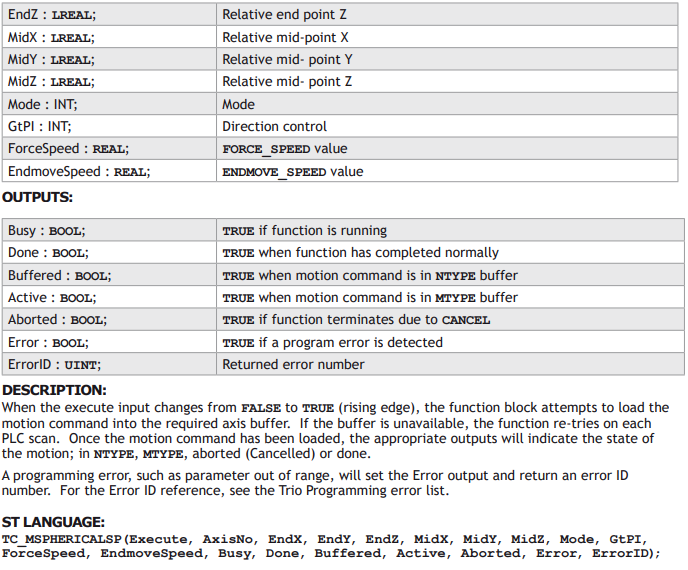
BUSY:
This BOOL output is TRUE after the Execute input has triggered the function. It goes back to FALSE once the motion function has completed.
DONE:
This BOOL output goes TRUE after the motion function has been completed normally.
BUFFERED:
This BOOL output is TRUE to show that the motion command is waiting in NTYPE buffer.
ACTIVE:
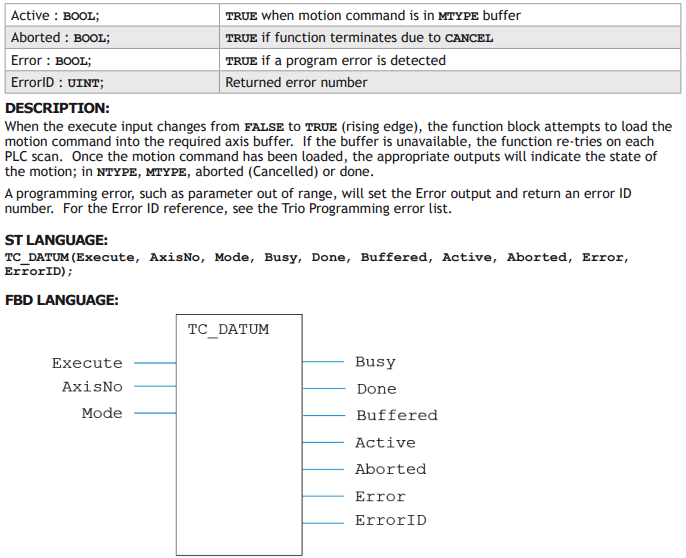
This BOOL output is TRUE when the motion command is running. i.e. in MTYPE.
ABORTED:
This BOOL output goes TRUE if the motion is terminated due to a CANCEL or reaching an end-limit. It indicates that the motion did not run to completion.
ERROR:
This BOOL output is set TRUE if a program error is detected. For example if an input value is out of range.
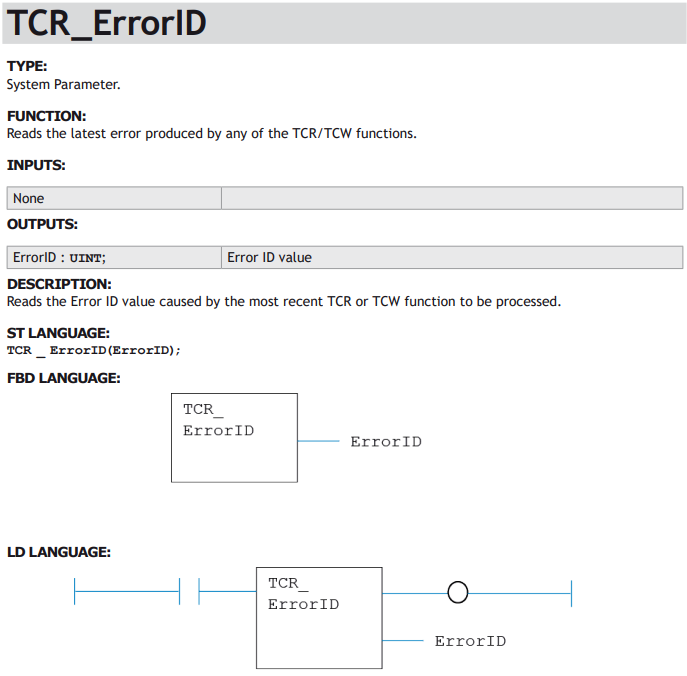
ERRORID:
An UINT value which gives the error number. This value is available when the Error output is TRUE. The meaning of the ErrorID value is the same as a Trio BASIC run-time error value.
FUNCTION BLOCK DESCRIPTIONS
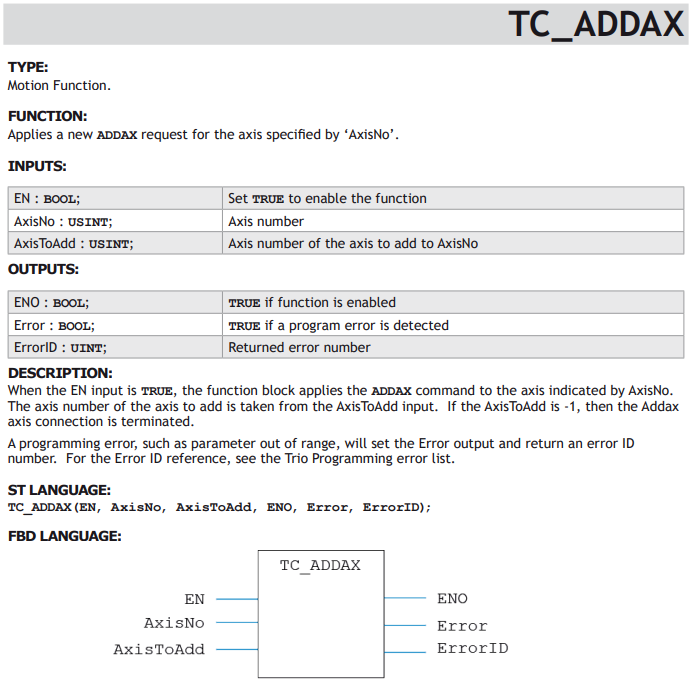
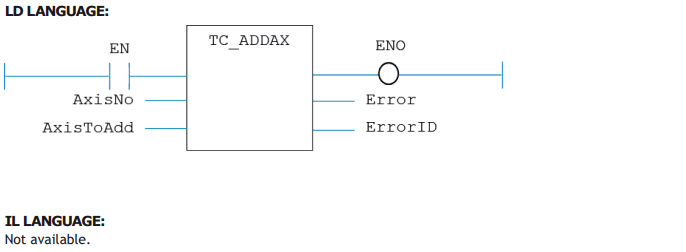
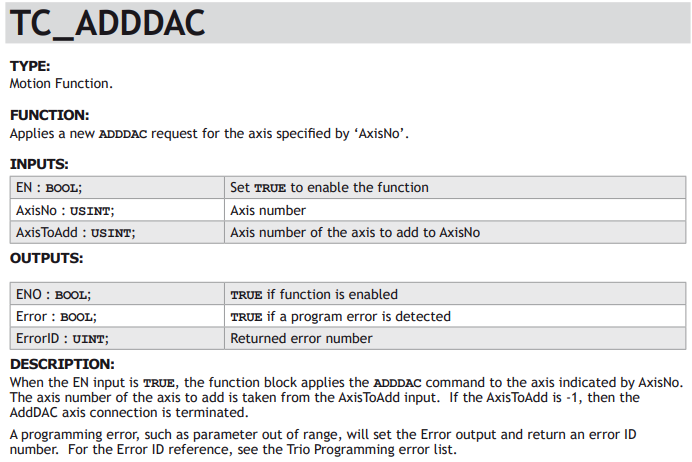
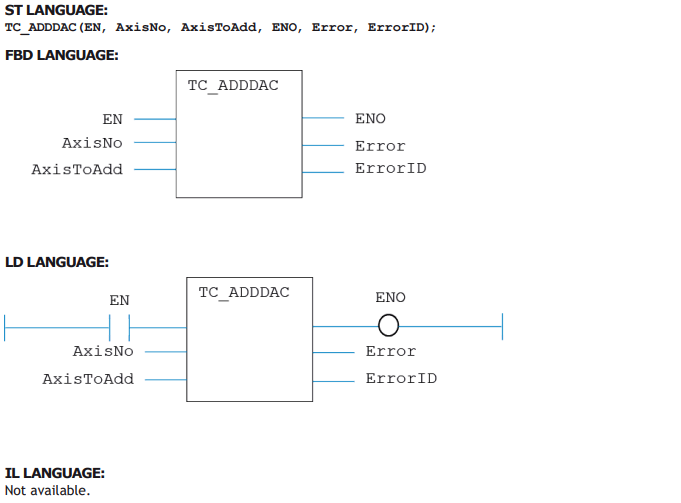
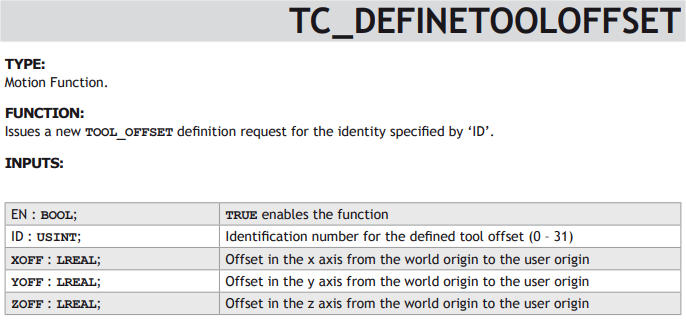
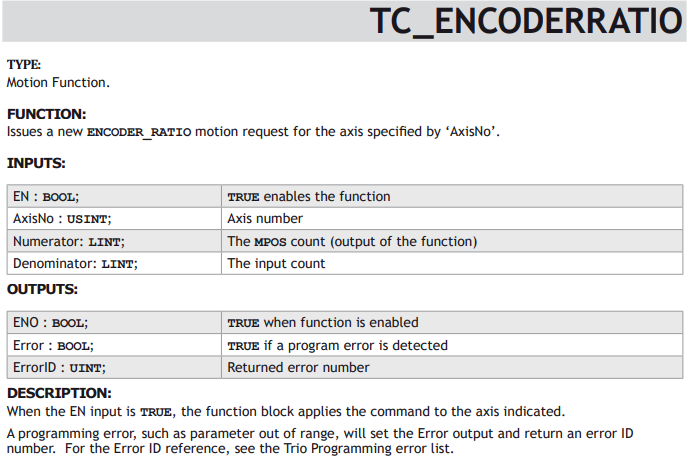
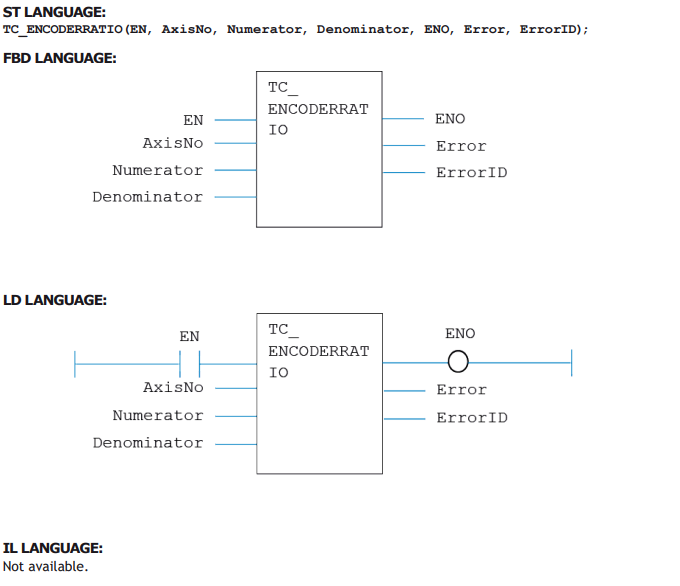
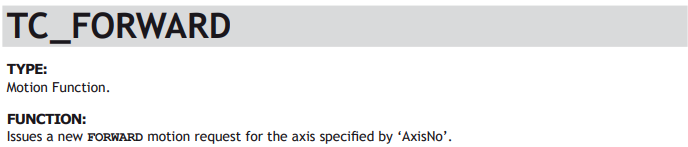
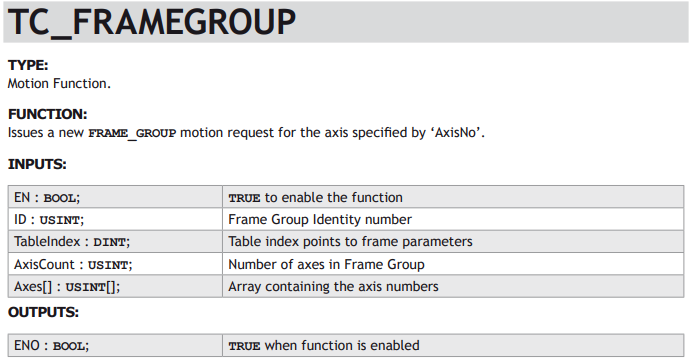
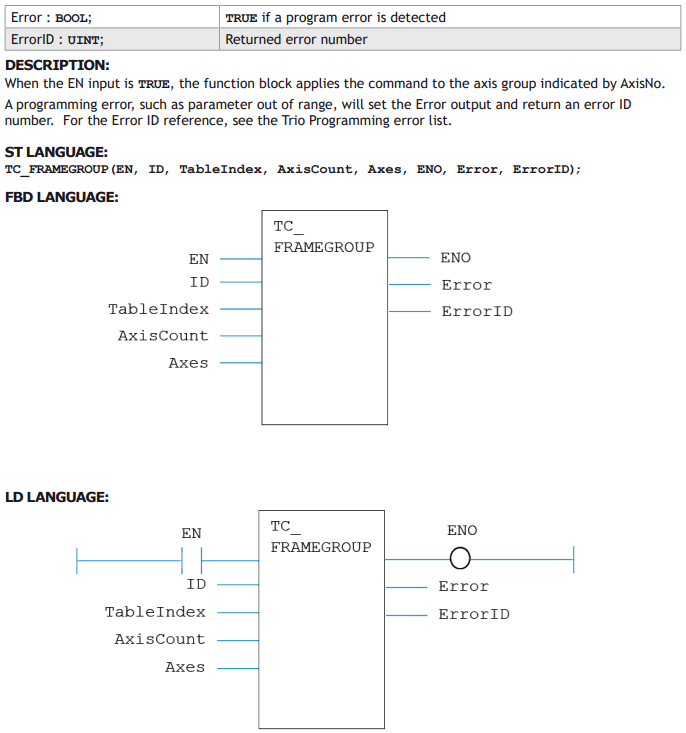
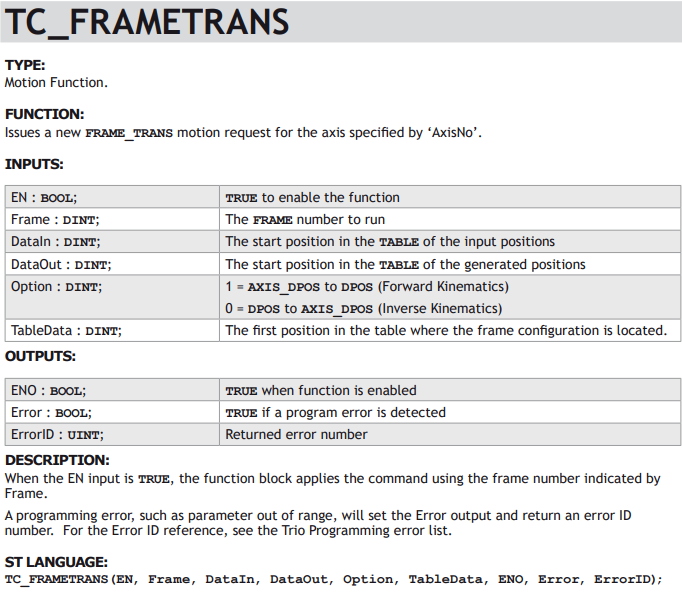
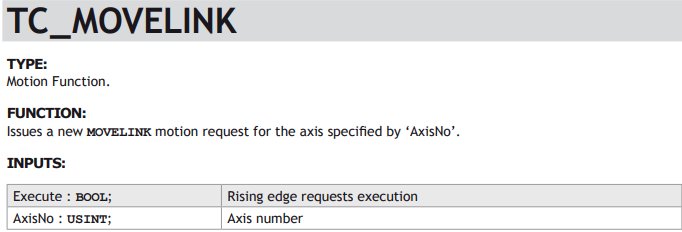
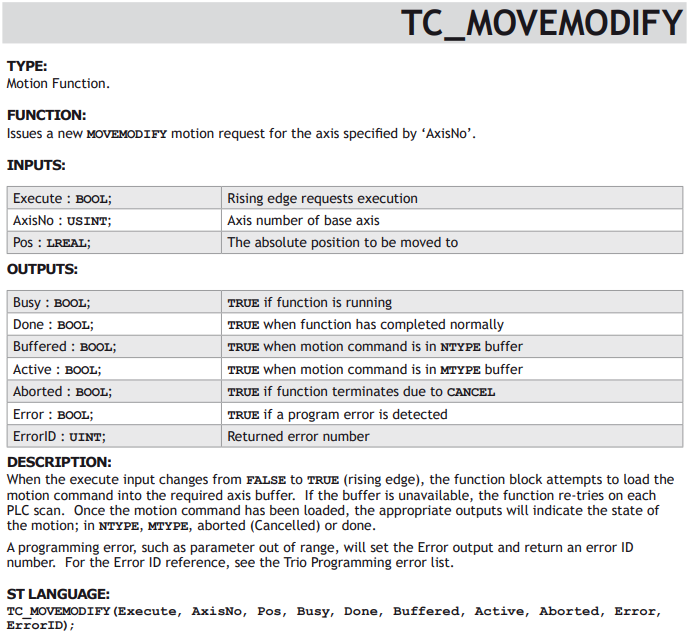
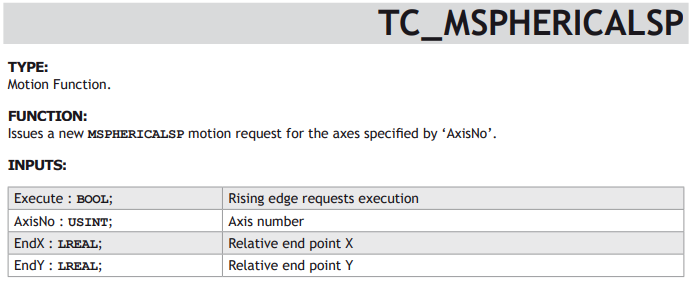
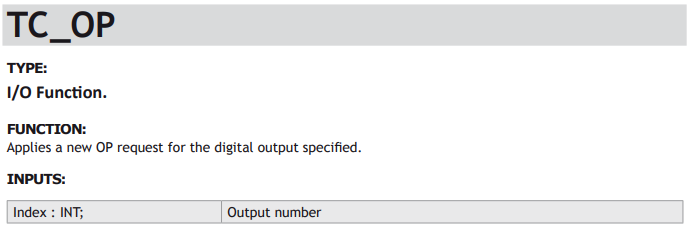
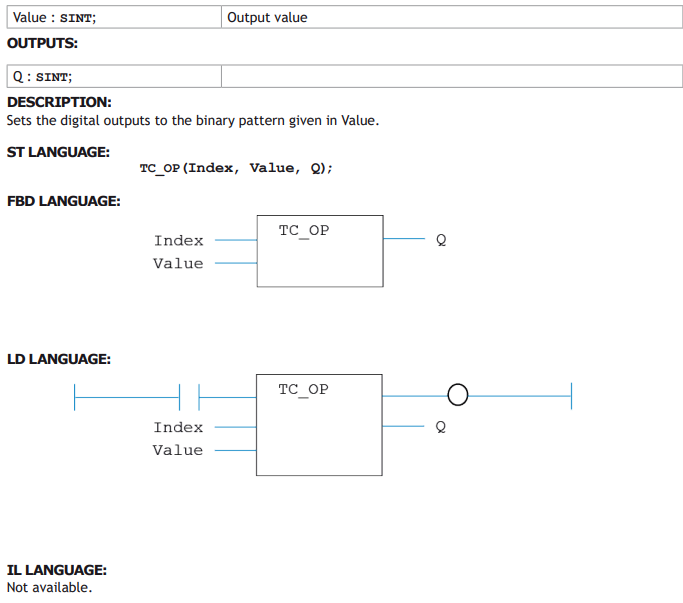
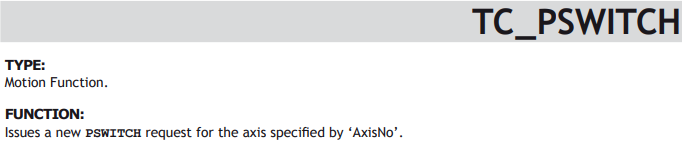
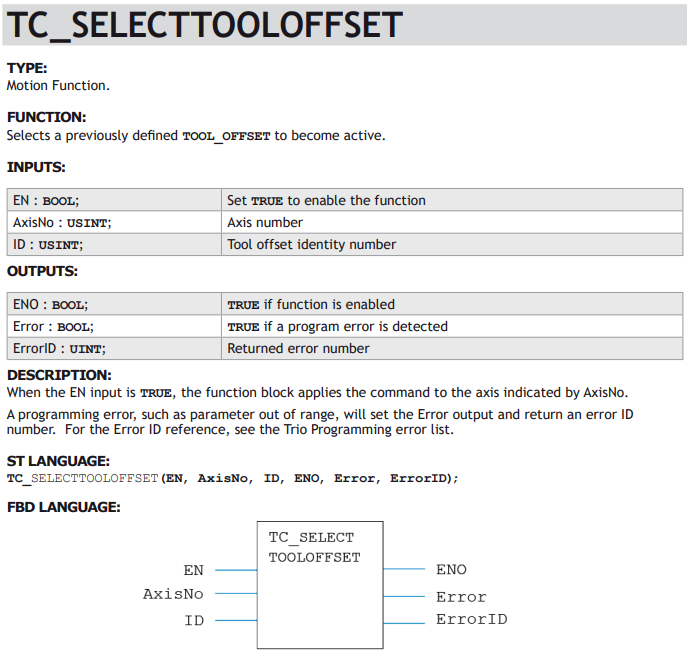
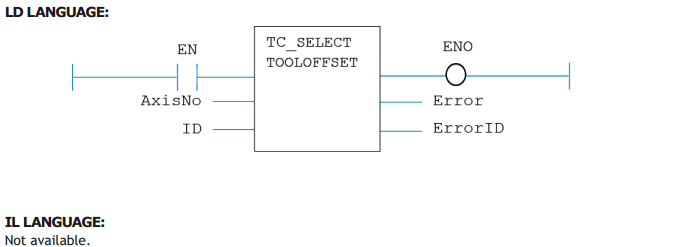
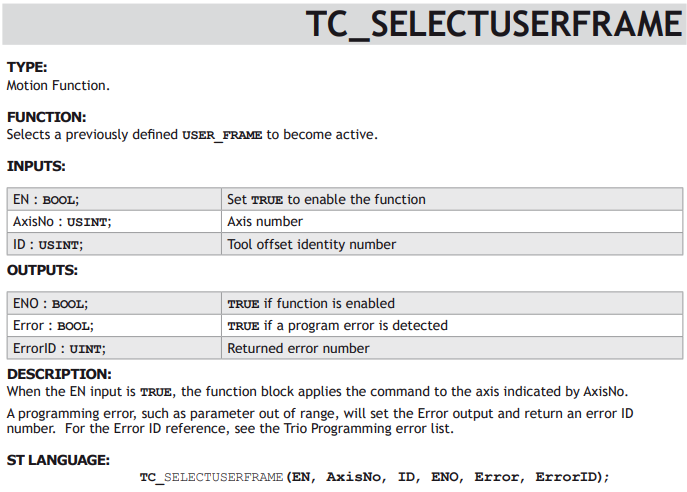
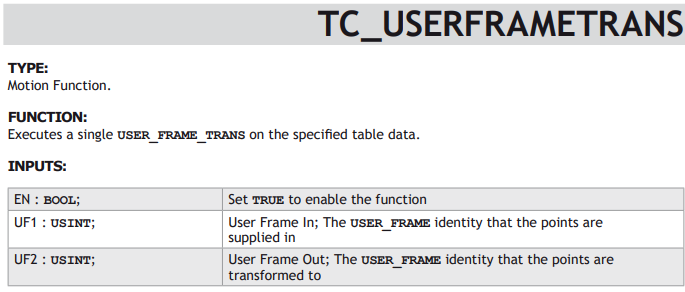
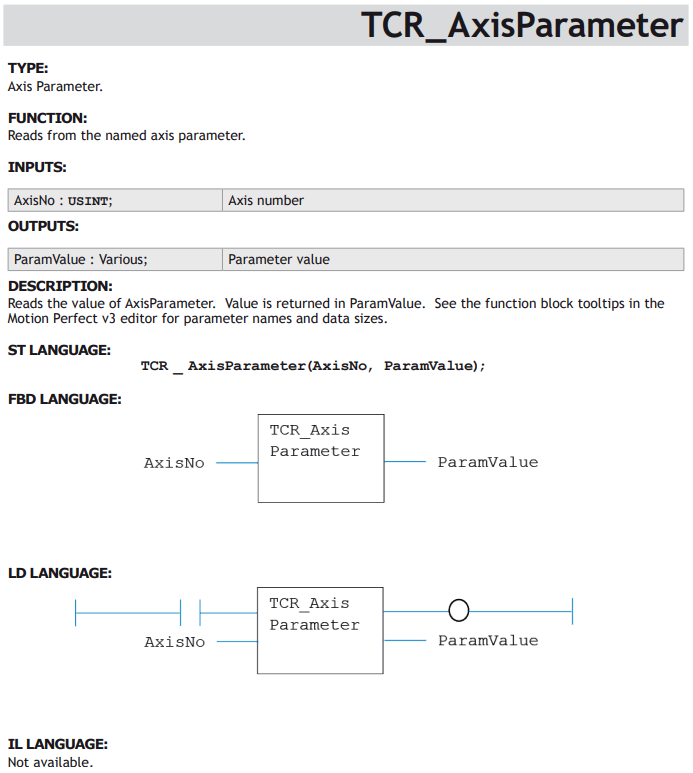
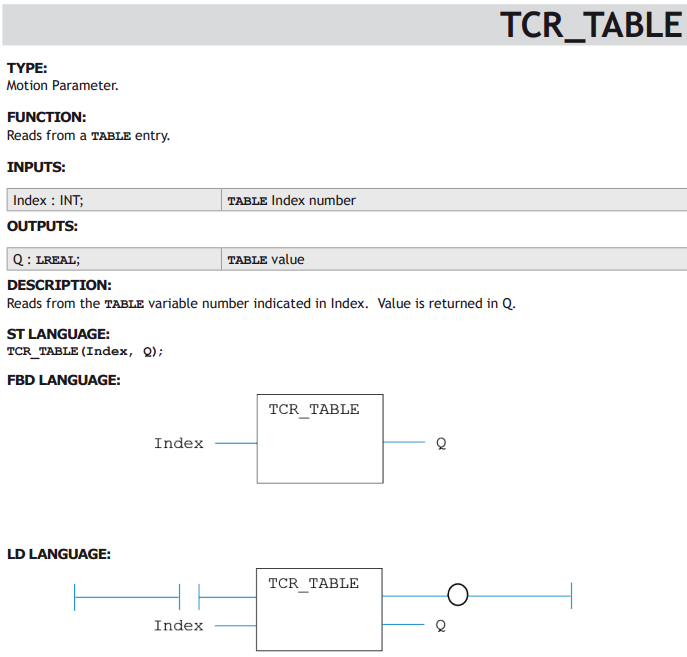
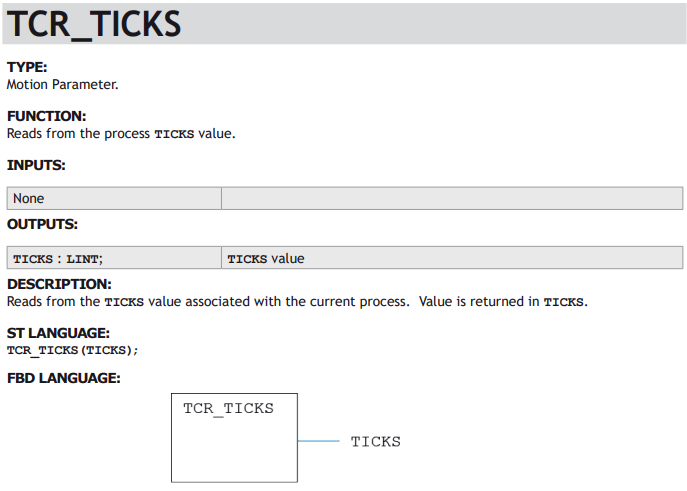
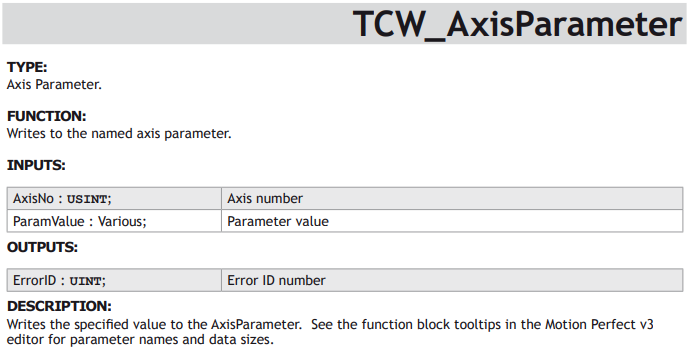
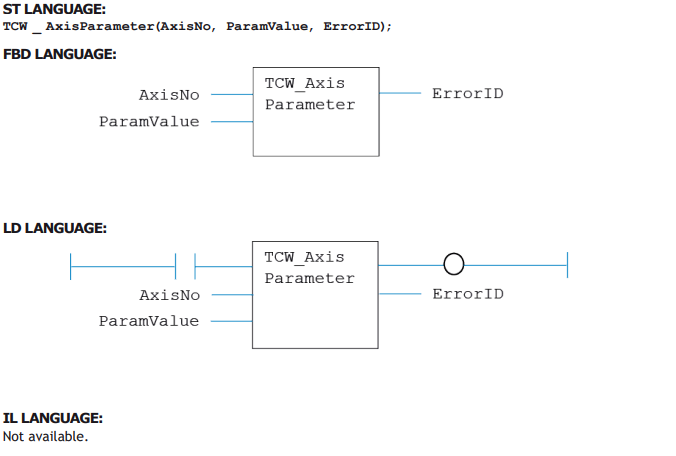
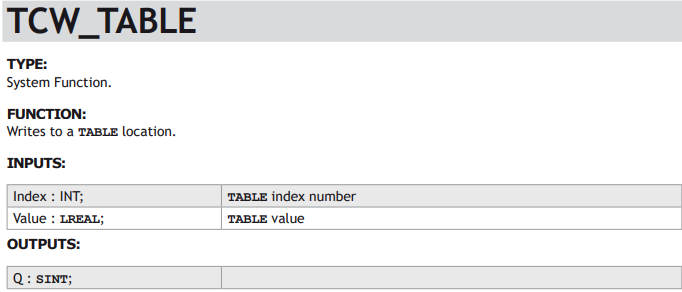
Each function block is described in the usual format for IEC 61131-3 library components. The details are limited to those required in order to add the function block to a program. For a full description of the associated motion command, see the Trio BASIC commands in chapter 2. Function block TC_MOVELINK, for example, has the same operation as the Trio BASIC MOVELINK command, and the entry in chapter 2 includes examples of how it may be used.