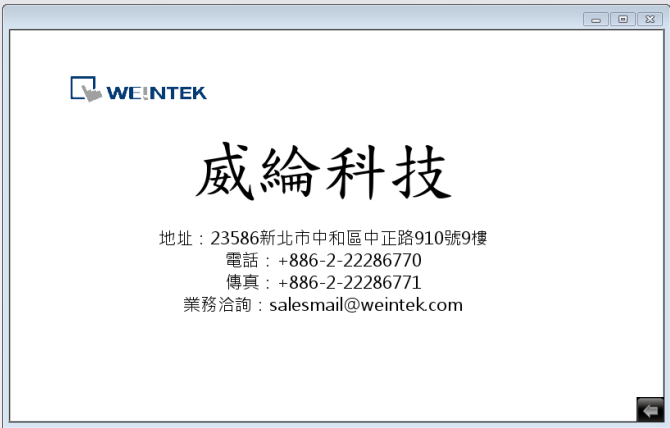
10. Display Chinese Fonts
How to display Chinese characters correctly?
When you open a project that contains Chinese characters, you may find that the characters are displayed as shown in the following figure
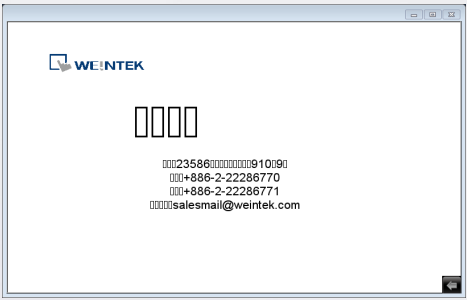
The following steps will show you how to solve this problem.
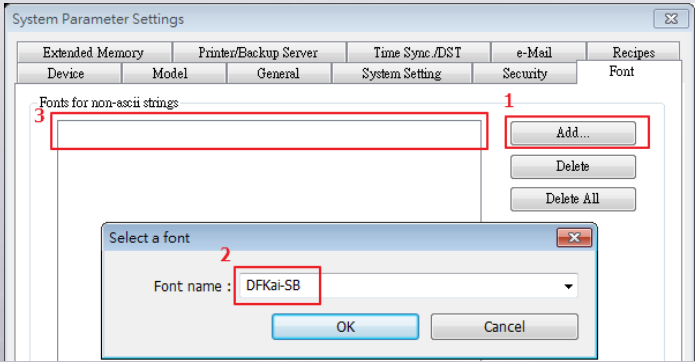
Step 1. Go to System Parameter Settings » Font tab. Click [Add] button, enter the font name to add the font to the library
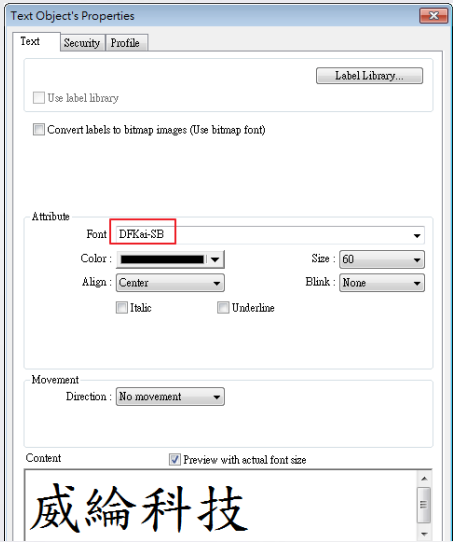
Step 2. Select a valid Chinese font when editing the project. As shown in the following figure, the valid font can be “DFKai-SB”
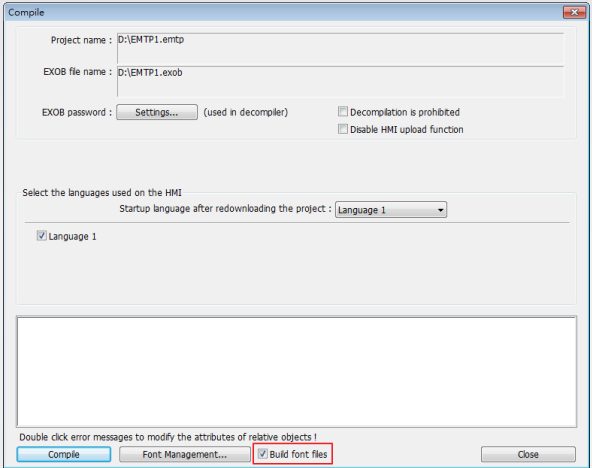
Step 3. Select [Build font files] check box in Compile dialog box.
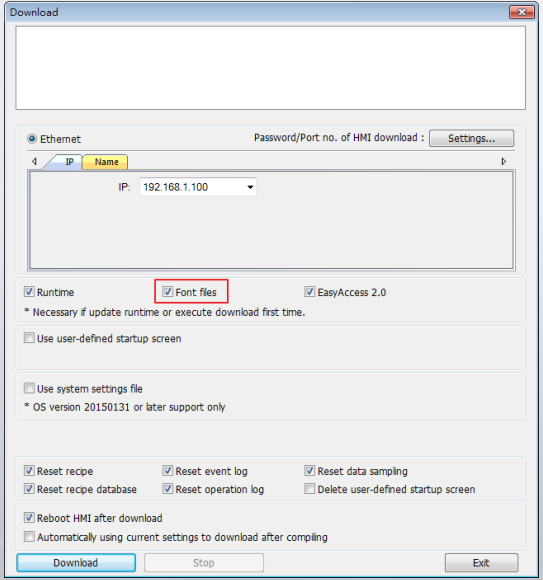
Step 4. Select [Font files] check box in Download dialog box.
Step 5. The Chinese characters can now be correctly displayed on HMI.