20. How to make EasyBuilder Pro work under Vista?
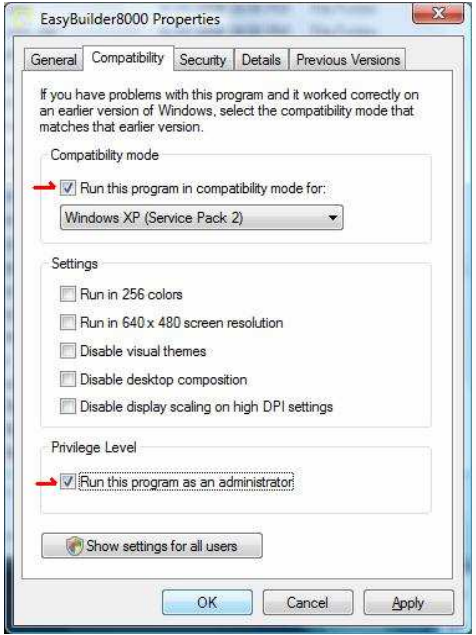
1. Go to EasyBuilderPro.exe, right click and select Properties
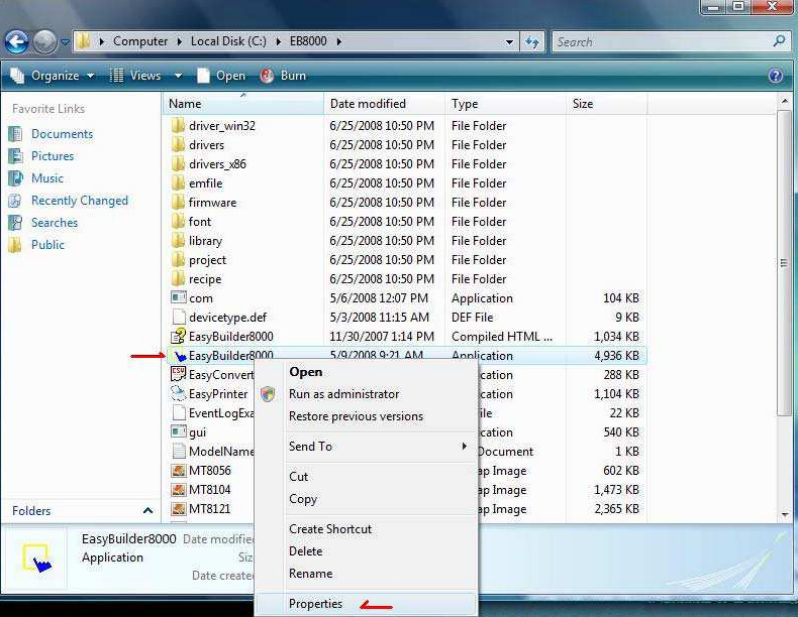
2. Go to tab “Compatibility” and choose Compatibility mode “Windows XP”,
3. Go to Project Manager.exe, right click and select Properties
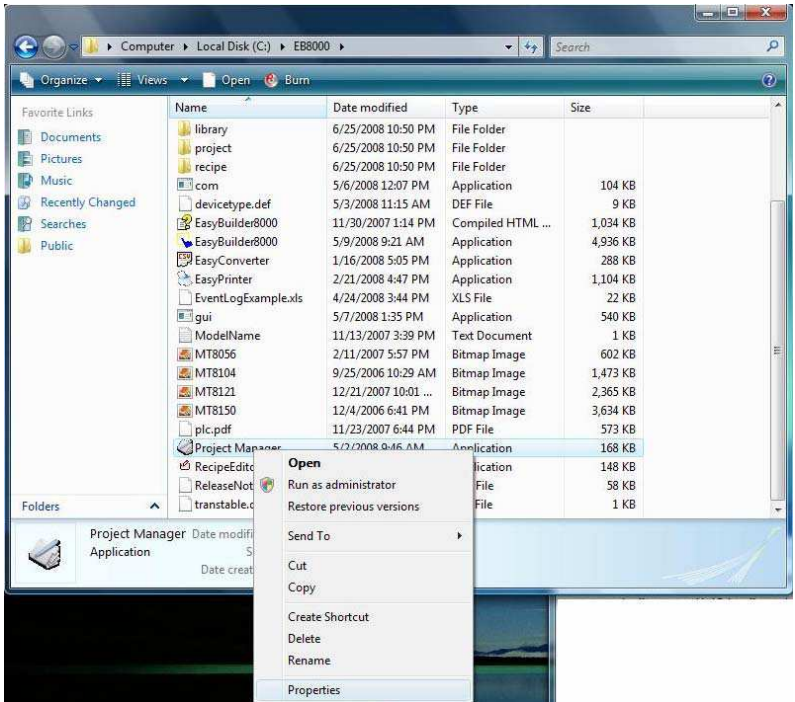
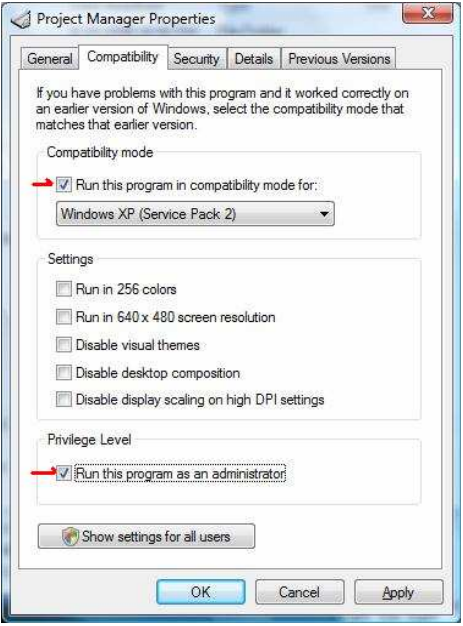
4. Go to tab “Compatibility” and choose Compatibility mode “Windows XP”, and on the Privilege Level to check “Run this program as an administrator”
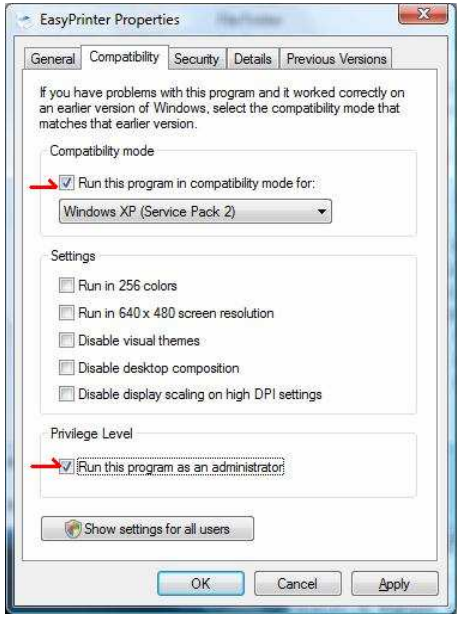
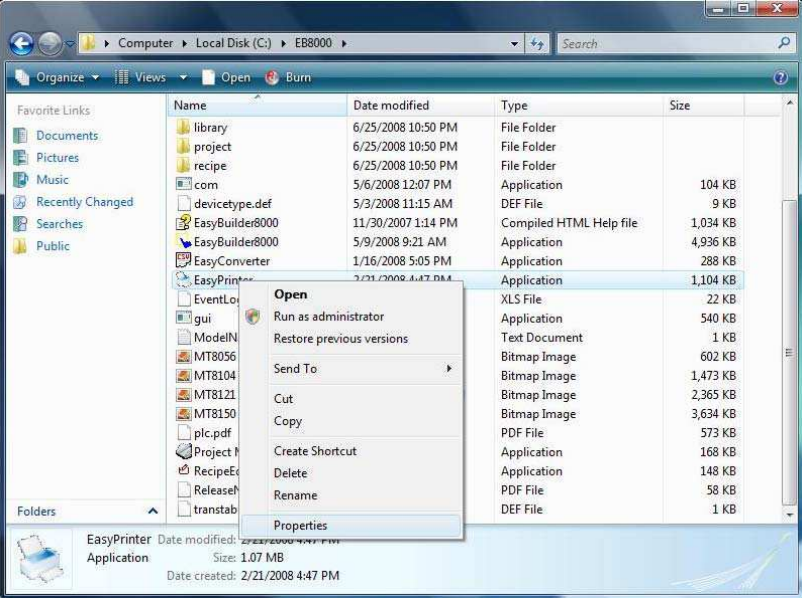
5. Go to EasyPrinter.exe, right click and select Properties
6. Go to tab “Compatibility” and choose Compatibility mode “Windows XP”, and on the Privilege Level to check “Run this program as an administrator”