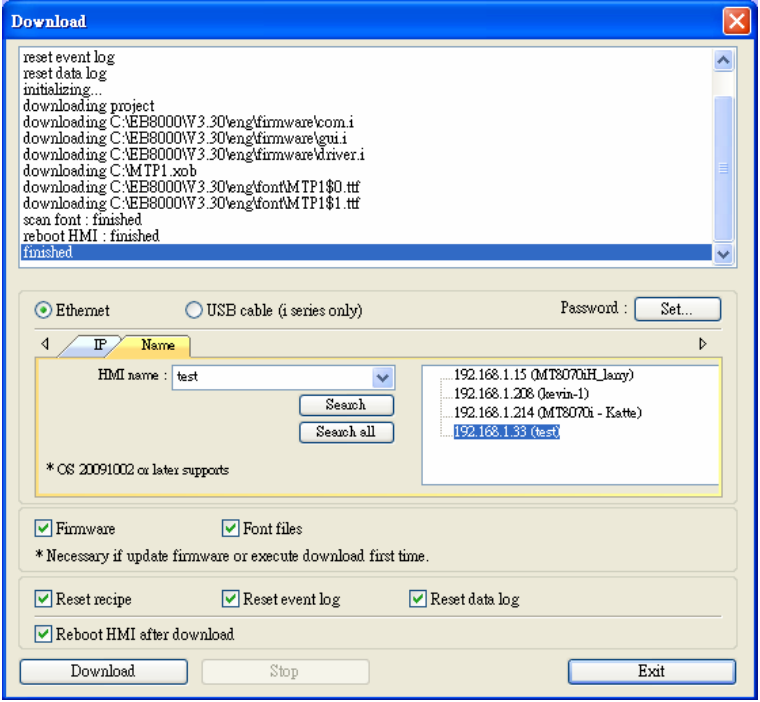
31. How to download project through HMI name?
If users would like to download project through Ethernet, there are two ways for selection. One is to input HMI IP address for downloading; another is to input HMI name. Before downloading project through Ethernet, the IP address of target (HMI) must be set correctly in system settings in HMI. If “Auto Get IP Address” is selected, IP address will be automatically assigned from local DHCP network. While if “IP address get from below” is selected, IP address and other network information have to be inputted.
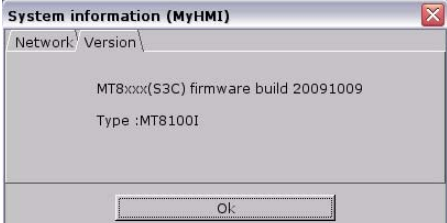
Hardware version: OS image 20091009 or later supports
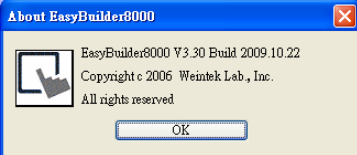
Software version: EB8000 V3.30 or later supports
1. First of all, users have to set up HMI name in System settings in HMI.
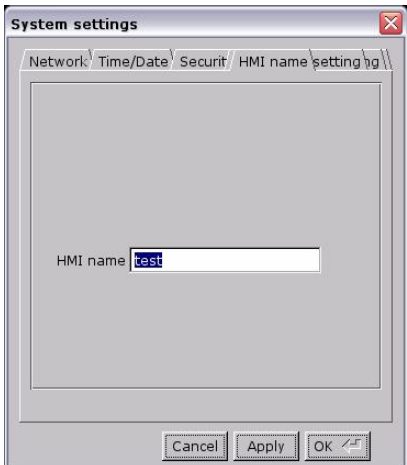
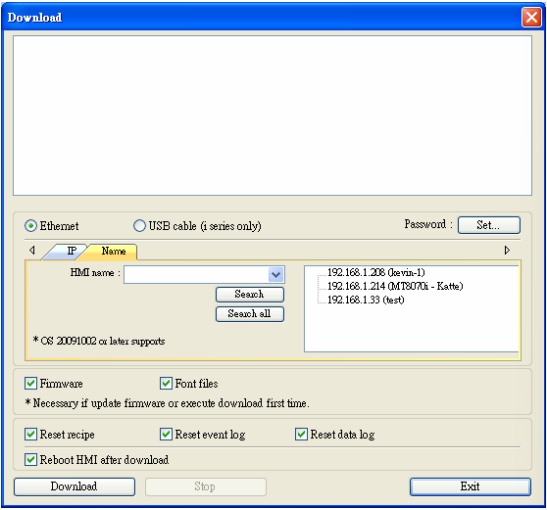
2. After finish setting the HMI Name in HMI, please click [Name] in the Download window as below.
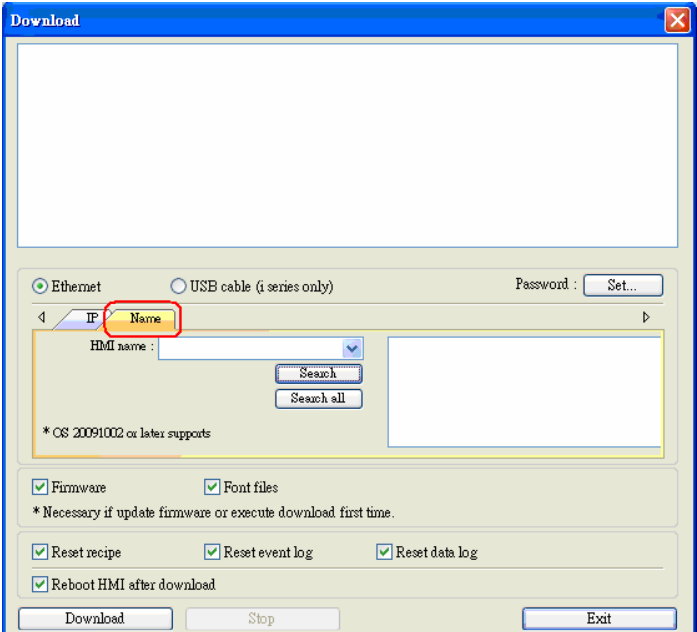
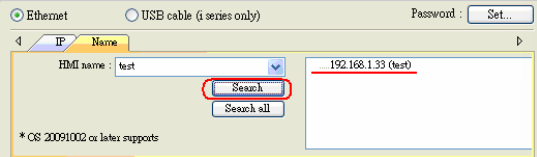
3. Input a HMI name in field and click “Search” to search the designated HMI,
Or click “Search all” to search all HMI in network.
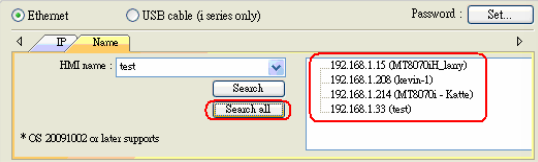 4. Choose a HMI and click Download button to start downloading the project.