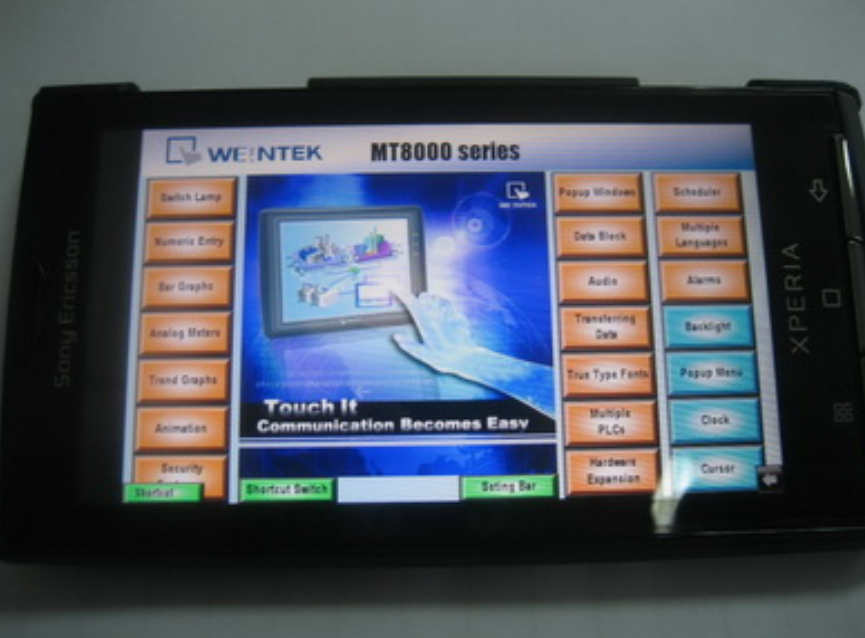
35. Remote control HMI with smartphones
For setting HMI VNC function, please refer to the here.
ftp://ftp.weintek.com/MT8000/eng/FAQ/FAQ_28_How_to_use_VNC_server.pdf
■ Take iPhone as an example
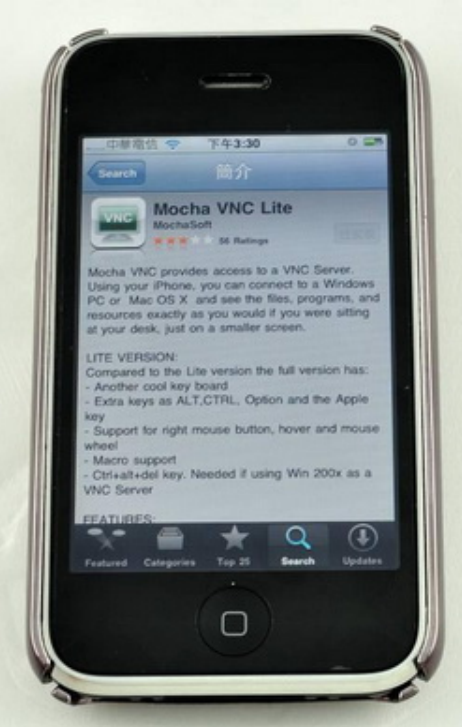
1. Visit  App Store and search “VNC”. Find “Mocha VNC Lite” application
and install.
2. In Mocha VNC Lite, set HMI IP address, Password, TCP port = 5900, and
click “Connect”,
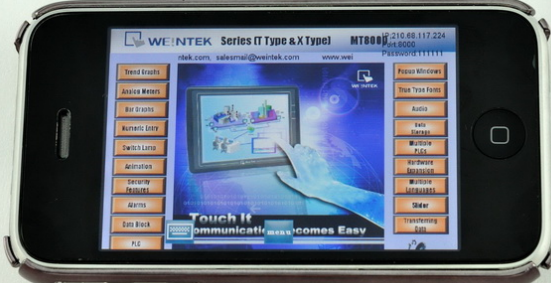
Now users are able to control HMI with iPhone.
■ Take Android phone as another example
Apart from iPhone, Android phones now in widespread use are supported too.
1. Visit  Android Market and search "VNC". Find “Android VNC”
application and install.
2. In Android VNC, set HMI IP address, Password, TCP port = 5900, and click
“Connect”,
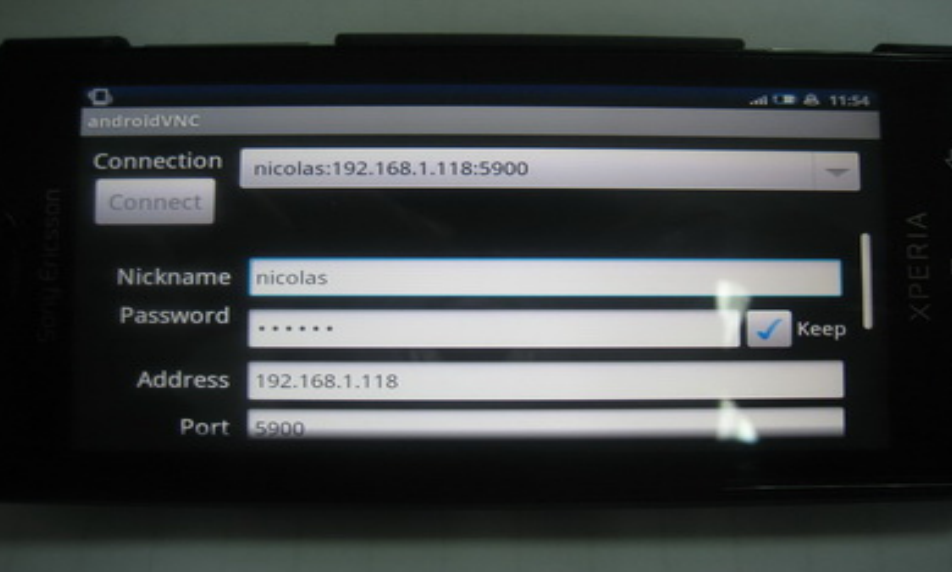
Now users are able to control HMI with Android phone.