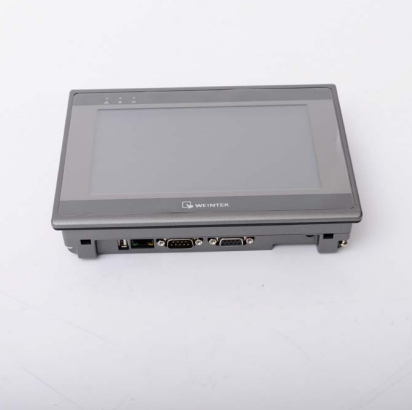
49. How to Change HMI Overlay?
For the design of Weintek HMI, the overlay and touch screen are not stick together with any glue substance, therefore, the screen will not be damaged when removing overlay. This allows users to change overlay freely. Generally, users may add a protective sheet on the overlay, however, this may reduce light transmission, and the appearance of HMI may not look good. If the overlay is damaged, users can always buy a new one and change it.
Step 1.
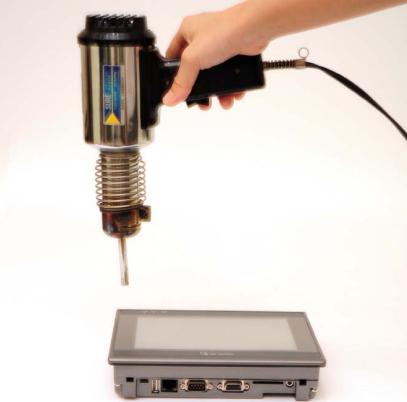
Use an industrial heat gun to heat up the edge of overlay around 1 minute. Please move the heat gun back and forth instead of staying at one point. Otherwise, the touch screen may be overheated and damaged. The recommended distance between the heat gun and the overlay is 5 cm, and maintain a 65°C temperature for the surface of overlay.
Step 2.
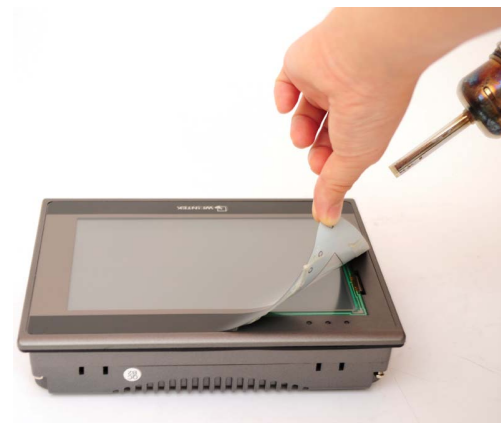
When the surface of overlay turns warmer, remove it slowly when keep on heating it up, in this way the overlay adhesive won't be left on the panel.
Step 3.
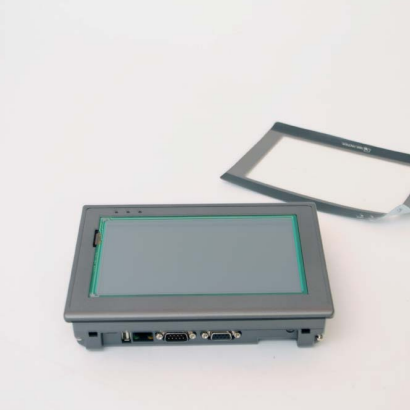
When the overlay is completely removed, if the front panel is still sticky, please
use some cleaning naphtha to wipe it.
Step 4.
Align the new overlay with one edge of the panel and lay flat.
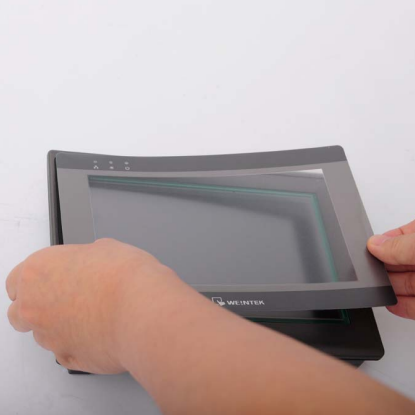
Step 5.
The changing of overlay is perfectly done