95. Popup driveer parameters
Why don’t the popup windows show up when using functions like VNC Viewer, Media Player, or Video In?
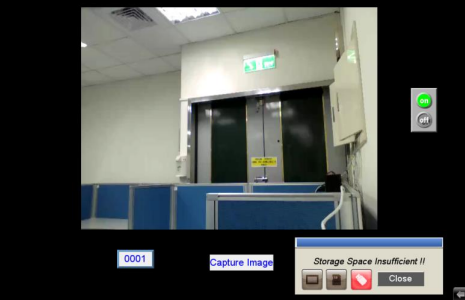
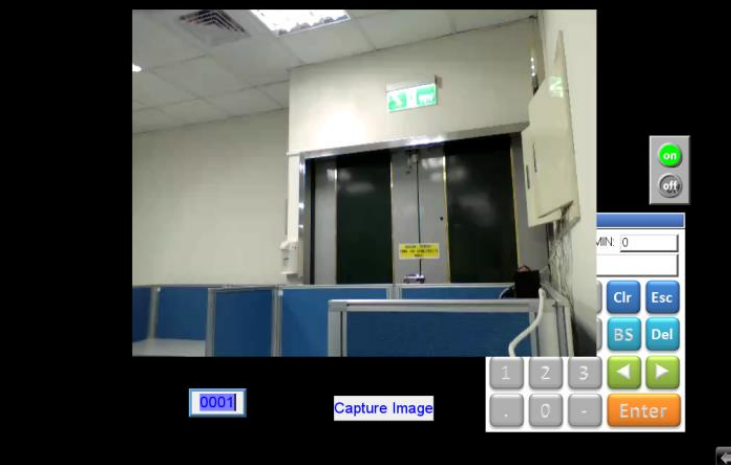
When using functions like VNC Viewer, Media Player, or Video In, sometimes the popup window doesn’t show up. Take Video In as example. The popup keyboard of the Numeric object is cut off by the video screen.
Or while capturing the image, when the memory of the USB disk is full, the “Storage Space Insufficient!!!” window doesn’t show up.
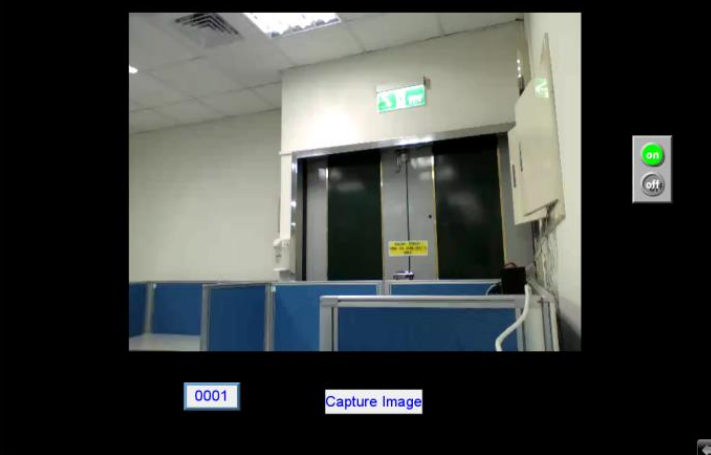
It’s because VNC Viewer, Media Player, or Video In are built in the OS. These functions are usually placed in the center of the screen, and the default positions of popup windows are also the center, so the popup windows will be covered under these functions’ screen. To avoid it, the user needs to change the default position of popup windows.
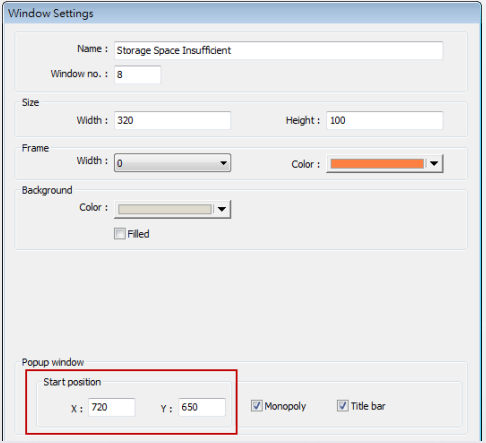
So the popup window will show up at the position where it can be seen.