
Kalibracja ekranu dotykowego w HMI bez przełączników DIP
Streszczenie: Kalibracja ekranu dotykowego w panelach bez przełączników DIP: przytrzymanie palca na ekranie podczas włączania zasilania uruchamia tryb kalibracji, potem dotknięcie środków znaczników „+”.
EN: How to calibrate the touchscreen of an HMI without DIP switches by holding the screen during power-up.
Dotyczy: panele HMI Weintek bez przełączników DIP
Źródło: Weintek FAQ (materiały producenta), oryginalny tytuł: „How to calibrate HMI touchscreen with no DIP switches?”
This FAQ explains how to calibrate HMI touchscreen with no DIP switches.
Step 1. Press and hold the screen lightly with your finger and then power up the HMI.
Step 2. After the starting process, the system directly enters calibration mode.
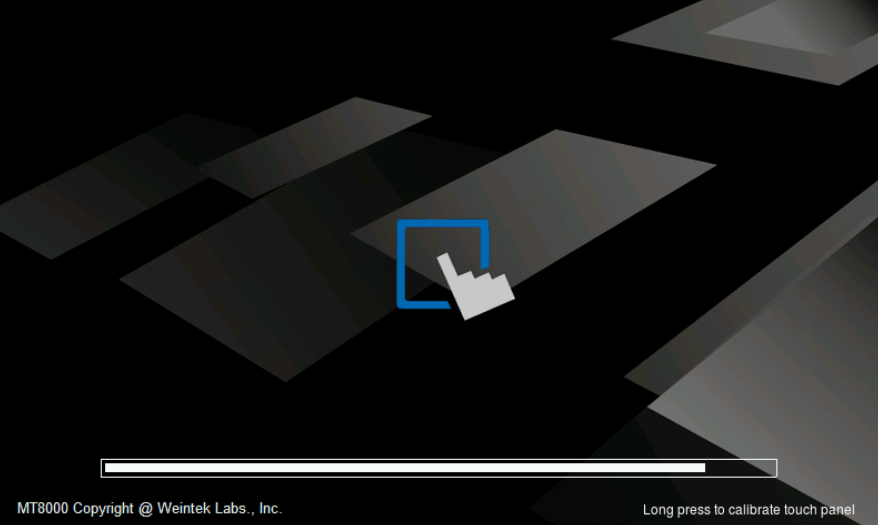
Step 3. Touch the center of all the “+” signs on the screen with your finger or a stylus. The signs disappear if correctly touched, and the touch parameters are stored in the system.
Słowa kluczowe
kalibracja ekranu dotykowego, touchscreen calibration, brak przełączników DIP, no DIP switches, tryb kalibracji, przytrzymanie ekranu, How to calibrate HMI touchscreen with no DIP switches?