
Wyświetlanie kwadratu i koła – MT6070T/MT8070T
Streszczenie: Panele MT6070T/MT8070T mają nieproporcjonalną rozdzielczość 480×234, więc aby wyświetlić kwadrat lub koło, szerokość obiektu trzeba ustawić w proporcji 1,15 : 1 do wysokości (np. 92×80 dla kwadratu 80×80).
EN: How to display a true square or circle on MT6070T/MT8070T (480x234): use a width:height ratio of 1.15:1.
Dotyczy: panele HMI Weintek MT6070T/MT8070T
Źródło: Weintek FAQ (materiały producenta), oryginalny tytuł: „How to display square/circle on MT8070T”
For MT6070T and MT8070T have particular aspect ratio (resolution: 480*234), before to display square or circle, users have to calculate the width and height for object’s profile.
The formula for width and height is: WIDTH : HEIGHT = 1.15 : 1
For example: To make a 80x80 square.
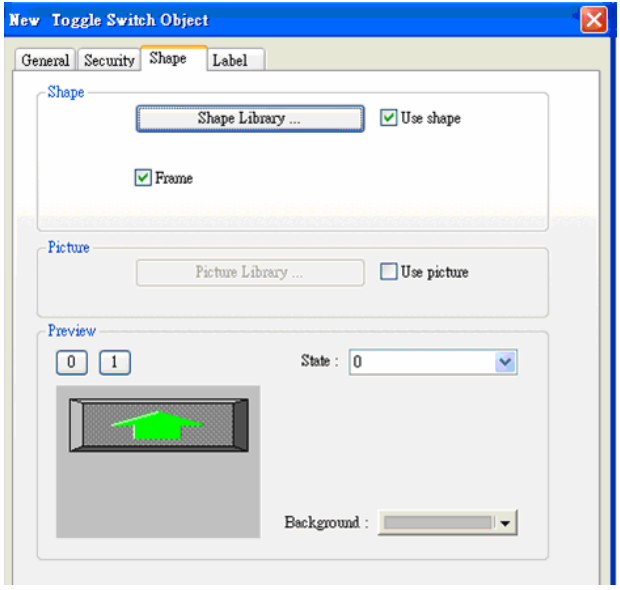
First of all, create a toggle switch object and select the picture and press ok.
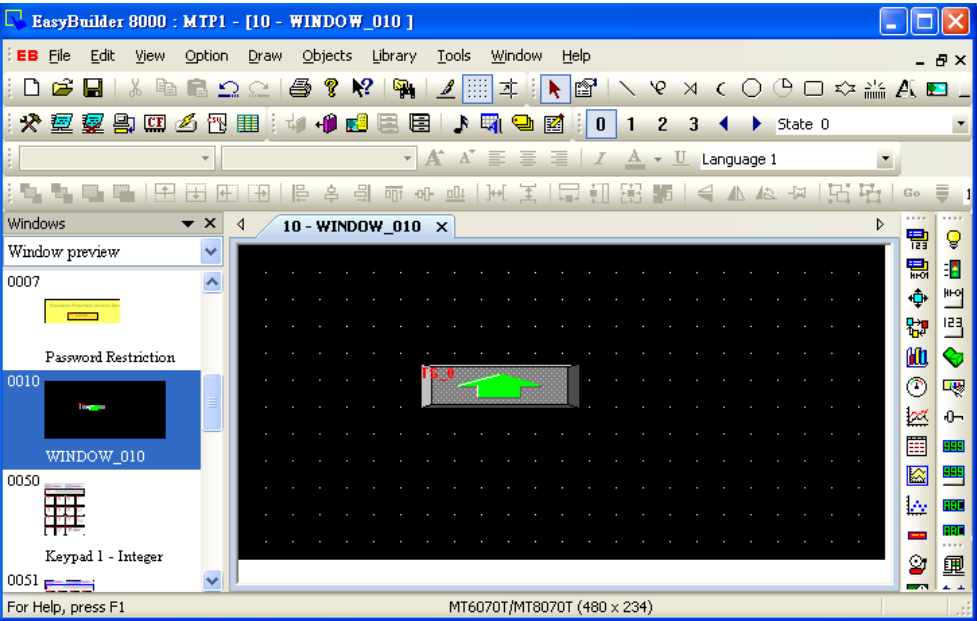
And then double click this object into Toggle Switch Object’s Properties / Profile.
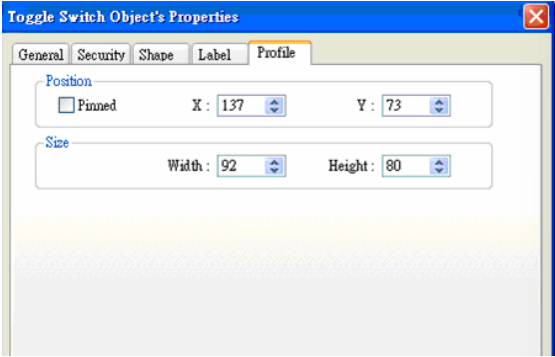
The formula for width and height is: WIDTH : HEIGHT = 1.15 : 1, so fill in the width: 92 and height: 80. (Width: 80*1.15 = 92)
Press ok, the object looks like a rectangle at this moment.
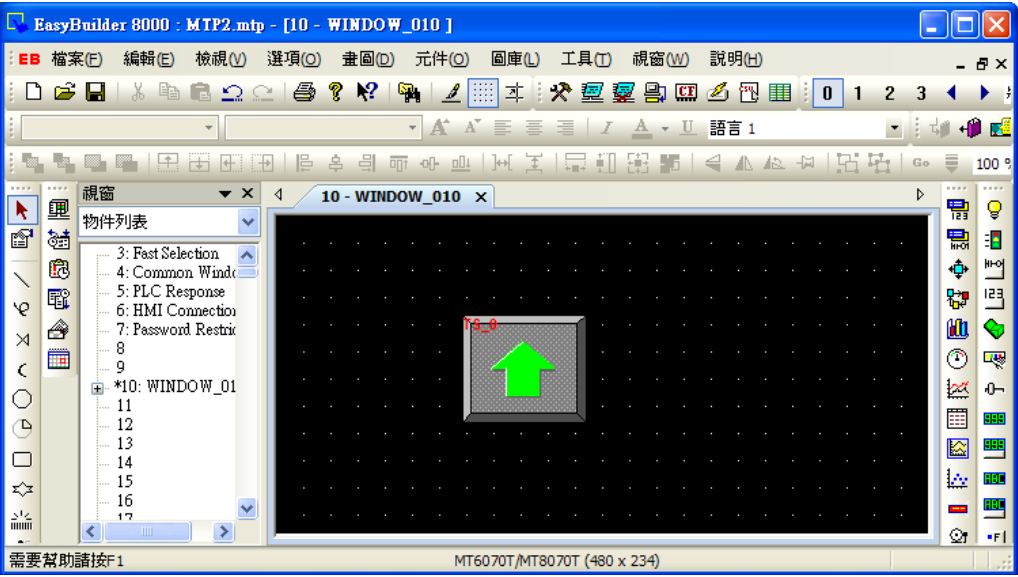
After downloading project to HMI, the object will become square.
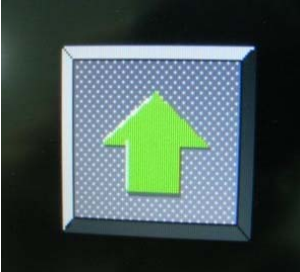
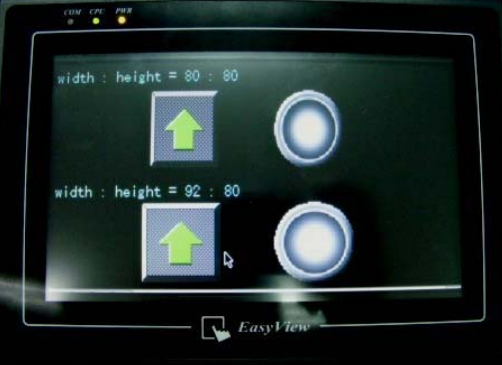
The formula of circle is the same as square setting as below picture. On the upper side of screen, the width : height = 80:80, looks like a rectangle and ellipse.
On the lower side of screen, the width : height = 92:80, looks like a square and circle.
Słowa kluczowe
kwadrat, koło, proporcje, aspect ratio, 480x234, 1.15:1, rozdzielczość, MT6070T, MT8070T, zniekształcenie obrazu, How to display square/circle on MT8070T