
APPENDIX B: CME 2 ASCII COMMAND LINE TOOL
The CME 2 ASCII Command Line tool lets users send individual ASCII commands to amplifiers.
From the CME 2 Main screen, choose Tools->ASCII Command Line to open the ASCII Command Line tool:
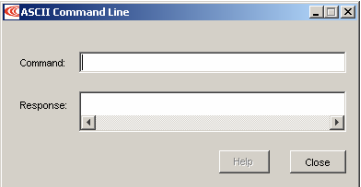
Enter an ASCII command in the Command field.
Press the Enter key to send the command to the amplifier. Observe the response in the Response field.
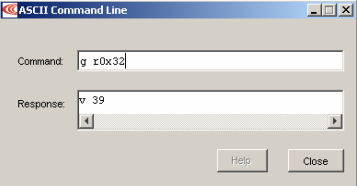
If a value is returned, it is preceded by the letter “v.” In the following example, the get command was used to retrieve the RAM value of variable 0x32 (actual position).
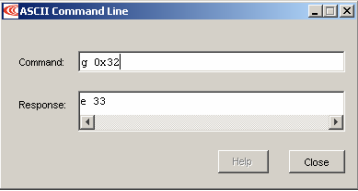
An error code is preceded by the letter “e.” In the following example, the get command
was entered without the required memory bank designation, resulting in an ASCII
command parsing error (error code 33). See Error Codes
TIP: To view an error definition, hold the mouse pointer over the error number
No comments to display
No comments to display