
10. Device Maintenance
10.1 Update Firmware
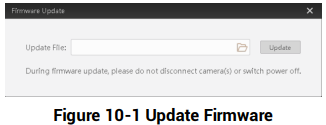
The device supports updating firmware via the client software.

Select the device to be updated in the device list, right click the device, and click Firmware Update. Click  to select update file from local PC, and click Update to update firmware.

10.2 Reboot Device
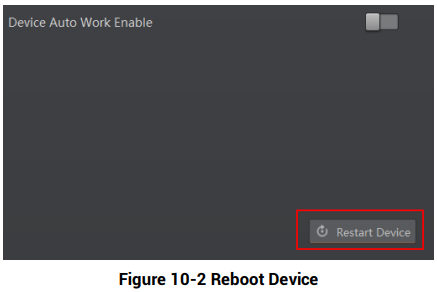
You can reboot the device via client software in 2 ways. Go to Config Management, and click Restart Device. Or, you can select the device to be rebooted in the device list, right click the device, and click Device Reset.
No comments to display
No comments to display