
7. Device Mode Settings
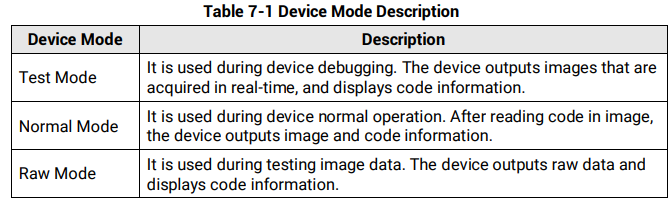
The device supports 3 types of operating modes, including Test, Normal, and Raw. You can select different modes in live view window according to actual demands.

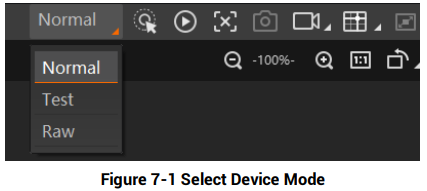
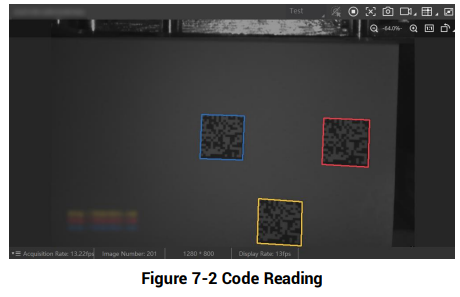
You can click  in the live view window to view images and the code reading effect. If the effect is not very good, you can adjust the focus knob (the manual focus device only) or related parameters in Image Settings area.
No comments to display
No comments to display