
8. PC MOTION ACTIVEX CONTROL
TrioPC Motion ActiveX Control
The TrioPC ActiveX component provides a direct connection to the Trio MC controllers via a USB or ethernet link. It can be used in any windows programming language supporting ActiveX (OCX) components, such as Visual Basic, Delphi, Visual C, C++ Builder etc.
REQUIREMENTS
• PC with USB and/or ethernet network support
• Windows XP, Windows Vista (32 bit verions) or Windows 7 (32 bit versions)
• Trio PCI driver - for PCI based Motion Coordinators
• Trio USB driver - for Motion Coordinator with a USB interface.
• Knowledge of the Trio Motion Coordinator to which the TrioPC ActiveX controls will connect.
• Knowledge of the TrioBASIC programming language.
INSTALLATION OF THE ACTIVEX COMPONENT
The component and auxiliary documentation is provided as an MSI installer package. Double clicking on the .msi file will start the install process. It is recommended that any previous version should be uninstalled before the install process is initiated. The installer also installs the Trio USB and Trio PCI drivers and registers the ActiveX component.
USING THE COMPONENT
The TrioPC component must be added to the project within your programming environment. Here is an example using Visual Basic, however the exact sequence will depend on the software package used.
From the Menu select Tools then Choose Toolbox Items.
When the Choose Toolbox Items dialogue box has opened, select the COM components tab, then scroll down until you find “TrioPC Control” then click in the block next to TrioPC. (A tick will appear).
Now click OK and the component should appear in the control panel on the left side of the screen. It is identified as TrioPC Control.
Once you have added the TrioPC component to your form, you are ready to build the project and include the TrioPC methods in your programs.
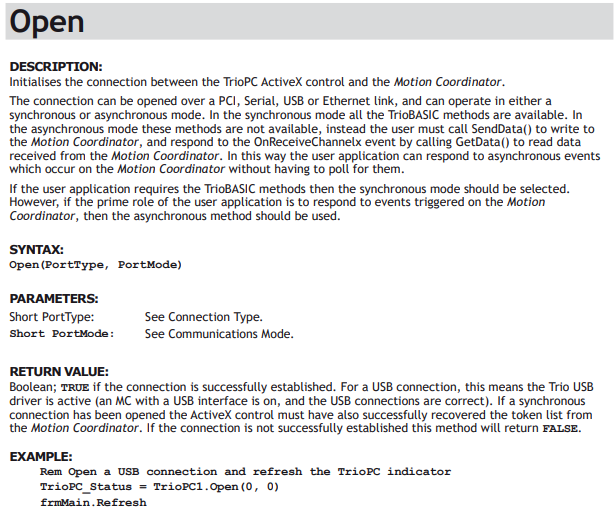
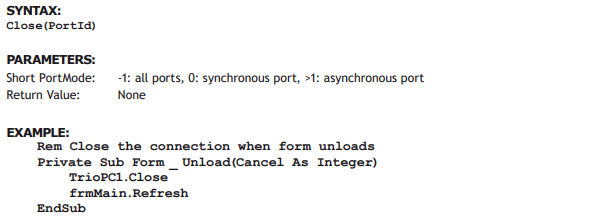
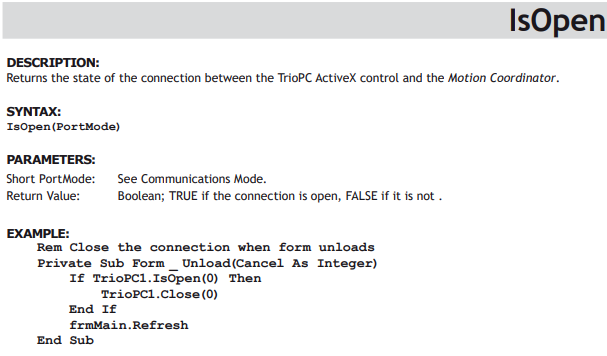
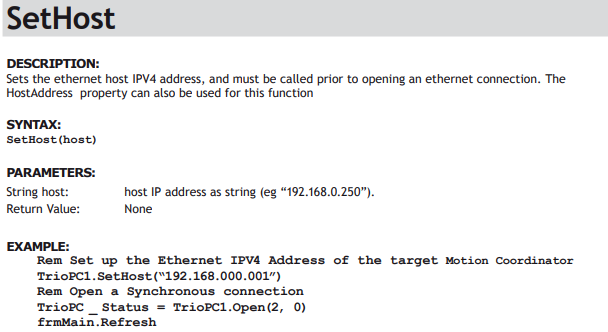
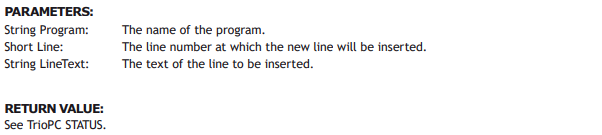
Connection Commands

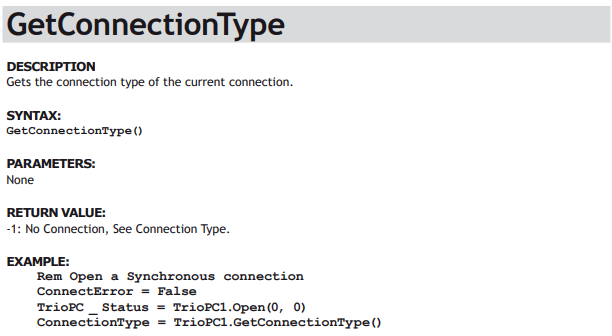

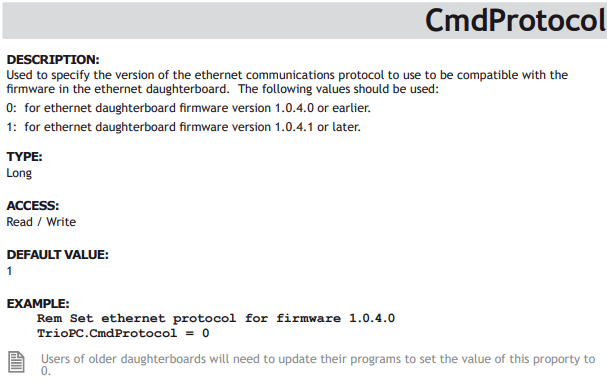
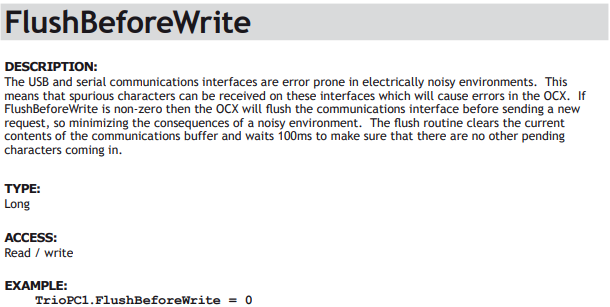
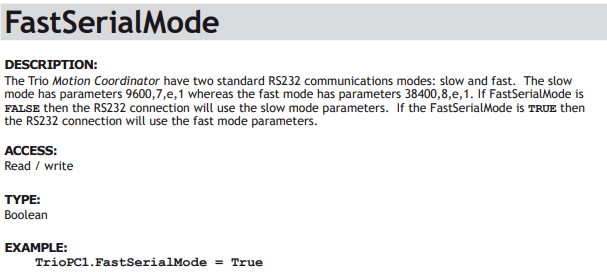
Properties
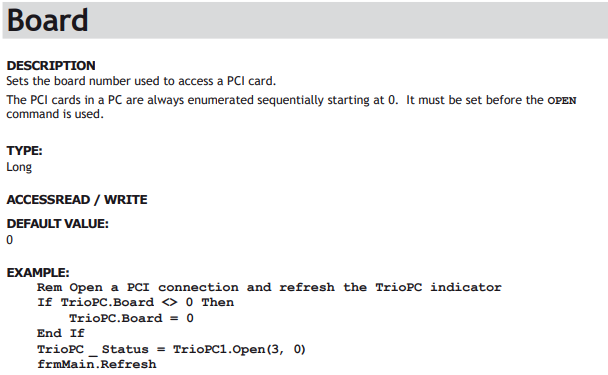
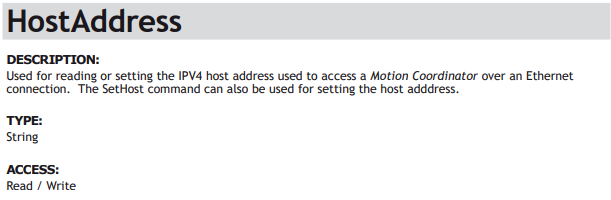
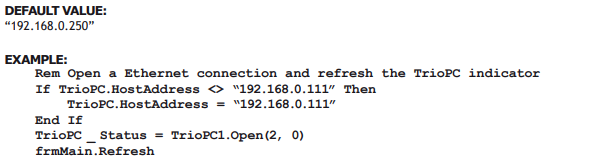
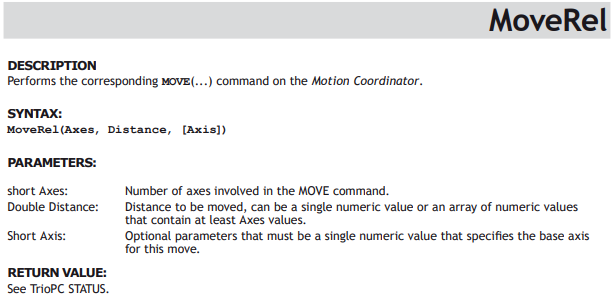
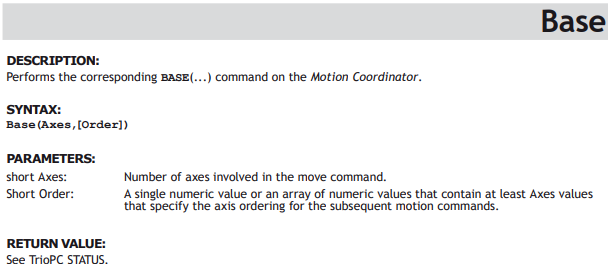
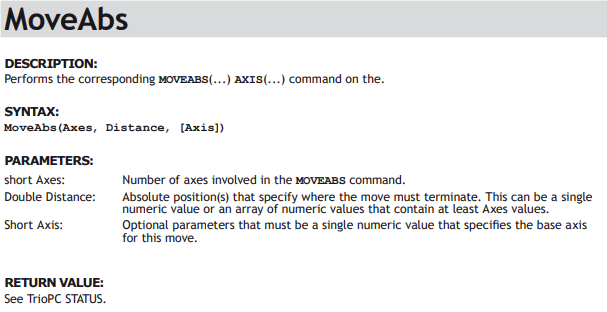
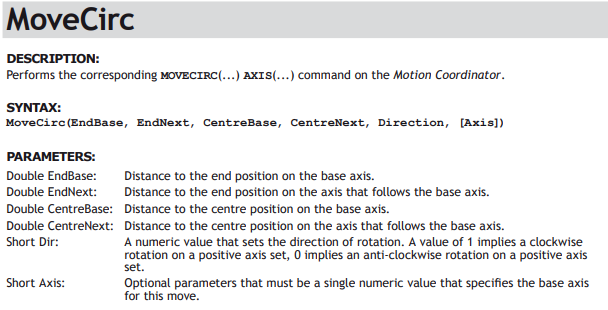
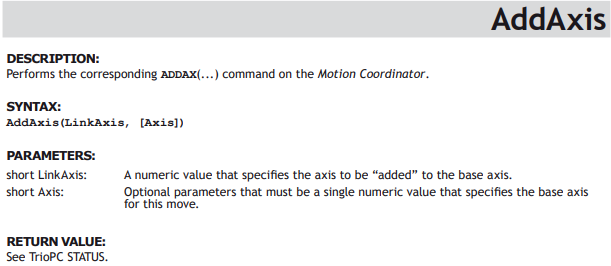
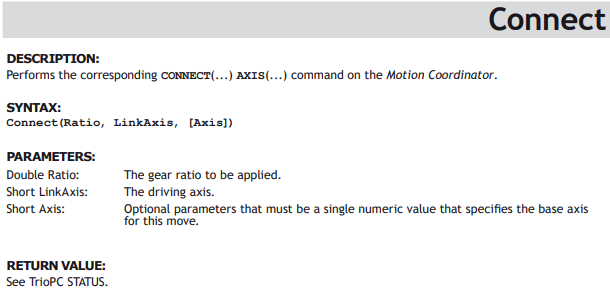
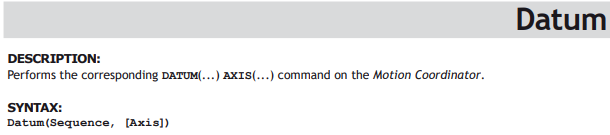
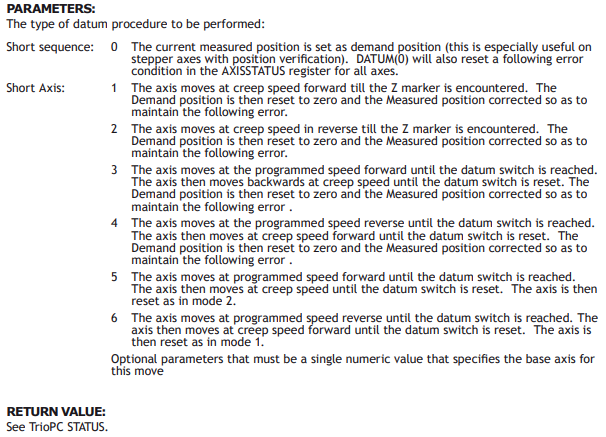
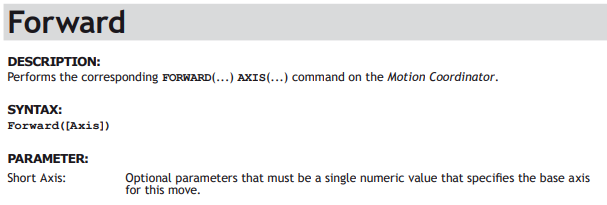
Motion Commands





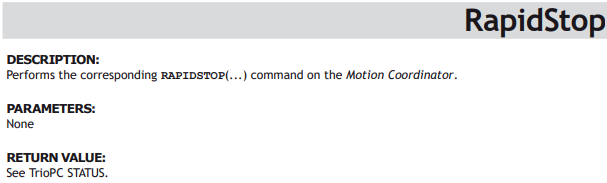
Process Control Commands
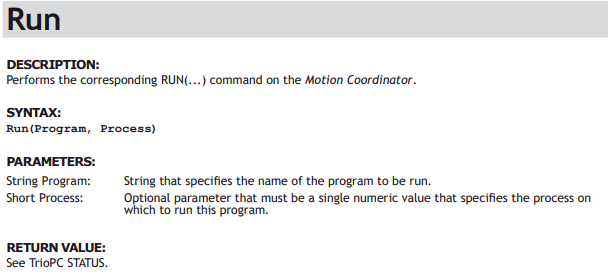
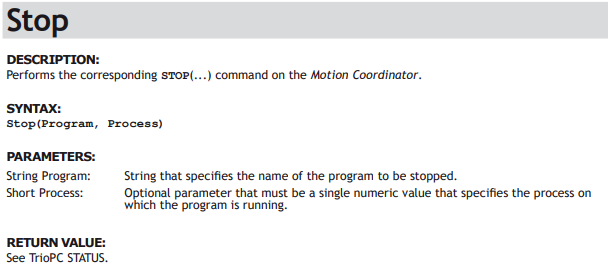
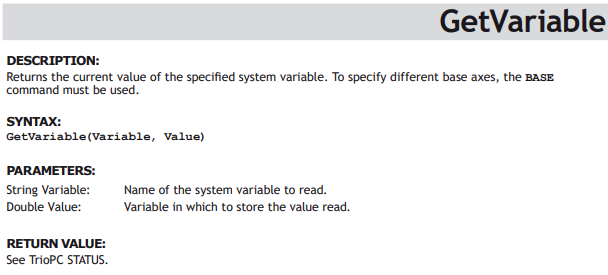
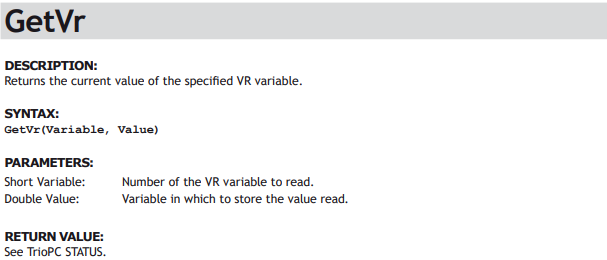
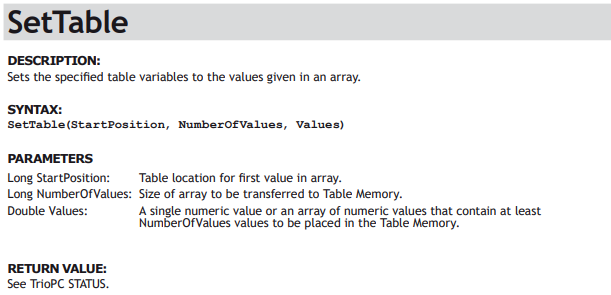
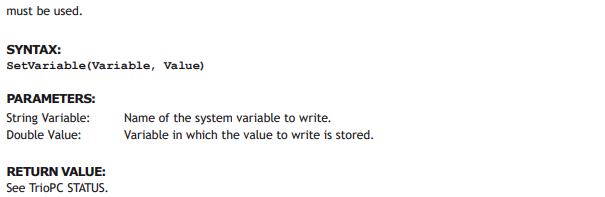
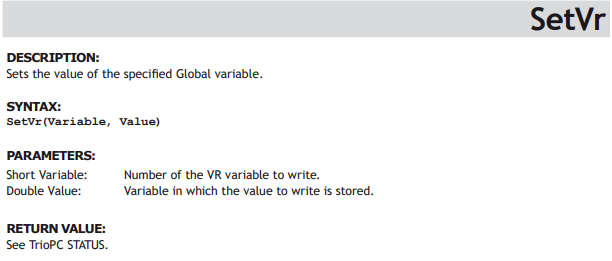
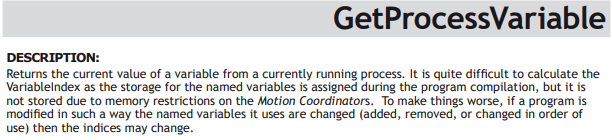
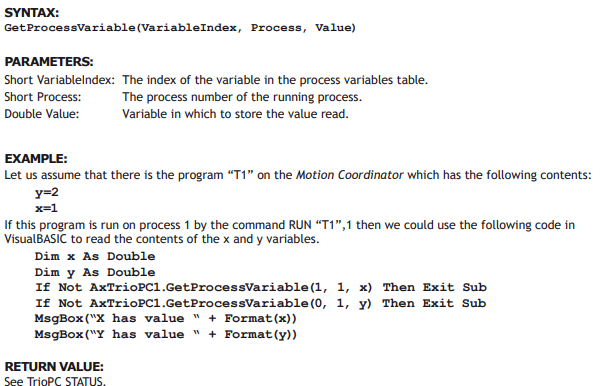
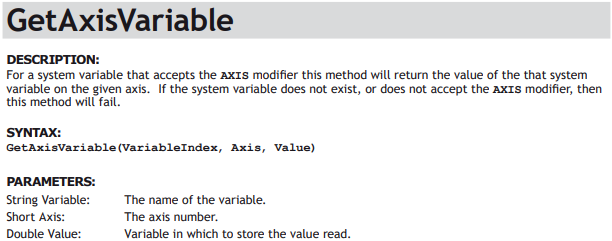
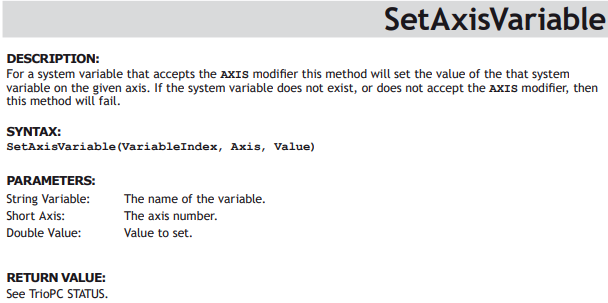
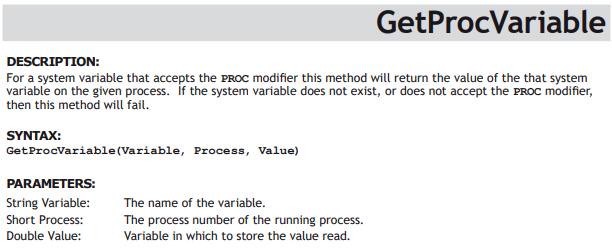
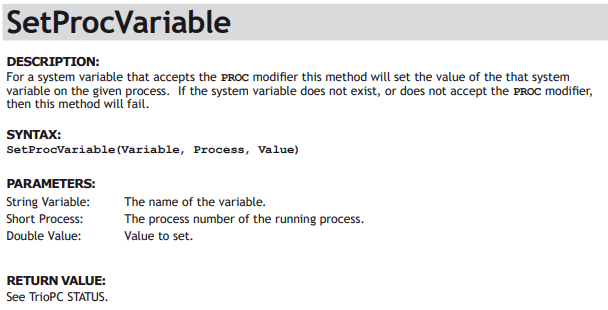
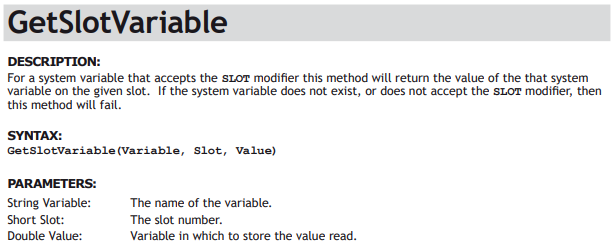
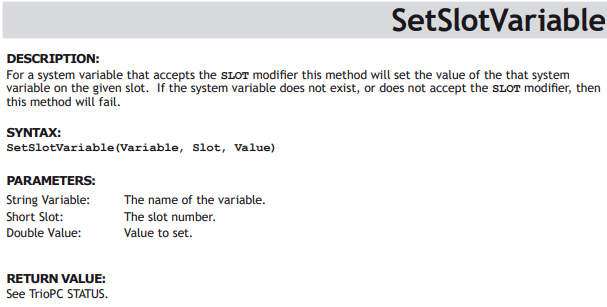
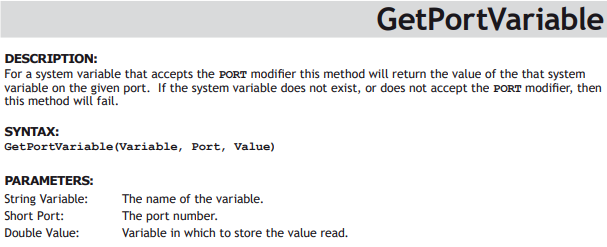
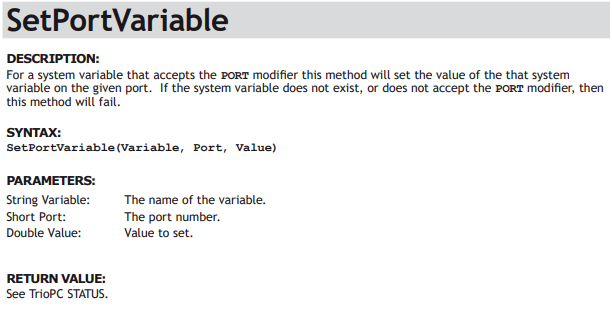
Variable Commands
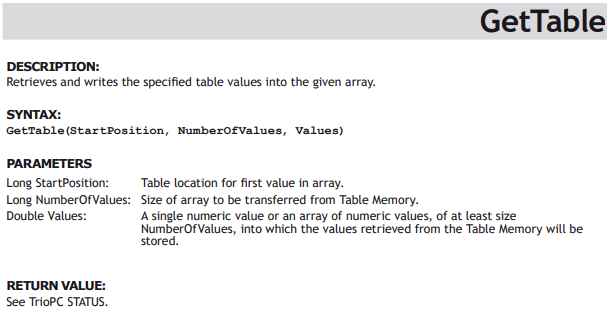





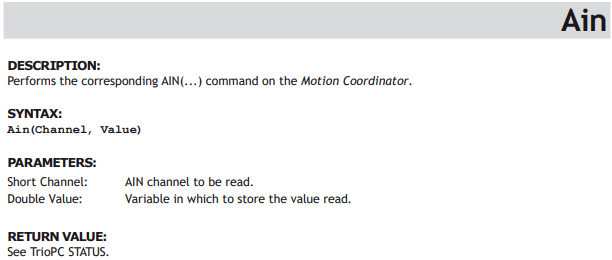
Input / Output Commands
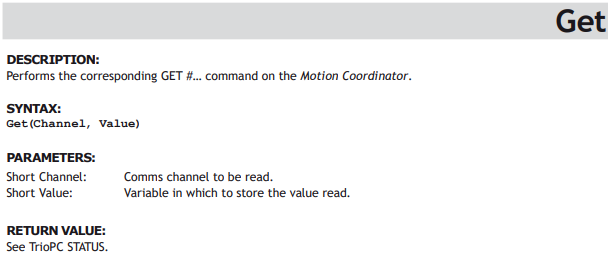
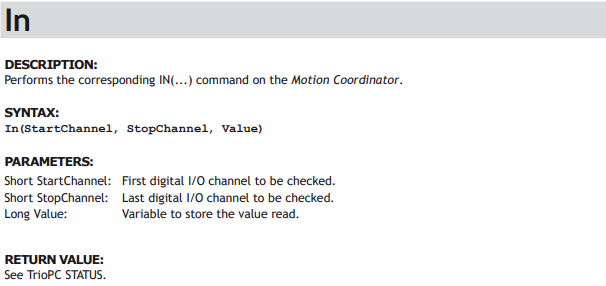
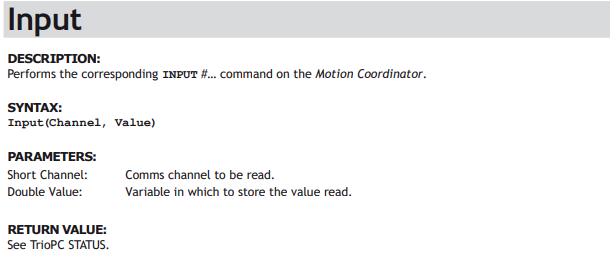

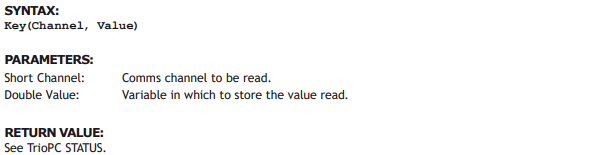
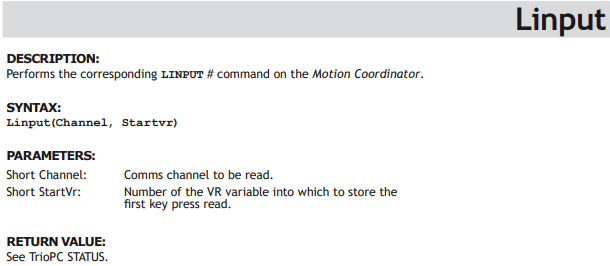
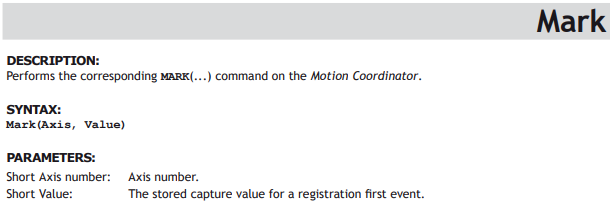

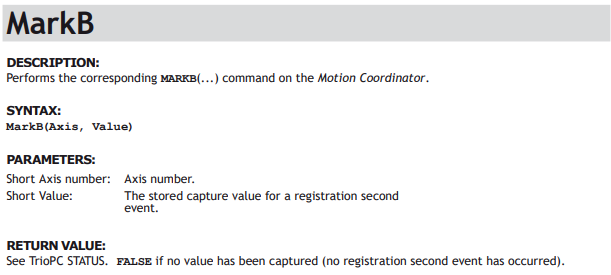
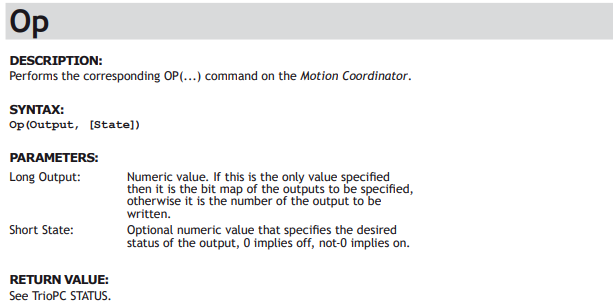
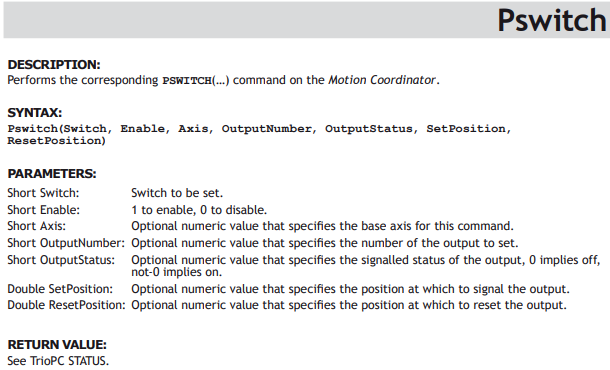
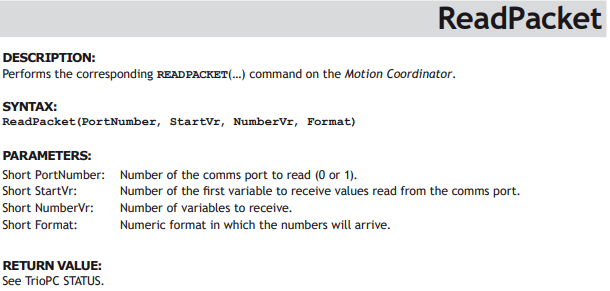

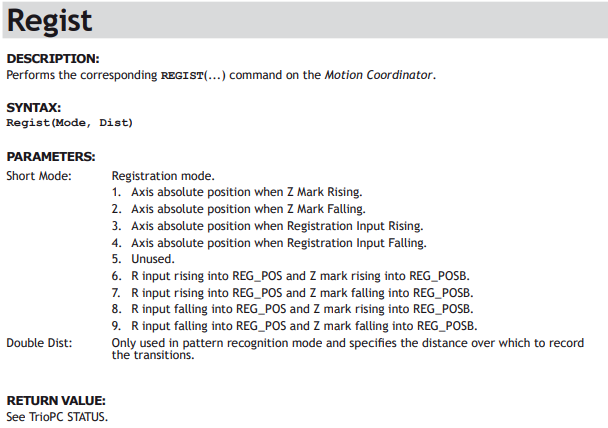

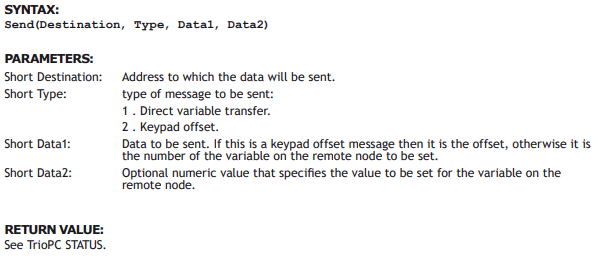
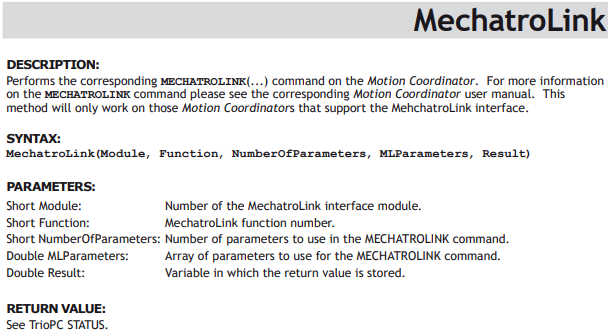
General commands

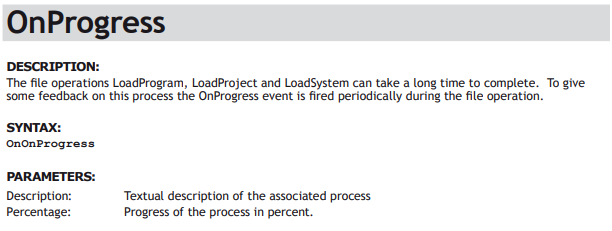
Events
Intelligent Drive Commands
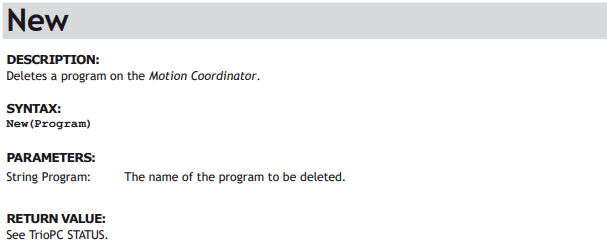
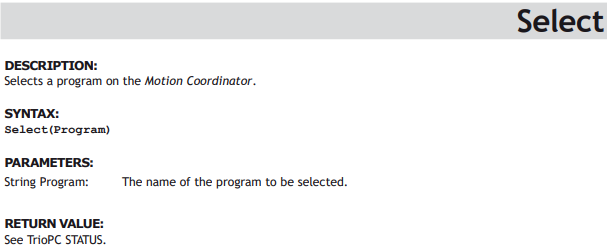
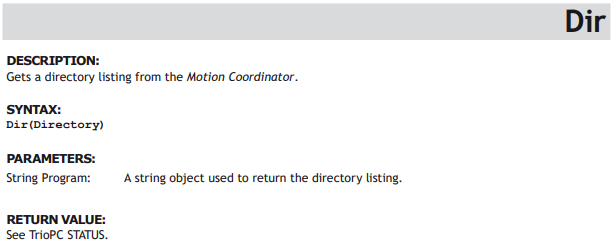
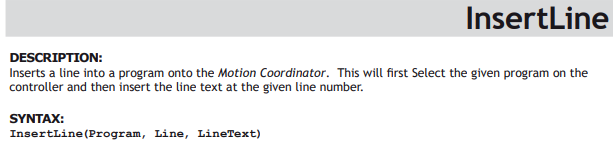
Program Manipulation Commands



Data Types
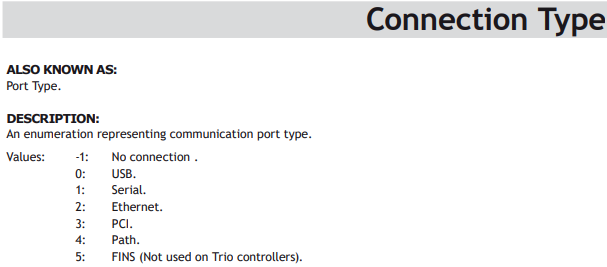
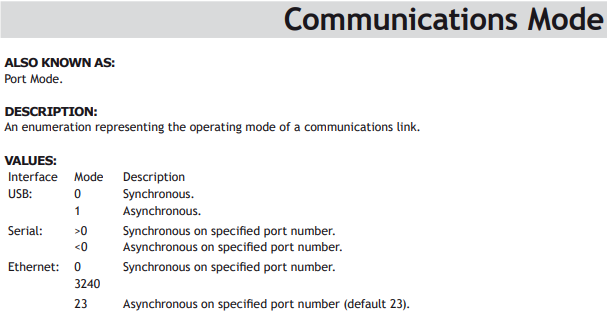
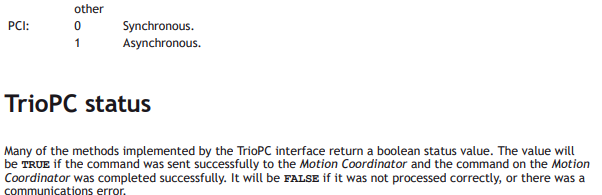
The following data types are used by the PC Motion control interface:
No comments to display
No comments to display