
9. AUTO LOADER AND MCLOADER ACTIVEX
Project Autoloader
Trio Project Autoloader is a stand-alone program to load projects created using Motion Perfect onto a Trio Motion Coordinator.
The program is small enough to fit onto a 1.44MByte floppy disk and is intended for easy loading of projects onto controllers without the need to run Motion Perfect and so allows OEM manufacturers to update customers’ equipment easily.
Operation of the program is controller using a script file which gives a series of commands to be processed, in order, by the program.
Using the Autoloader
GENERAL
The autoloader is primarily intended to be used from a floppy disk to update controllers already installed in equipment to allow OEM manufacturers to update customers equipment easily. It can also be used from a hard disk or CD-ROM.
SCRIPT FILE
The commands to be executed are held in a script file AutoLoader.tas which by default is in the LoaderFiles directory. The commands are executed in sequence until either the script completes or an error occurs.
PROJECT
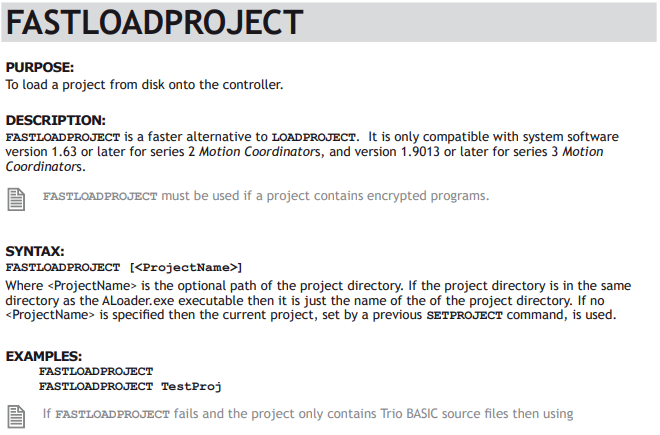
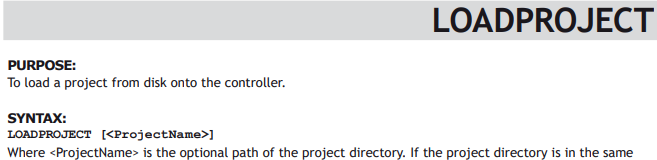
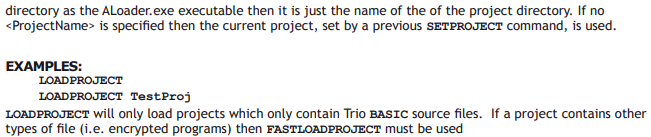
The project to be loaded using LOADPROJECT or FASTLOADPROJECT is in the form of a normal Motion Perfect 2 project. This consists of a directory containing a project definition file and Trio BASIC program files. The directory must have the same name as the project definition file less the extension.
i.e. project definition file TestProj.prj, directory TestProj
The project directory must be in the LoaderFiles directory.
TIMEOUT
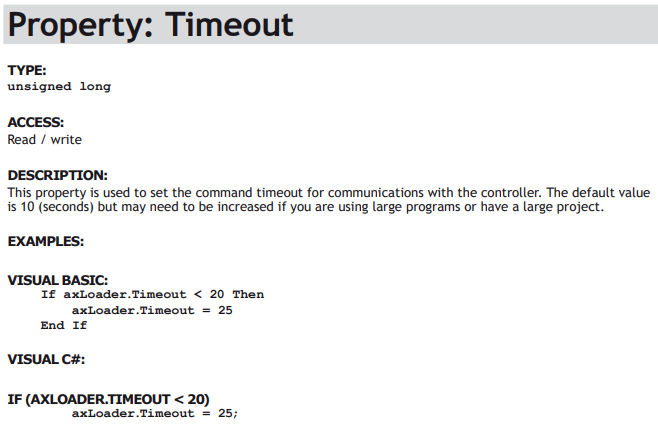
If there are large programs in the project the command timeout may need to be increased from its default value of 10 seconds otherwise the project load may fail due to the long time it takes to select a new program on the controller. The TIMEOUT command should appear in the script file before any LOADPROJECT command.
TABLES
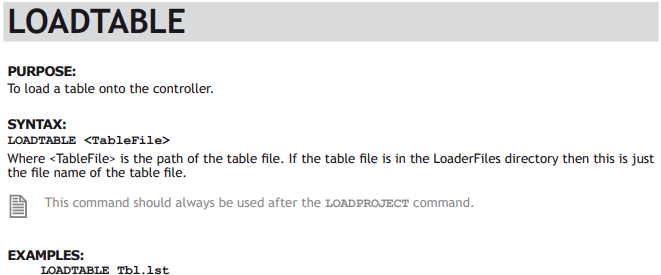
Any tables to be loaded must be in the form of *.lst files produced by Motion Perfect.
Normally these table files will be in the LoaderFiles directory.
EXTRA PROGRAMS
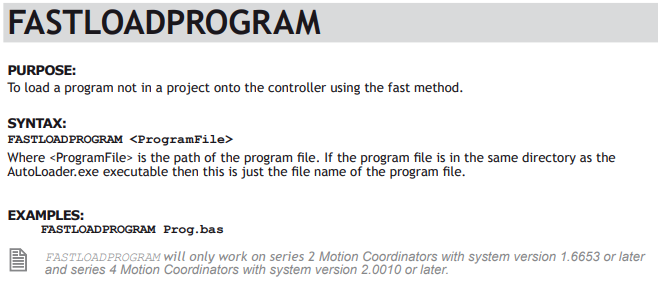
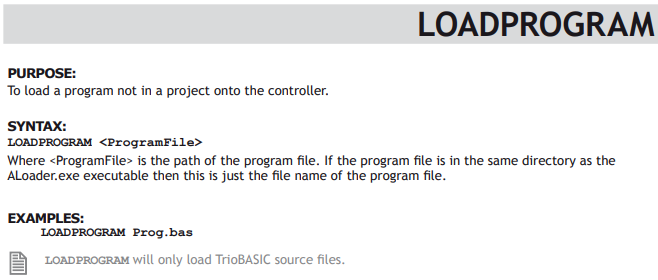
Programs which need to be loaded using LOADPROGRAM because they are not in the project being loaded (or if no project is being loaded)
By default the autoloader is designed to work with the following file structure (fixed names are shown in bold type)Normally these program files will be in the LoaderFiles directory.
FILES
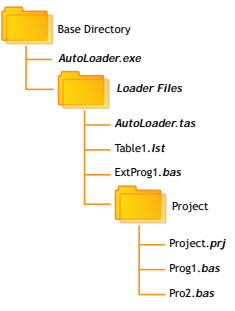
By default the autoloader is designed to work with the following file structure (fixed names are shown in bold type)
Where:
Base Directory is normally the root directory on a floppy disk (A:), but can be any directory. Project is the Motion Perfect 2 project directory for the project to be loaded using the LOADPROJECT command, Project.prj being the project file and Proj?.bas are the program files in the project. Table?.lst are the table files to be loaded using the LOADTABLE command. ExtProg?.bas are the extra programs to be loaded using the LOADPROGRAM command.
Any or all of the objects in the LoaderFiles directory can be located elsewhere as long as the file (or directory) name is specified using a full path. The script file can be specified as a single argument to the AutoLoader program.
RUNNING THE PROGRAM
The program can be started in the same way as any other Windows program, in which case the LoaderFiles directory must be in the same directory as the AutoLoader executable file.
It can also be started from the command line with an optional argument which specifies the script file to process. e.g.
AutoLoader E:\MXUpdate\20051203\Update1.tas
START DIALOG
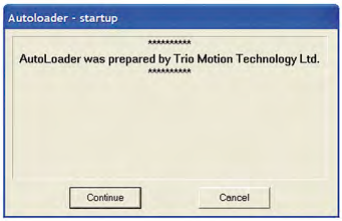
The start dialog displays a message specified in the script and has continue and cancel buttons so that the user can exit from the program without running the script.
MAIN WINDOW
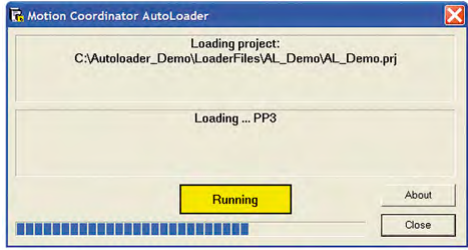
The program main window consists of two message windows; one to display the current command and the other to display the name of the program or file currently being loaded. There is a button to show the current status (Starting, running, pass or fail) and a progress bar to show the progress during file and table loading.
The close button closes the dialog. If it is pressed while a script is being processed then script processing will be terminated at the end of the current operation.

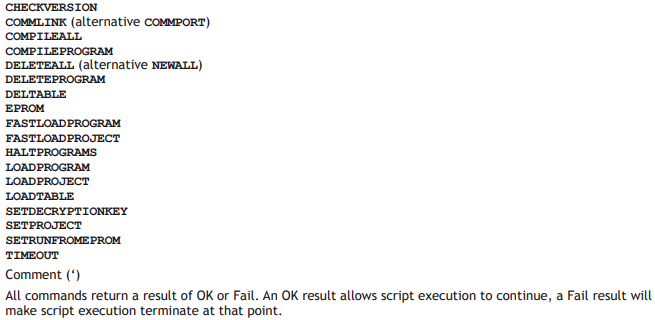
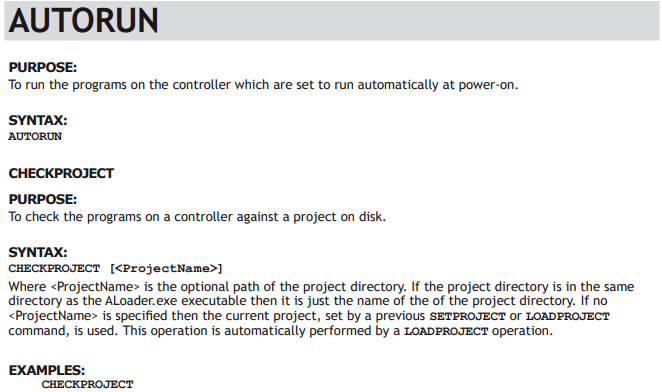
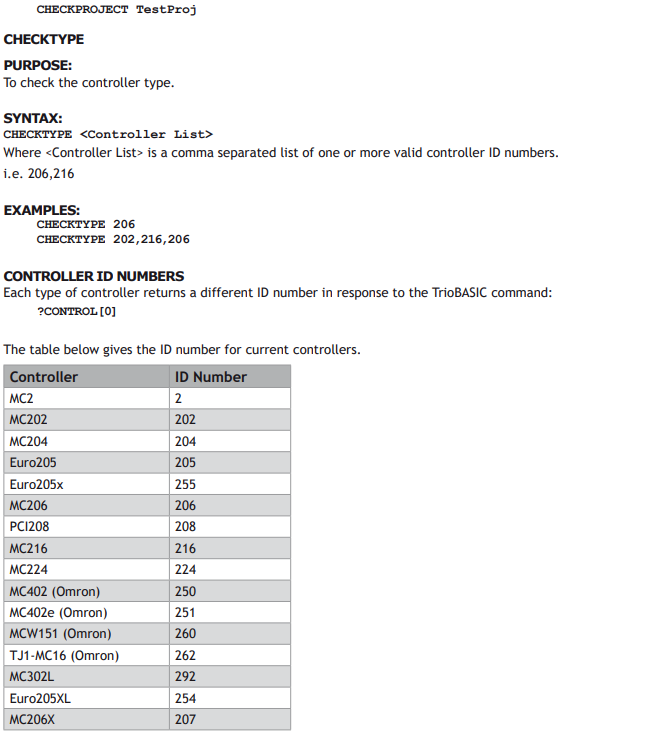
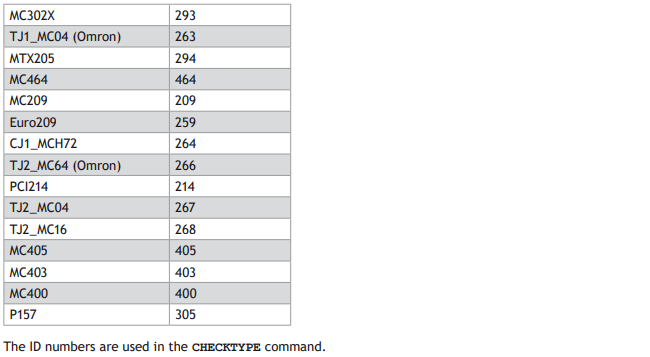
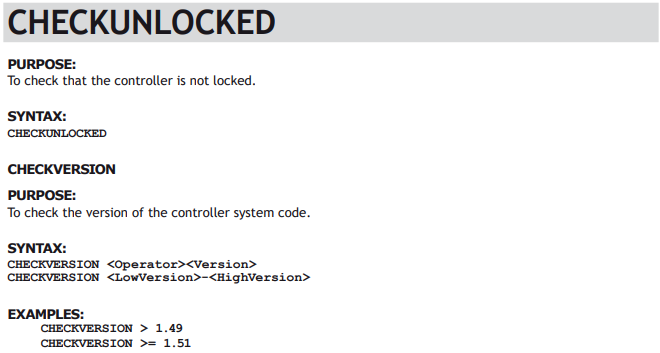


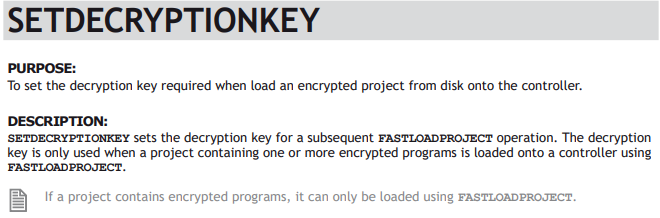

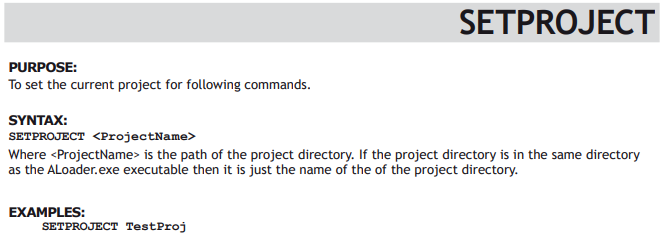
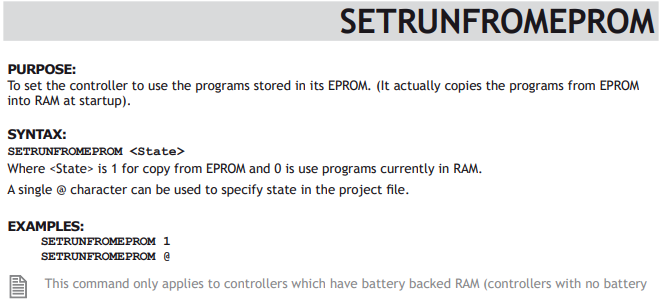

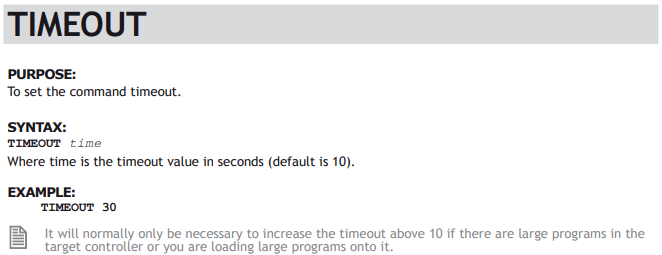
Script File
The autoloader program uses a script file AutoLoader.tas as a source of commands. These commands are executed in order until all commands have been processed or an error has occurred.
If any command fails the execution terminates without completing the scripted command sequence.
SAMPLE SCRIPT
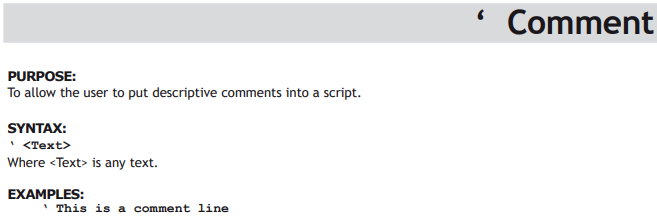
‘ Test Script
‘ **************
‘ Startup Message
# ***
# This autoloader was set up by TRIO to load a test project onto a controller of fixed type.
# ***
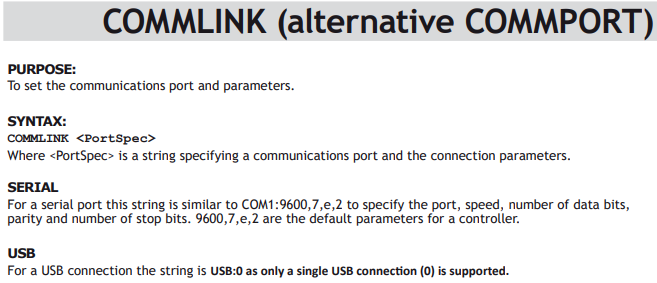
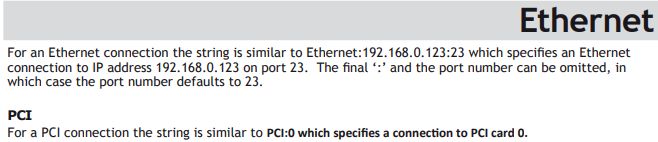
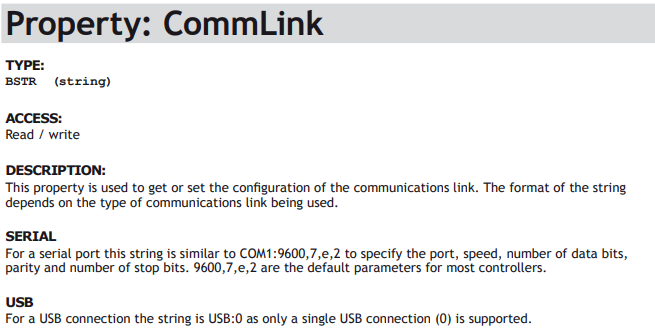
COMMLINK COM1:9600,7,e,2
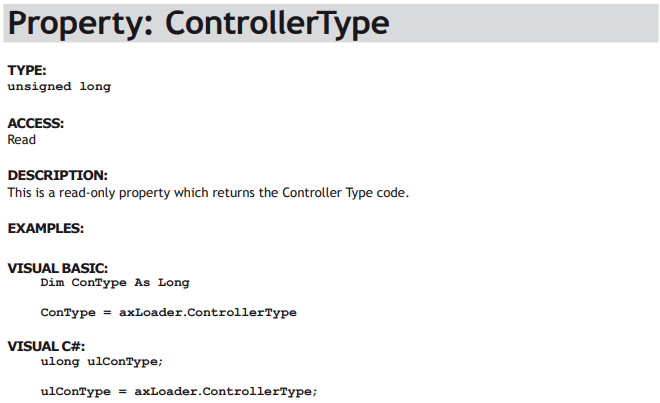
CHECKTYPE 206
CHECKVERSION > 1.45
CHECKUNLOCKED
LOADPROJECT LoaderTest
LOADTABLE tbl _ 1.lst
CHECKPROJECT LoaderTest
LOADPROGRAM flashop.bas
LOADPROGRAM clrtable.bas
LOADPROGRAM settable.bas
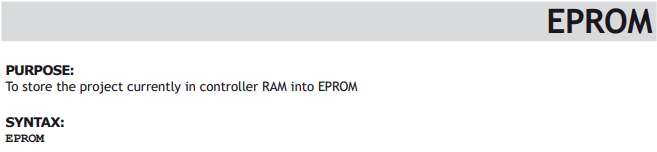
EPROM
SETRUNFROMEPROM @
For this script to work correctly the LoaderFiles directory must contain a project directory LoaderTest, a table file tbl_1.lst and three program files: flashop.bas, clrtable.bas and settable.bas.
Trio MC Loader
INTRODUCTION
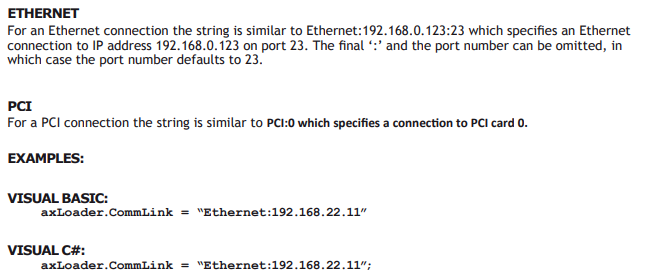
Trio MC Loader is a Windows ActiveX control which can load projects (produced with Motion Perfect) and programs onto a Trio Motion Coordinator. Communication with the Motion Coordinator can be via Serial link, USB, Ethernet or PCI depending on the Motion Coordinator.
PROPERTIES
The control has the following properties:
CommLink
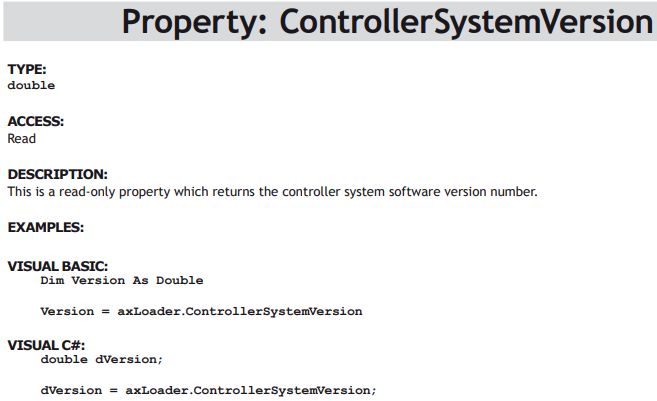
ControllerSystemVersion
ControllerType
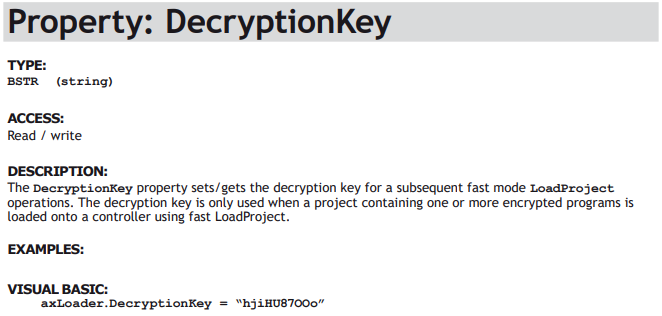
DecryptionKey
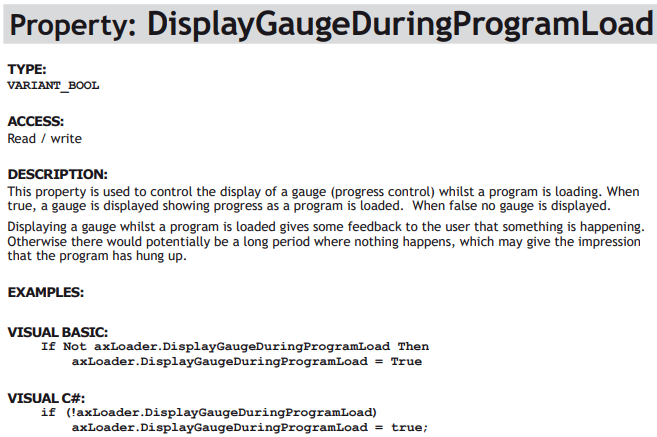
DisplayGaugeDuringProgramLoad
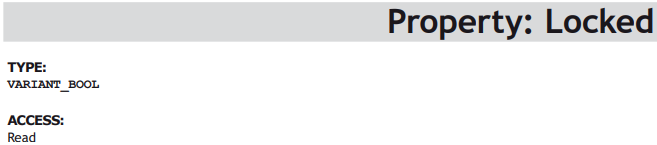
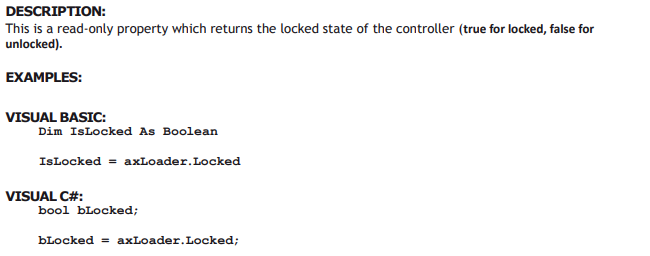
Locked
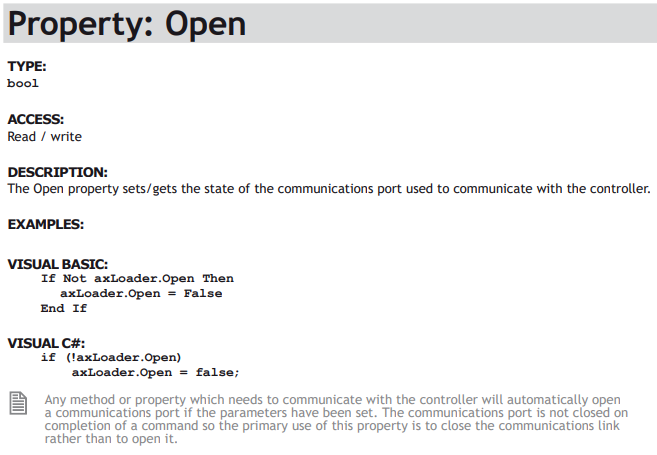
Open
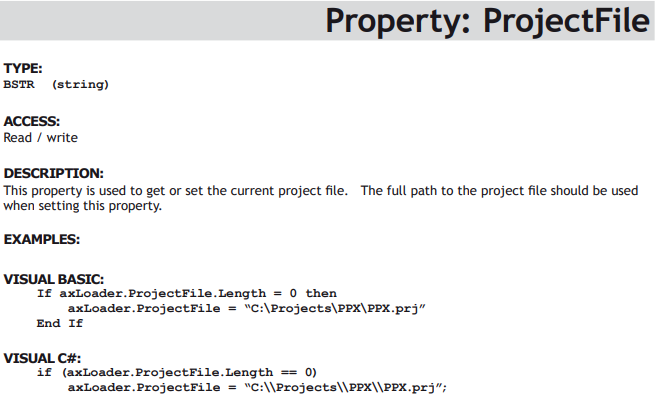
ProjectFile
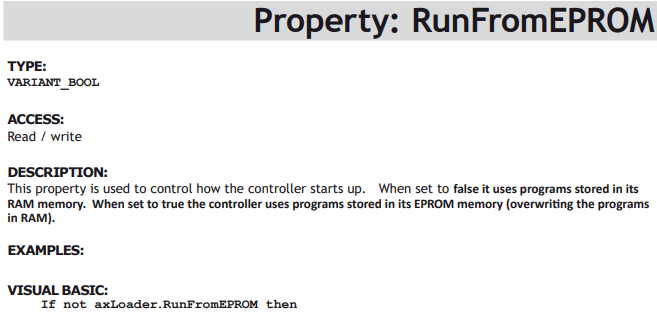
RunFromEPROM
Timeout
EVENTS
The control does not generate any events.


Methods
The control has the following methods:
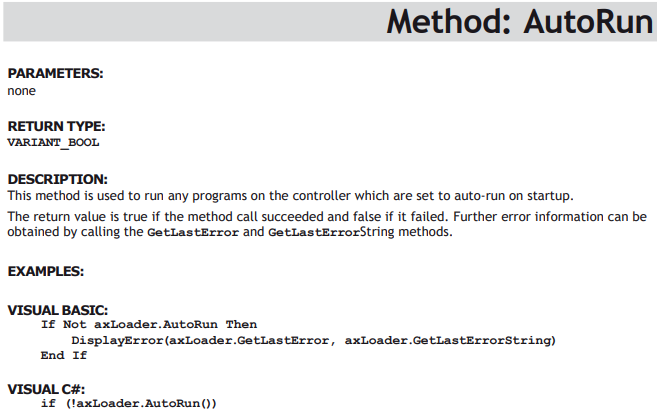
AutoRun
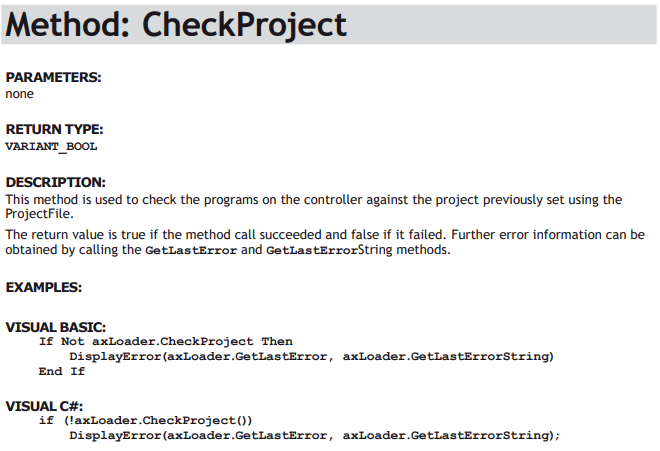
CheckProject
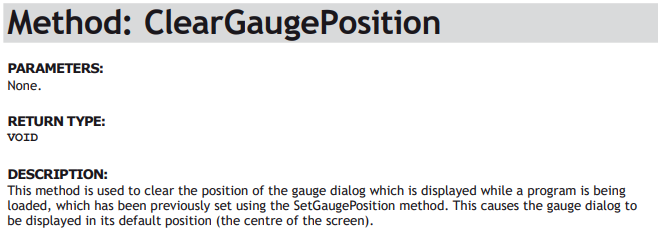
ClearGaugePosition
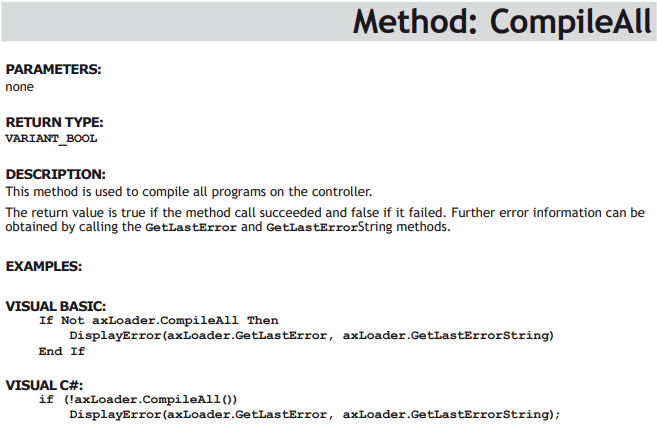
CompileAll
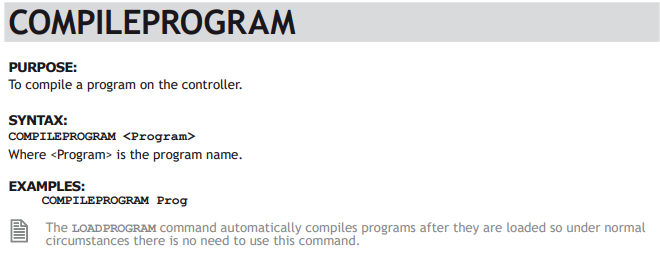
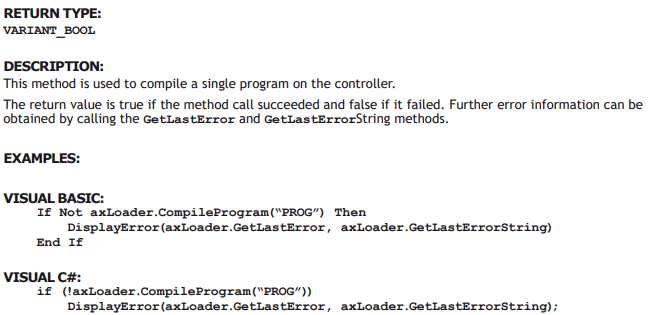
CompileProgram
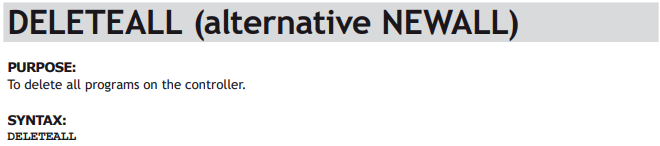
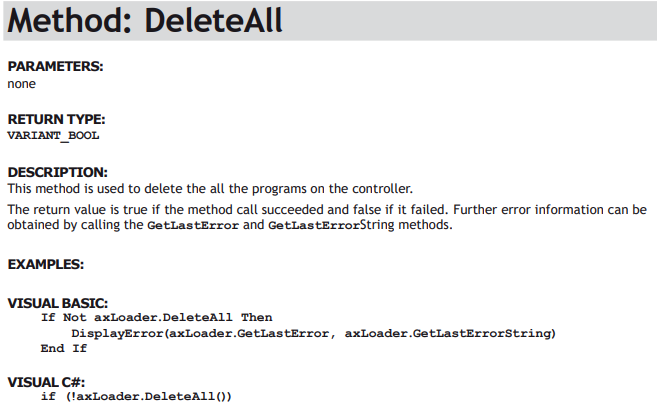
DeleteAll
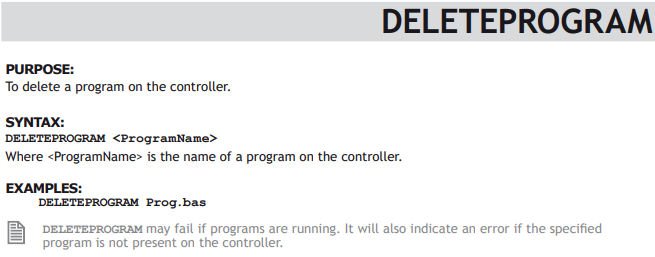
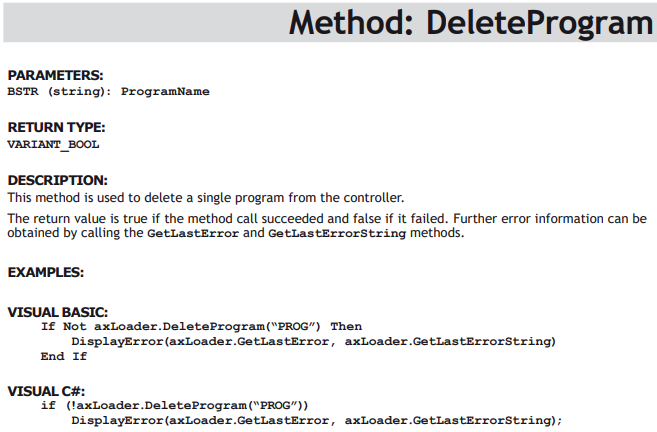
DeleteProgram
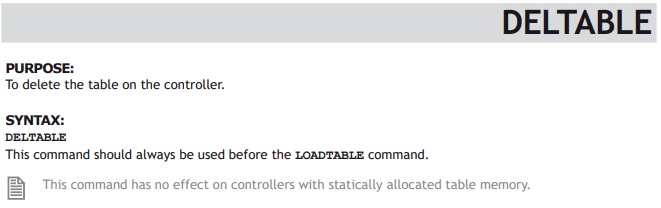
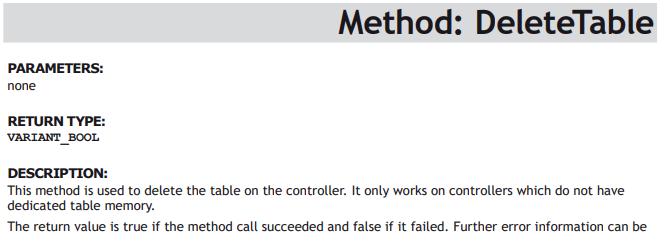
DeleteTable
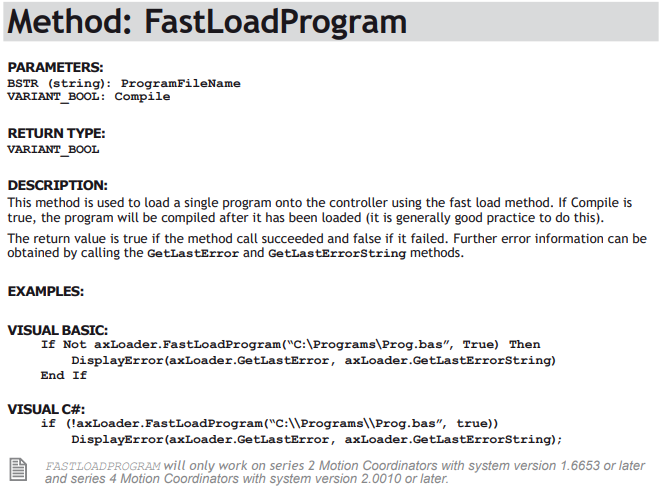
FastLoadProgram
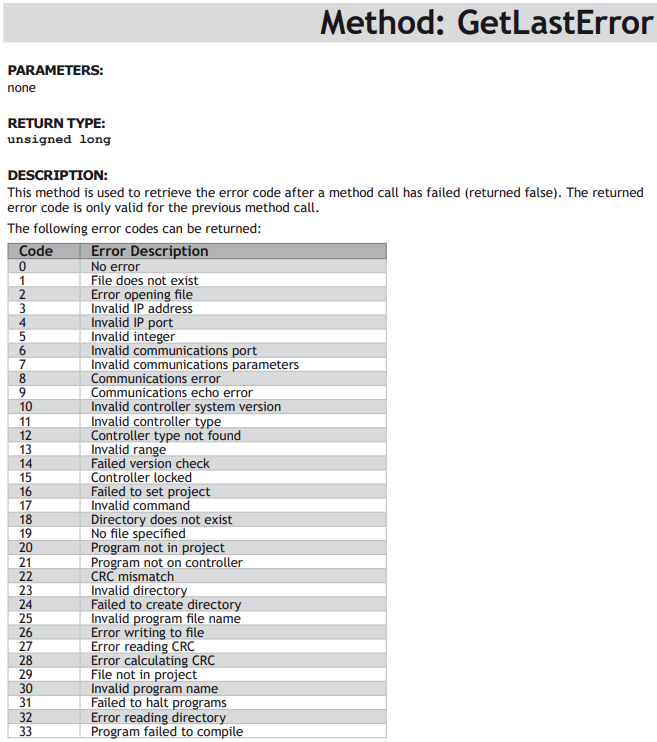
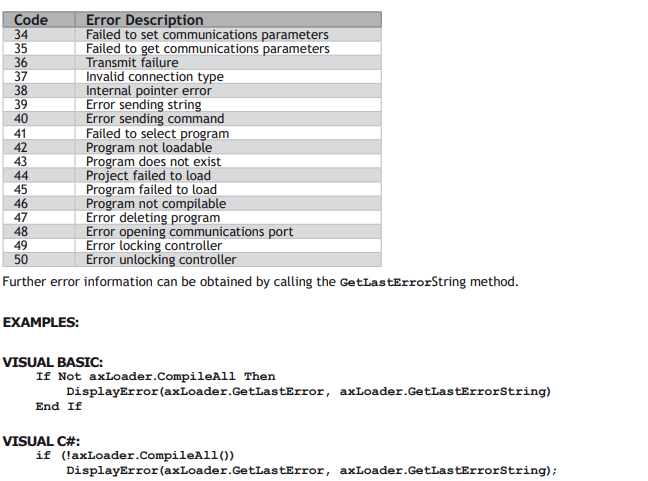
GetLastError
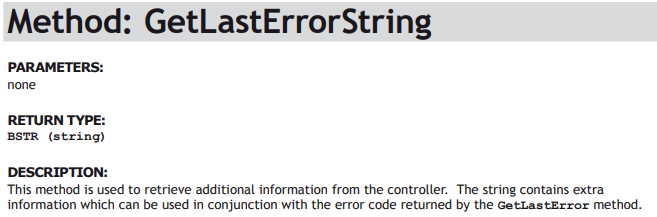
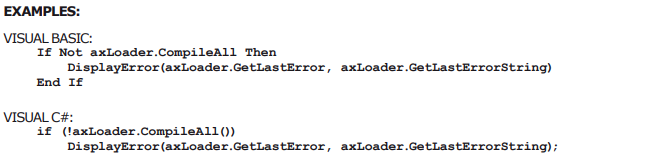
GetLastErrorString
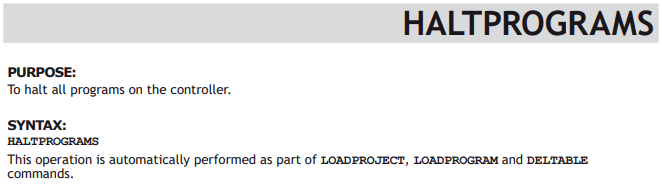
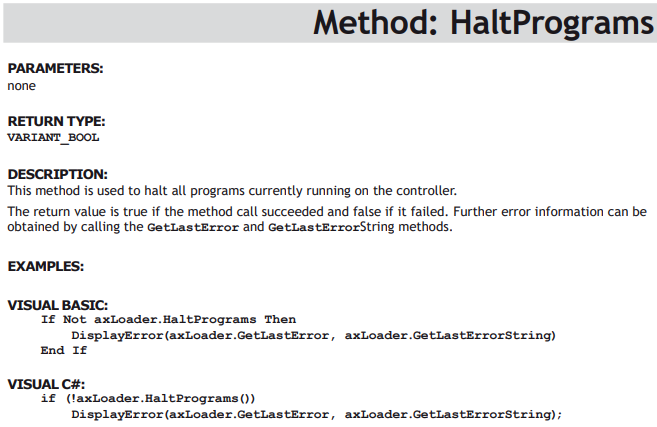
HaltPrograms
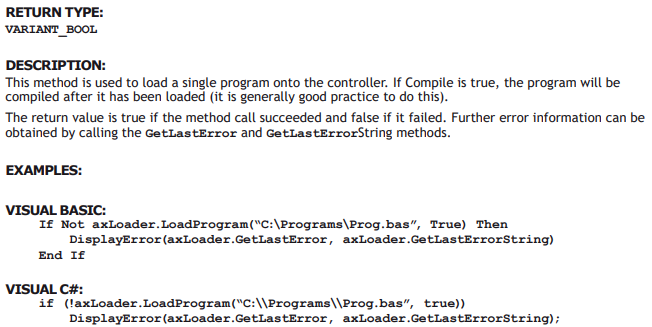
LoadProgram
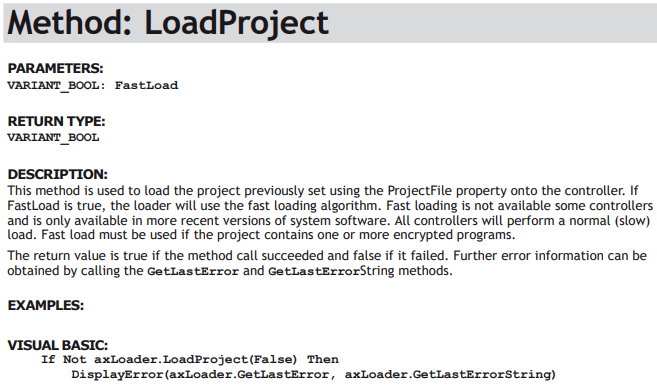
LoadProject
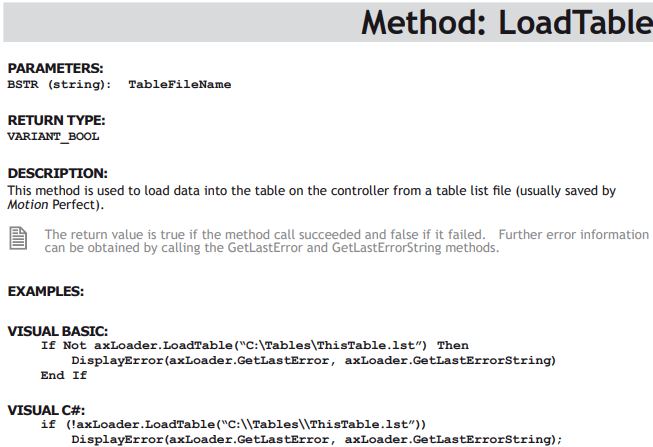
LoadTable
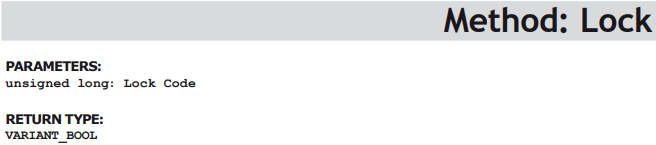
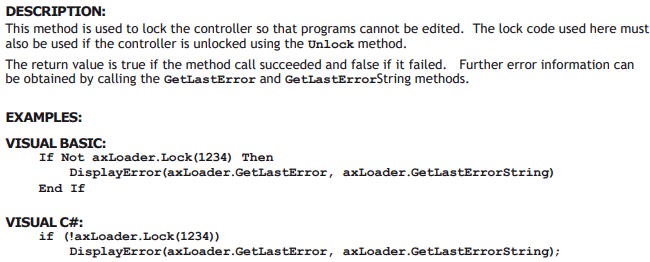
Lock
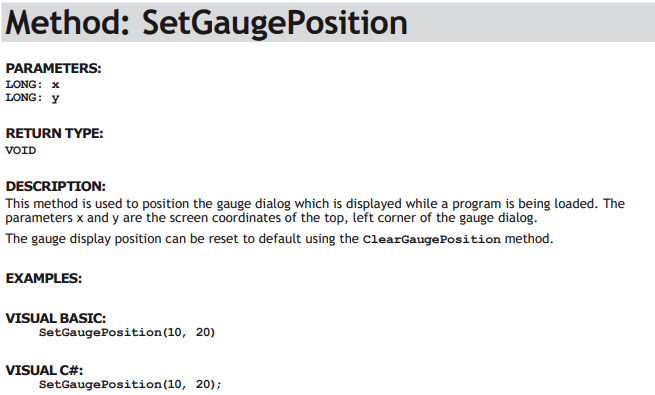
SetGaugePosition
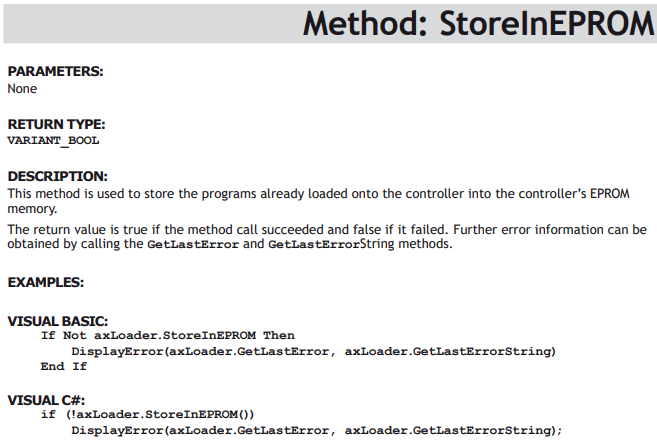
StoreInEPROM
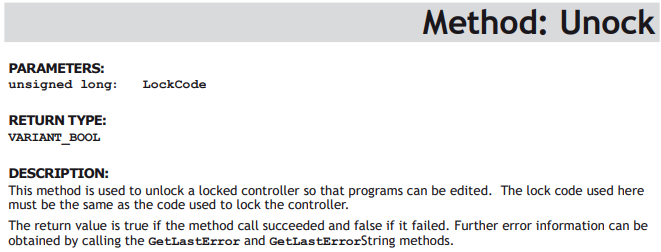
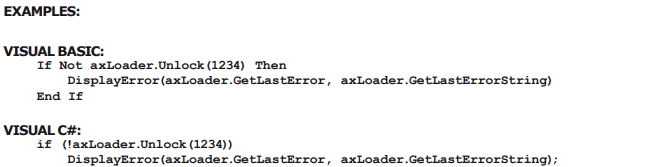
Unlock






No comments to display
No comments to display