
APPENDIX B: LOCK/UNLOCK CME 2 CONTROLS
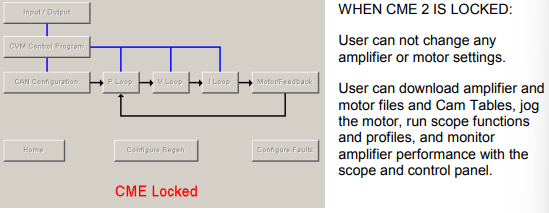
Optionally lock CME 2 to prevent changes to amplifier settings.
TIP: Lock CME 2 to prevent accidental changes to settings when copying amplifier files.
1 On the Main screen choose ToolsCME 2 Lock/Unlock.
2 Set a new password in the Password and Verify Password fields.
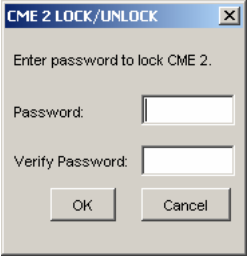
3 Click OK to lock out amplifier setting controls
 4 To unlock, choose ToolsCME 2 Lock/Unlock.
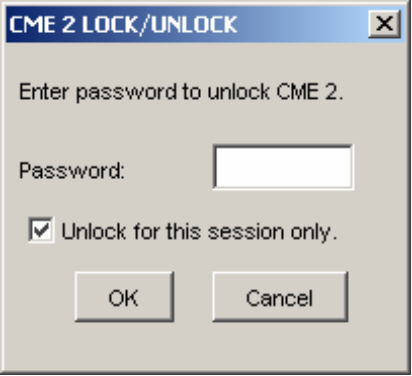
5 Enter the password. Unlock for this session or until locked again. Click OK.
No comments to display
No comments to display