
11. Log
The log module records user actions and anomalies, providing relevant prompts to assist users in using the software. It also allows users to provide window prompts for troubleshooting purposes and seek assistance from professionals to resolve issues.
11.1.Open Log
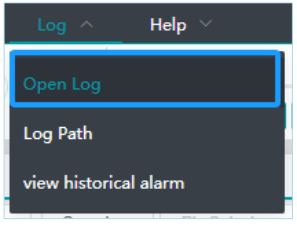
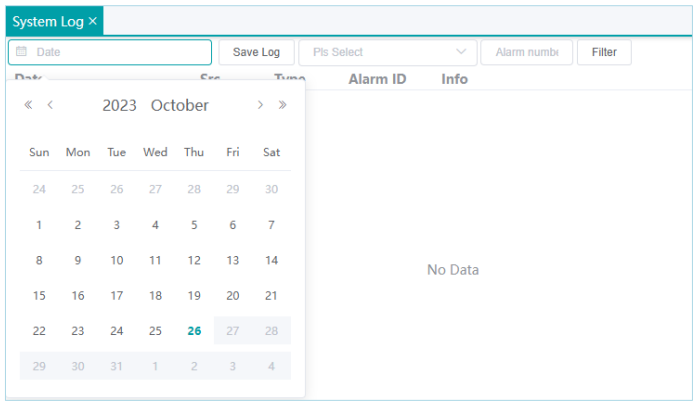
Click on "Log" -> "Open Log" to open the log window, where detailed controller messages and local operation messages can be viewed.
11.2.Log Path
The log path can be used to open the local folder and view log messages.
11.3.View Historical Alarms
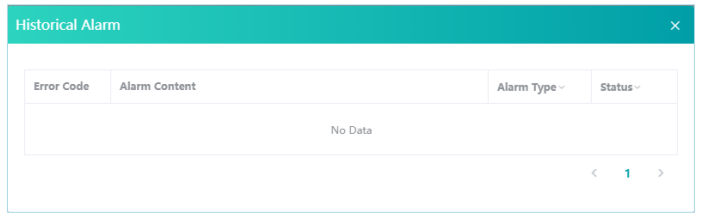
Access Historical Alarm Records for Reviewing Previously Triggered Alerts.
No comments to display
No comments to display