
18. How to translate dtl to csv file
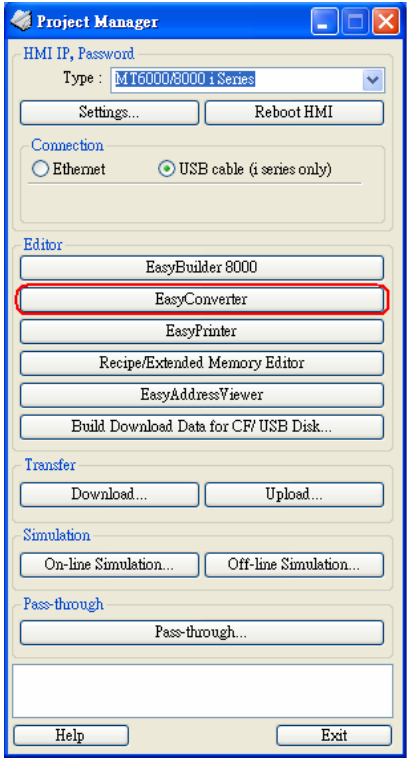
1. After users get the *.dtl file from HMI, open Project Manager and press EasyConverter
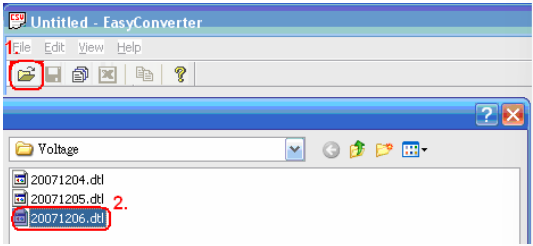
2. Select Open file and choose the desired *.dtl file from your pc.
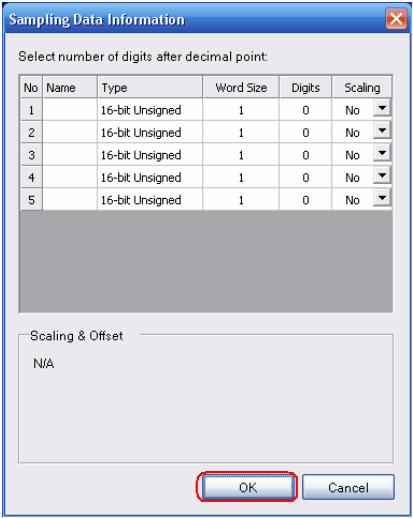
3. Press OK for reading the *.dtl file.
4. Press “EXCEL” icon to translate the file.
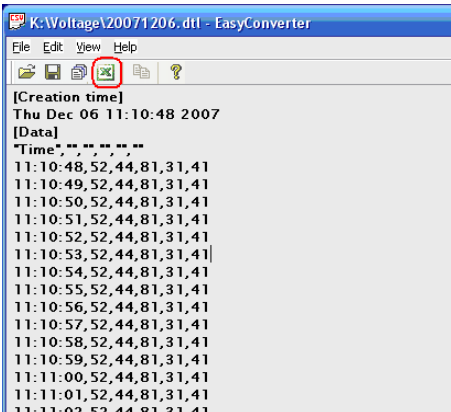
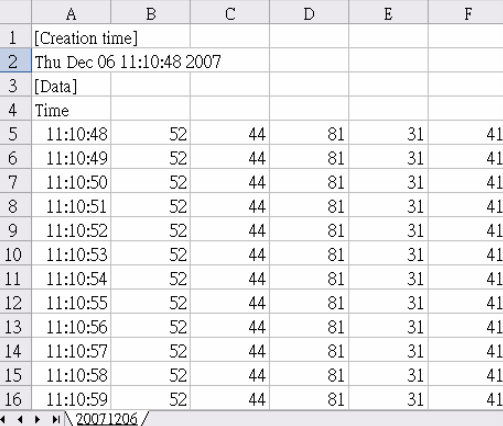
5. The *.dtl file will be translated to *.csv file by Excel.
No comments to display
No comments to display