
56. How to display square/circle on MT8070iH3/MT8070iE?
For the particular size of MT8070iH3/MT6070iH3/MT8070iE/MT6070iE, before displaying square or circle, users have to calculate the width and height of the object.
The formula for width and height is: WIDTH : HEIGHT = 1 : 1.076
For example: To make an 80x80 square.
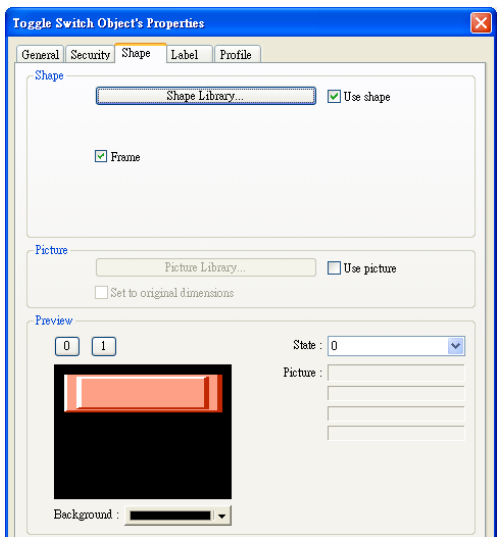
First, to create a toggle switch, select the picture and press ok.
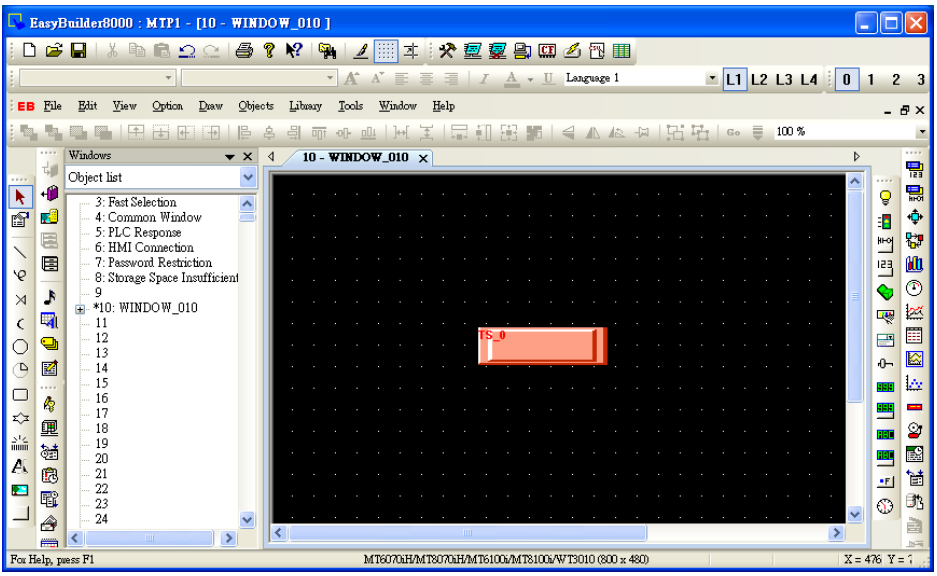
And then double click this object to call up Toggle Switch Object's Properties / Profile tab.
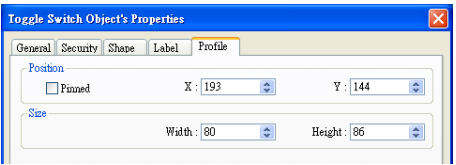
The formula for width and height is: WIDTH : HEIGHT = 1 : 1.076, so fill in the width: 80 and height: 86. (Height: 80*1.076 = 86)
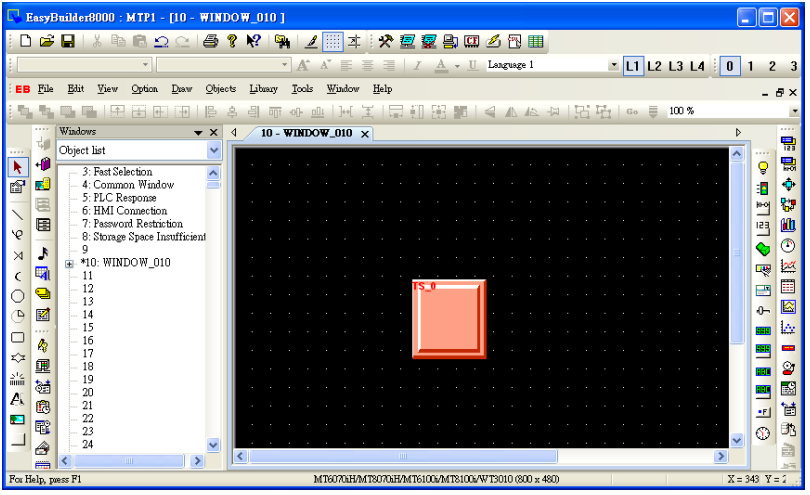
Press ok, the object looks like a rectangle at this moment. After downloading project to HMI, the object will become a square.
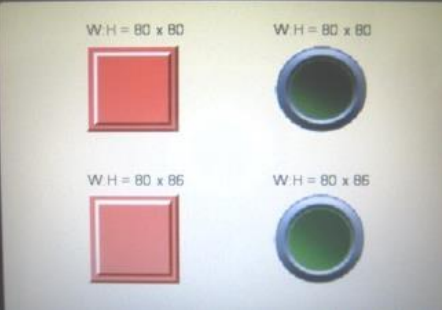
The formula of circle is the same as square setting as shown below. On the upper side of screen, the width : height = 80:80, these 2 objects look like a rectangle and an ellipse.
On the lower side of screen, the width : height = 80:86, these 2 objects look like a square and a circle.
No comments to display
No comments to display