
66. How to calibrate HMI touchscreen with no DIP switches?
This FAQ explains how to calibrate HMI touchscreen with no DIP switches.
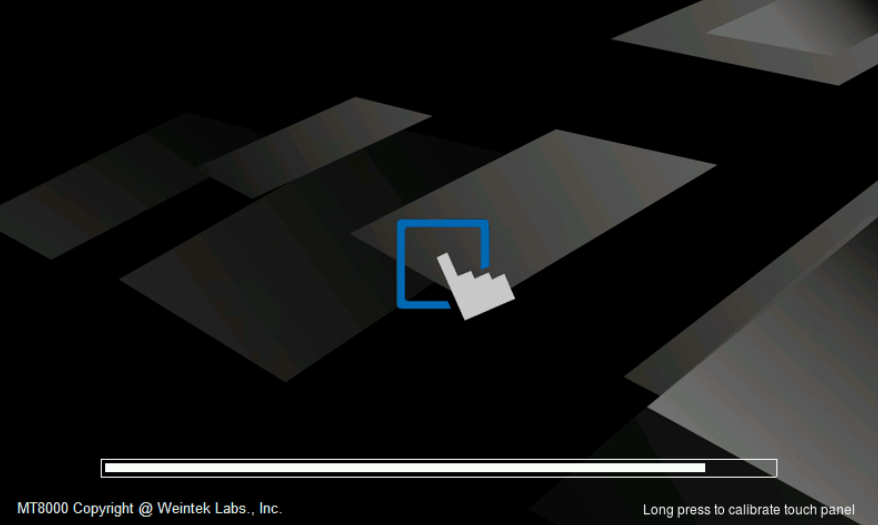
Step 1. Press and hold the screen lightly with your finger and then power up the HMI.
Step 2. After the starting process, the system directly enters calibration mode.
Step 3. Touch the center of all the “+” signs on the screen with your finger or a stylus. The signs disappear if correctly touched, and the touch parameters are stored in the system.
No comments to display
No comments to display