
28. How to use VNC server?
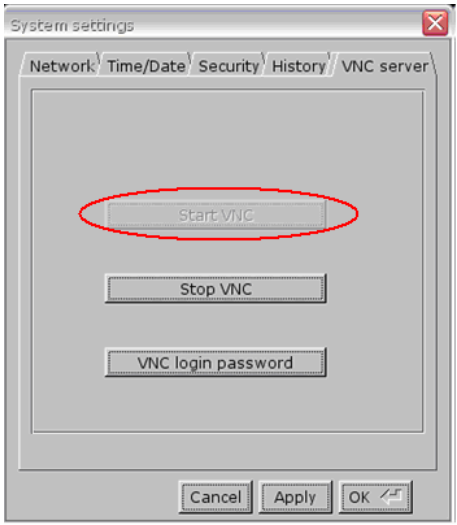
- Enable VNC server and set login password on HMI System Settings / VNC server tab.
2. Install Java for Internet Explorer or install VNC viewer.
Java web site: http://java.com
VNC viewer:
ftp://ftp.weintek.com/MT8000/utility/vnc-4_1_2-x86_win32_viewer.zip
VNC viewer for Pocket PC:
ftp://ftp.weintek.com/MT8000/utility/zoomVNC.CAB
http://zoomvnc.com/
3. Execute IE, and enter IP address of HMI: http://192.168.1.28 (example)
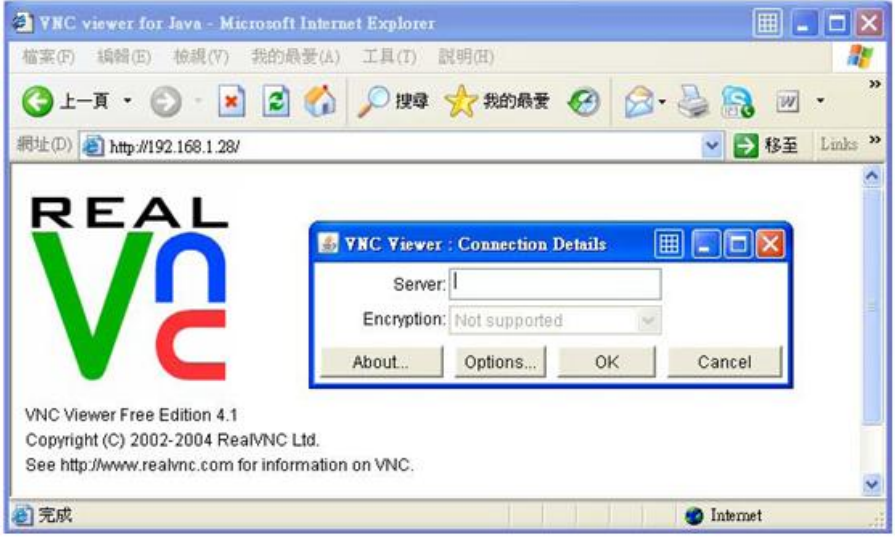
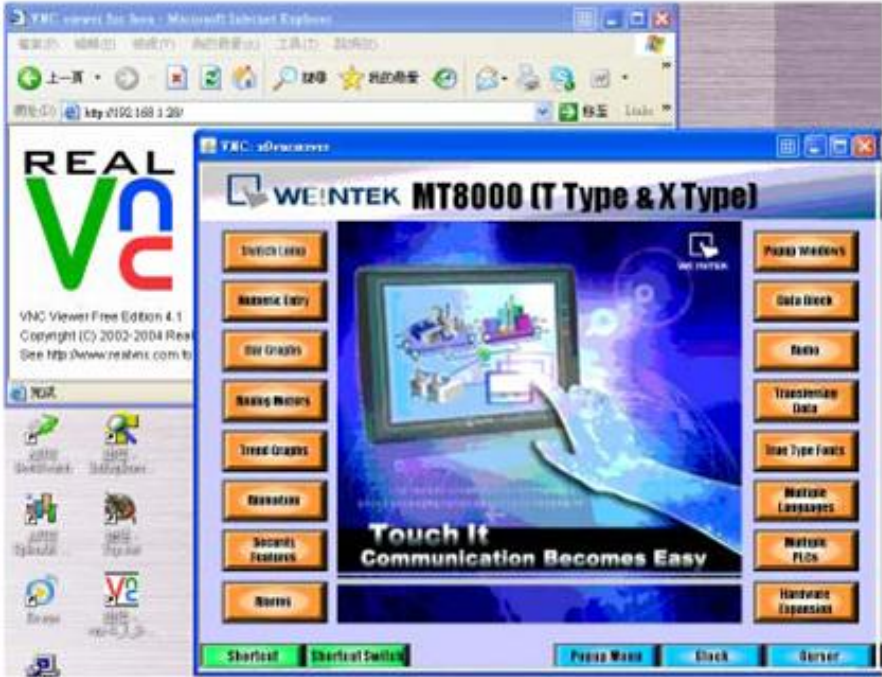
Or execute VNC viewer, and enter HMI IP address and password.
Note:
(1) Only available for one user to login to VNC at the same time.
(2) HMI will reject VNC connection if no operation done for one hour.
(3) X and i series support VNC function only.
No comments to display
No comments to display