
33. How to calibrate for MT8000 / MT6000?
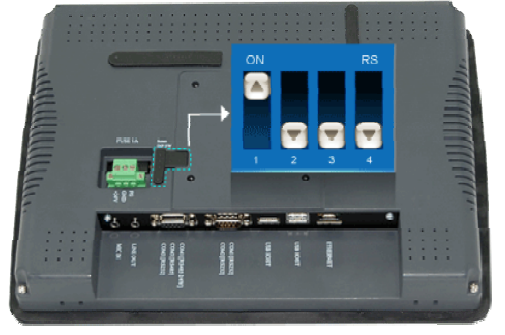
For MT8000/MT6000 T and i series, users can set DIP Switch 1 to “ON” and the rest remain “OFF”, then reboot HMI. HMI will switch to touch screen calibration mode.
For MT8000 X series, users can access to calibration mode by clicking  that exists on system setting bar. (This shortcut is only available on X series.)
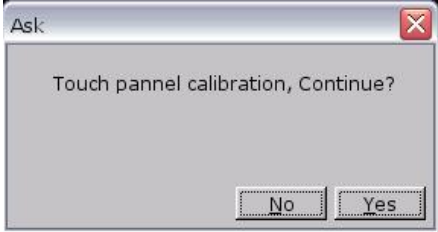
After clicking this icon, system will popup dialog below for confirmation.
No comments to display
No comments to display