
25. How to display square/circle on MT8070T
For MT6070T and MT8070T have particular aspect ratio (resolution: 480*234), before to display square or circle, users have to calculate the width and height for object’s profile.
The formula for width and height is: WIDTH : HEIGHT = 1.15 : 1
For example: To make a 80x80 square.
First of all, create a toggle switch object and select the picture and press ok.
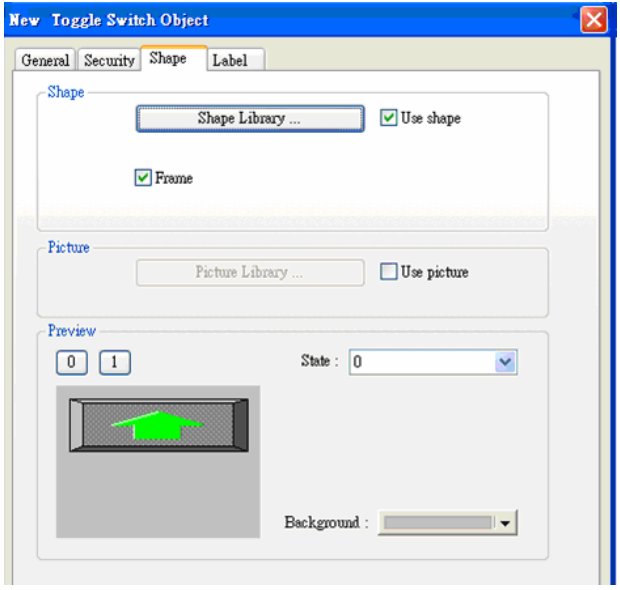
And then double click this object into Toggle Switch Object’s Properties / Profile.
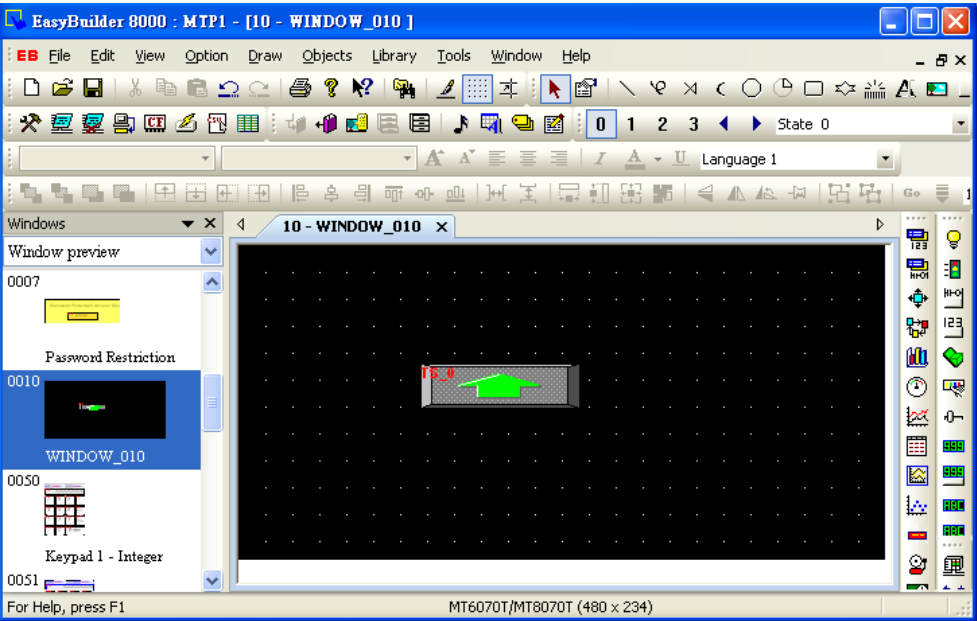
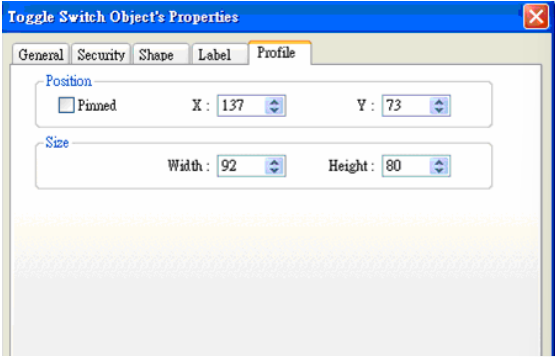
The formula for width and height is: WIDTH : HEIGHT = 1.15 : 1, so fill in the width: 92 and height: 80. (Width: 80*1.15 = 92)
Press ok, the object looks like a rectangle at this moment.
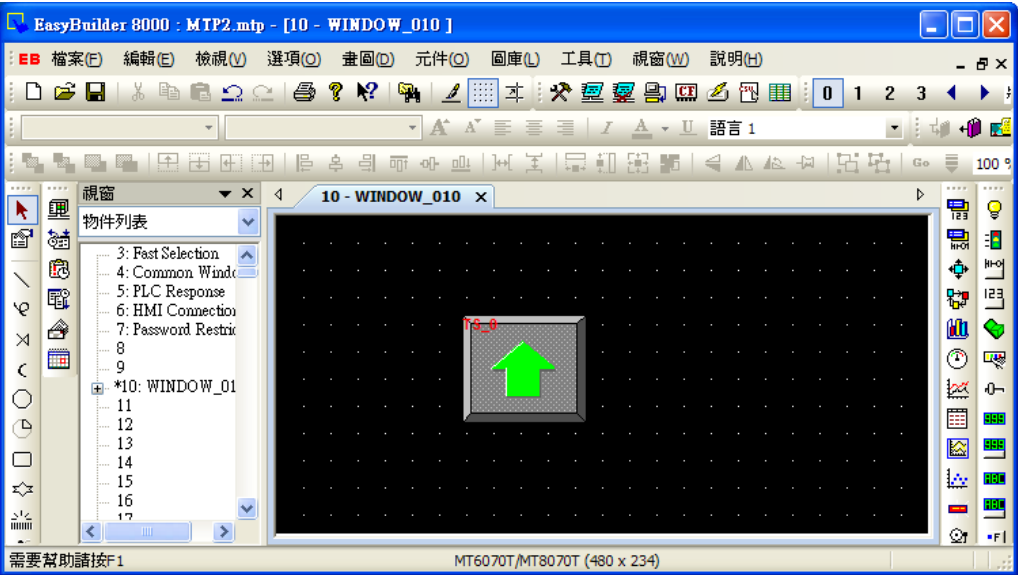
After downloading project to HMI, the object will become square.
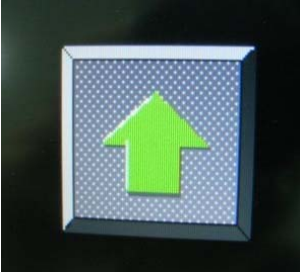
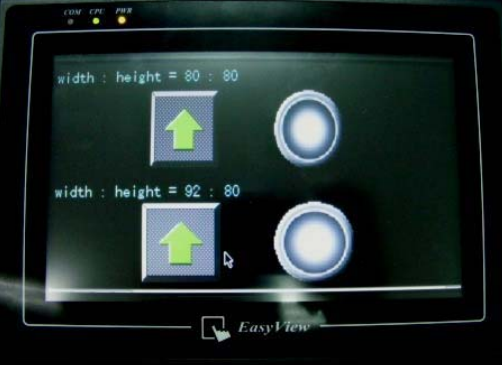
The formula of circle is the same as square setting as below picture. On the upper side of screen, the width : height = 80:80, looks like a rectangle and ellipse.
On the lower side of screen, the width : height = 92:80, looks like a square and circle.
No comments to display
No comments to display